

PolarisOffice Tools
PolarisOffice Tools is made and published by Polaris Office Corp. AppBrain is an independent app data site and isn't affiliated with Polaris Office Corp. The app name, icon, screenshots and description belong to Polaris Office Corp. and are shown as published on the App Store.
AppBrain's verdict
- Last updated
- November 21, 2022
Rankings
App Store top chartsApp Store Rankings for PolarisOffice Tools
Competitors
Similar apps and more from Polaris Office Corp.Alternatives to PolarisOffice Tools





More from Polaris Office Corp.


Releases
Updates seen on the App Store- Version
- 1.5
- Launched
- May 2022
No changelog data
User feedback
Ratings and reviews on the App StoreComments on PolarisOffice Tools for iOS
We don't have enough comments to show example comments. Please check back later.
Technology
Found in the app by AppBrain- Price
- Free
- App size
- 3.17 MB
- Content rating
- Everyone
Technologies used by PolarisOffice Tools
About the app and developer
About PolarisOffice Tools
PolarisOffice Tools is a productivity app developed by Polaris Office Corp.
User Ratings
The app has no ratings yet.
App Information
PolarisOffice Tools is freely available from the App Store. The app size is 3.17 MB. The latest version available is 1.5. The last update was on November 21, 2022.
Technical Requirements
The app has a content rating of Everyone. The app has been available on the App Store since May 2022.
Developer information for Polaris Office Corp.
Address:
Store listing
By Polaris Office Corp., from the App Store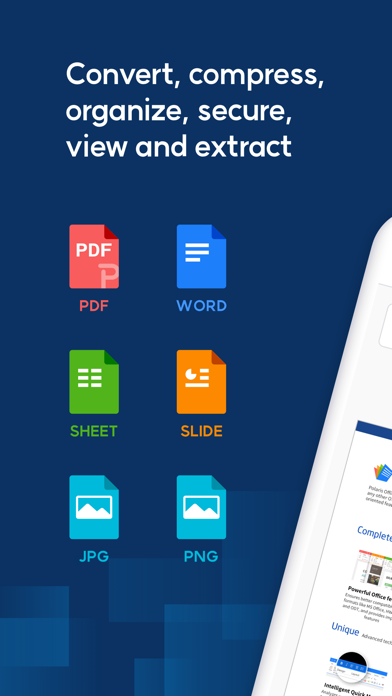
Description by Polaris Office Corp. Written by the developer, not by AppBrain. Click to read.
It is easy to use conversion, compression, merging, viewing, extracting with PDFs, Documents and Images
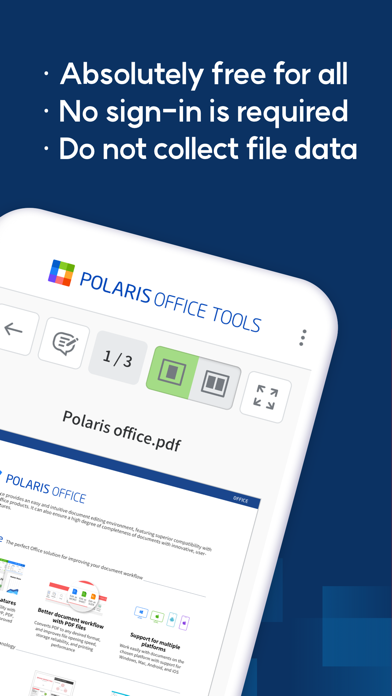
1. We do not collect user document data. Use documents with sensitive content safely.
2. We support fast document conversion. Experience the usability of batch conversion of multiple documents with one click.
3. We support various document formats which are PDF, Word, Slide, HWP.
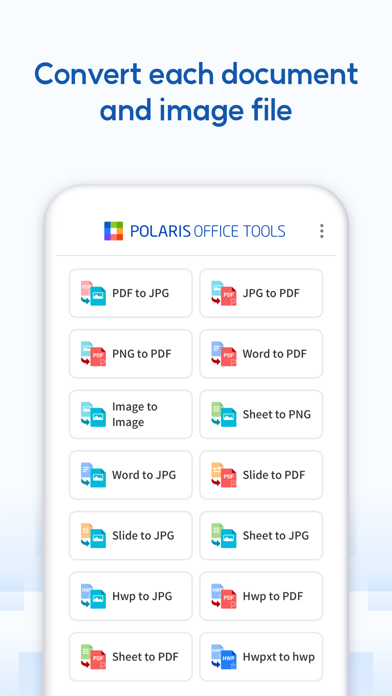
[conversion]
• PDF ↔ JPG
• JPG ↔ PNG ↔ BMP
• Images ↔ PDF
• Sheet → PDF/JPG
• Word → PDF/JPG
• Slide → PDF/JPG
• HWP, HWPX → PDF/JPG
[compression]
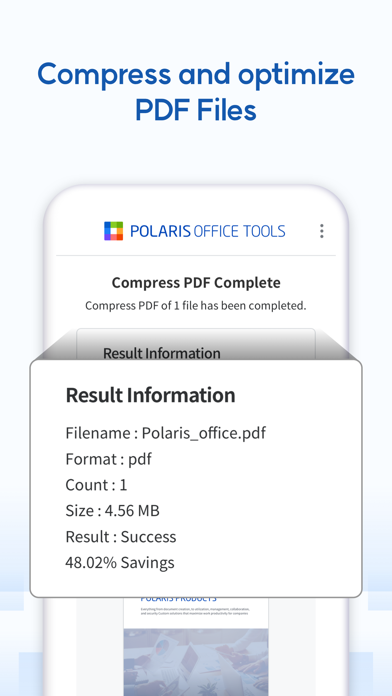
• Compress PDF
[security]
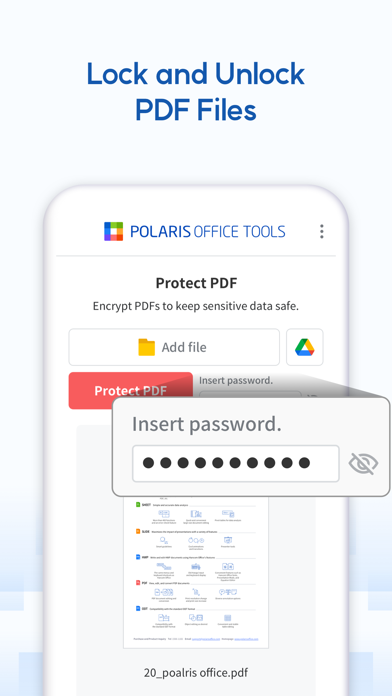
• Unlock PDF
• Protect PDF
[composition]
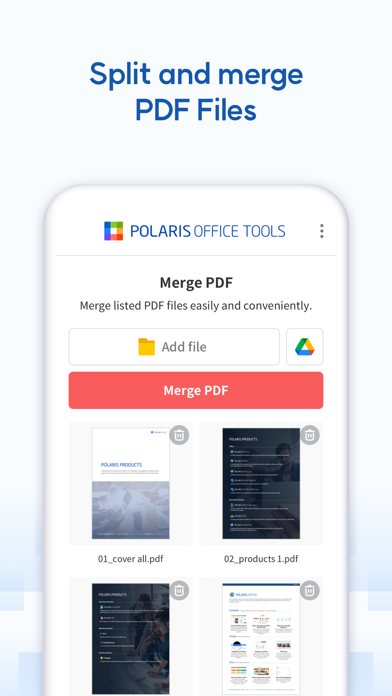
• Split PDF
• Merge PDF
• PDF Cover
[viewer]
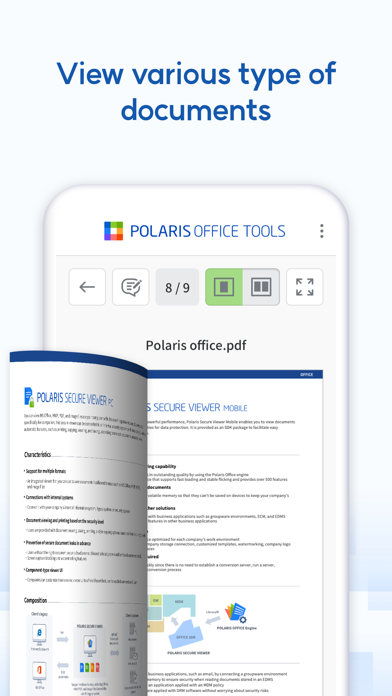
• PDF viewer
• HWP viewer
• HWPX viewer
• Word viewer
• Slide viewer
• Sheet viewer
[extract]
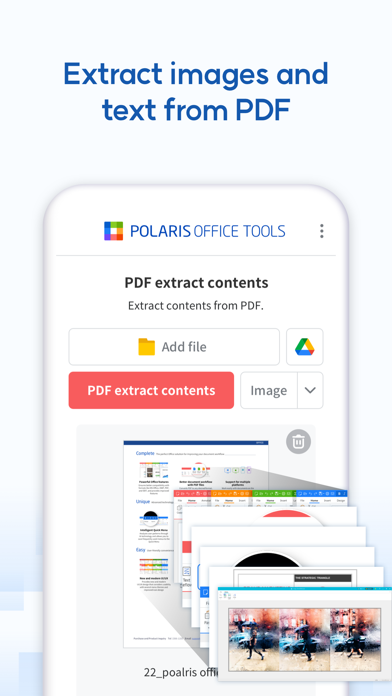
• PDF extract contents
• HWP extract contents
• HWPX extract contents
• Word extract contents
• Slide extract contents
• Sheet extract contents
[image effect]
• Image Style Transfer
• Image Super Resolution