

Project Viewer 365
Project Viewer 365 is made and published by Housatonic.com. AppBrain is an independent app data site and isn't affiliated with Housatonic.com. The app name, icon, screenshots and description belong to Housatonic.com and are shown as published on the App Store.
AppBrain's verdict
- Last updated
- July 8, 2026
- Size
- 33.1 MB
User feedback
Ratings and reviews on the App StoreComments on Project Viewer 365 for iOS
We don't have enough comments to show example comments. Please check back later.
Store listing
By Housatonic.com, from the App Store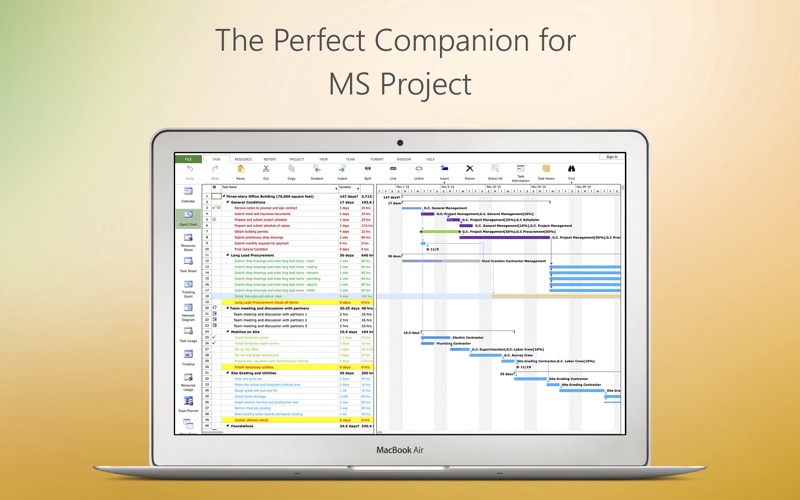
Description by Housatonic.com Written by the developer, not by AppBrain. Click to read.
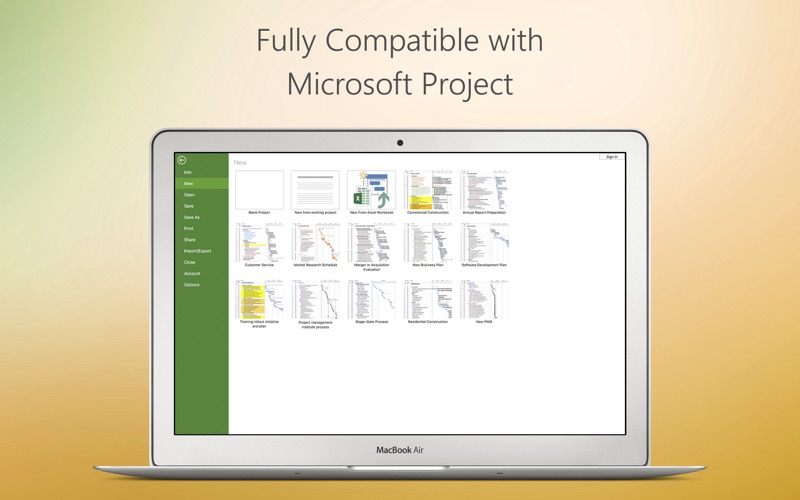
Project Viewer 365 for Mac is compatible with Microsoft Project (MPP file format) 2024, 2021, 2019, 2016, 2013, 2010, 2007, 2003 and earlier versions. The interface is intuitive making Project Viewer simple for the end users.
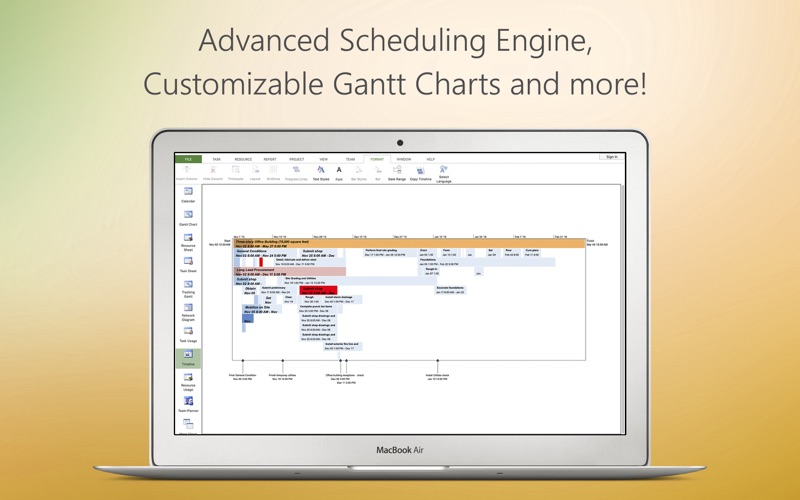
Free view-only MS Project views like Gantt chart, Task Sheet and Resource Sheet are available along with basic project plan sorting, filters, zooming and time scale viewing capabilities.
Additional features can be enabled by subscribing to in-app-purchase packages:
In-App Option 1: Advanced View Only
Enable advanced sorting capabilities, apply additional filter options and customize time scale
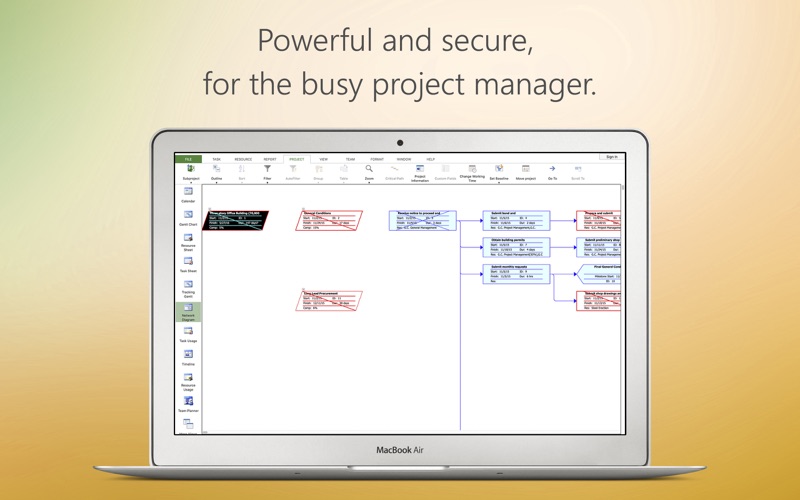
Access additional project views like Calendar View, Resource and Task Usage, View Network Diagram
View Multiple Project Reports and Print Project Info to PDF or Paper.
This in-app purchase option is offered on a yearly (1 year) basis for a price of $19.99 USD per year and works on any supported platform and devices. Purchase subscription once, use on all supported devices and platforms.
In-App Option 2: Standard Editor
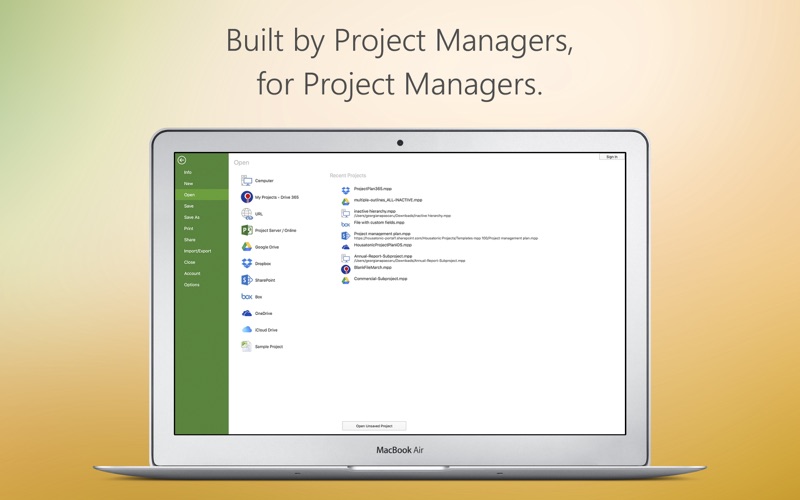
Create new Gantt charts and modify existing project schedules in the same intuitive way as MS Project. Save and Share your plans (MPP files) from any storage or cloud location on any Mac device with Yosemite or higher. Works with, or as an alternative to Microsoft Project.
This in-app purchase option is offered on a yearly (1 year) basis for a price of $129.99 USD per year and works on any supported platform and devices. Purchase subscription once, use on all supported devices and platforms.
In-App Option 3: Business Editor
The Business Subscription unlocks all the powerful features of the application. This is the best option for any Advanced Project Manager.
This in-app purchase option is offered on a yearly (1 year) basis for a price of $199.99 USD per year and works on any supported platform and devices. Purchase subscription once, use on all supported devices and platforms.
Payment will be charged to iTunes Account at confirmation of purchase
Subscription automatically renews unless auto-renew is turned off at least 24-hours before the end of the current period
Account will be charged for renewal within 24-hours prior to the end of the current period, and identify the cost of the renewal
Subscriptions may be managed by the user and auto-renewal may be turned off by going to the user's Account Settings after purchase
No cancellation of the current subscription is allowed during active subscription period
Terms and Conditions: http://www.projectviewercentral.com/about/terms.html
Privacy Policy: http://www.projectviewercentral.com/about/privacy.html
For more info please visit our website: http://www.projectviewercentral.com
Safety and technology
Found in the app by AppBrain- Price
- Free
- App size
- 33.1 MB
- Content rating
- Everyone
Technologies used by Project Viewer 365
Releases
Updates seen on the App Store- Version
- 26.29
- Launched
- July 2014
No changelog data
Alternatives
Similar apps and more from Housatonic.comMore from Housatonic.com


Rankings
App Store top chartsApp Store Rankings for Project Viewer 365
About the app and developer
About Project Viewer 365
Project Viewer 365 is a productivity app developed by Housatonic.com.
What is the rating of Project Viewer 365?
Project Viewer 365 has no ratings yet.
Is Project Viewer 365 free?
Project Viewer 365 is free. The app size is 33.07 MB. The latest version available is 26.29. The last update was on July 8, 2026.
What are the requirements for Project Viewer 365?
The app has a content rating of Everyone. The app has been available on the App Store since July 2014.
Developer information for Housatonic.com
Address:
Frequently asked questions about Project Viewer 365
Is Project Viewer 365 free?
Yes. Project Viewer 365 is free on the App Store.
Is Project Viewer 365 still available?
Yes. Project Viewer 365 is on the App Store, and the last update we saw was on July 8, 2026.
How large is Project Viewer 365?
Project Viewer 365 is 33.07 MB.
Is Project Viewer 365 suitable for children?
App Store rates the content of Project Viewer 365 as suitable for everyone.
Who made Project Viewer 365?
Project Viewer 365 was developed by Housatonic.com. It is listed in the productivity category on the App Store.