

Property Management Partners
Property Management Partners is made and published by CINC Systems. AppBrain is an independent app data site and isn't affiliated with CINC Systems. The app name, icon, screenshots and description belong to CINC Systems and are shown as published on the App Store.
AppBrain's verdict
- Rating on App Store
- 3.00
- 3 ratings
- Last updated
- September 17, 2026
It doesn't have enough ratings yet to judge what users think.
Rankings
App Store top chartsApp Store Rankings for Property Management Partners
Competitors
Similar apps and more from CINC Systems





Releases
Updates seen on the App Store- Version
- 10.1.1
- Launched
- September 2022
No changelog data
User feedback
Ratings and reviews on the App StoreComments on Property Management Partners for iOS
We don't have enough comments to show example comments. Please check back later.
Technology
Found in the app by AppBrain- Price
- Free
- App size
- 150.6 MB
- Content rating
- Everyone
Technologies used by Property Management Partners
About the app and developer
About Property Management Partners
Property Management Partners is a business app developed by CINC Systems.
What is the rating of Property Management Partners?
Property Management Partners is rated 3.00 out of 5 stars, based on 3 ratings.
Is Property Management Partners free?
Property Management Partners is free. The app size is 150.56 MB. The latest version available is 10.1.1. The last update was on September 17, 2026.
What are the requirements for Property Management Partners?
The app has a content rating of Everyone. The app has been available on the App Store since September 2022.
Developer information for CINC Systems
Address:
Store listing
By CINC Systems, from the App Store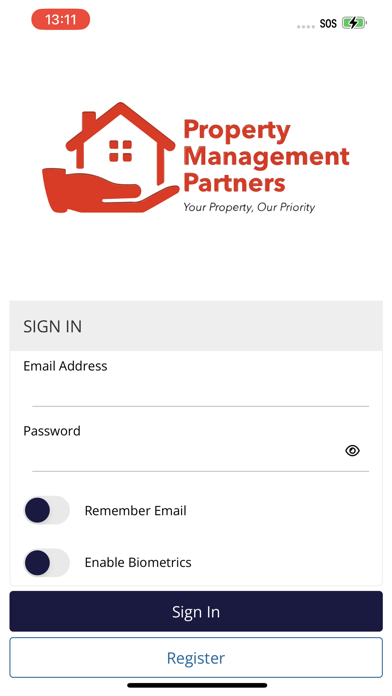
Description by CINC Systems Written by the developer, not by AppBrain. Click to read.
If you already have a login to your association website, you can login to the App using the same email address and password you use for your association website. If you do not have a current login to your association site, simply click the register button and submit your information. Once your registration is approved, you will receive an email with a link to set your password and then you will be able to log into your account directly from this app.
If you already have a login and do not remember your password, click the Forgot Password link, enter your email address to request a password reset and you will receive an email with a link to set your password. Once set, you can login with your email address and new password.
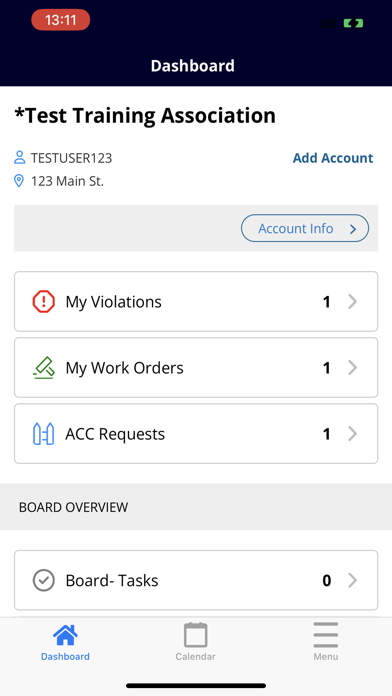
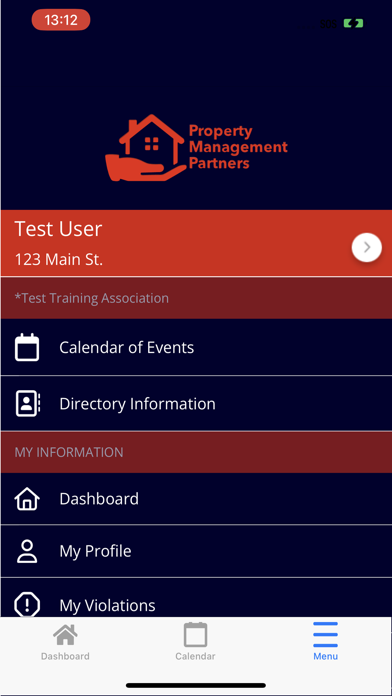
Once logged in, Homeowners will have direct access to the following features:
a. Easily switch between accounts if multiple properties are owned
b. Homeowner Dashboard
c. Access association documents
d. Access association directories
e. Access Contact Us Page
f. Pay Assessments
g. Access violations – add comments and take pictures from mobile device to add to violation
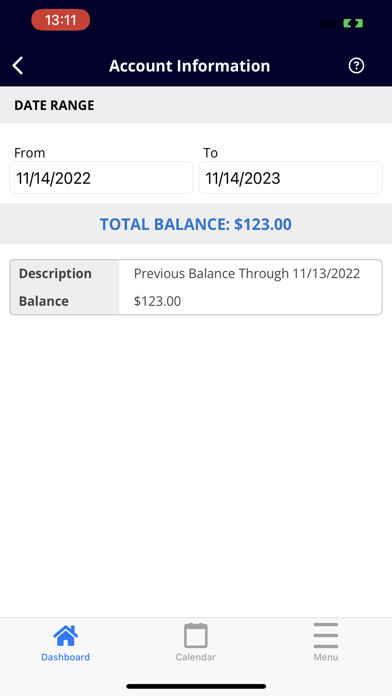
h. Access homeowner ledger
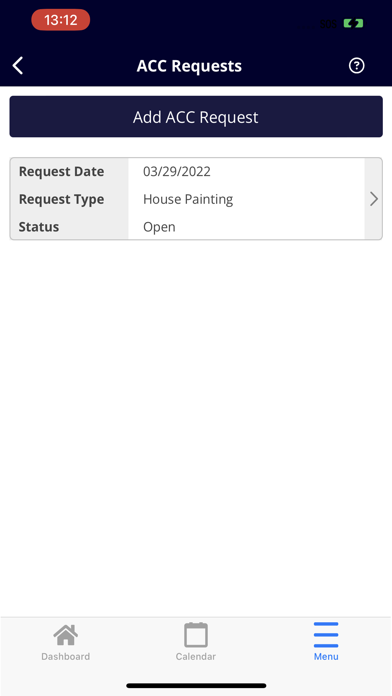
i. Submit work orders and check on status of their work orders (add comments and take pictures from mobile device)
In addition, Board Members will be able to take advantage of the following features:
a. Board Tasks
c. Board documents
d. Violations Review
e. Invoice Approval
f. Work Order Review