Rock Drum Machine is made and published by
Lumbeat.
AppBrain is an independent app data site and isn't affiliated with Lumbeat.
The app name, icon, screenshots and description belong to Lumbeat and are shown as
published on the App Store.
About Rock Drum Machine
Rock Drum Machine is a music app developed by Lumbeat.
What is the rating of Rock Drum Machine?
Rock Drum Machine is rated 4.67 out of 5 stars, based on 530 ratings.
Is Rock Drum Machine free?
Rock Drum Machine costs $17.99. The app size is 233.43 MB. The latest version available is 4.25. The last update was on March 17, 2024.
What are the requirements for Rock Drum Machine?
The app has a content rating of Everyone. The app has been available on the App Store since October 2013.
Description by Lumbeat(from the App Store)
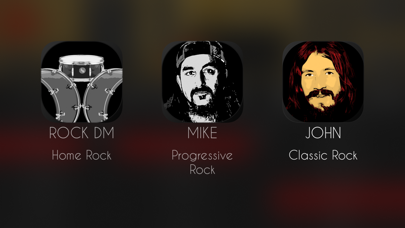
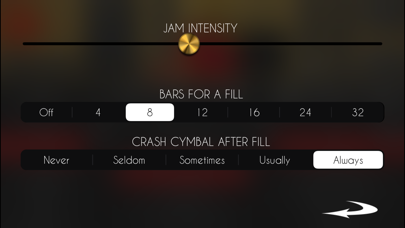
Turn your iPhone or iPad into a solid Rock Drummer with powerful drum sounds and tons of rhythms to get rock drum drums grooves easily in a flash. The AI drum machine for Rock! RDM jams! Just move a slider to set the jamming level like a proper drummer!
2d Slider to control jam level ( x - horizontal ) and intensity ( y - vertical )
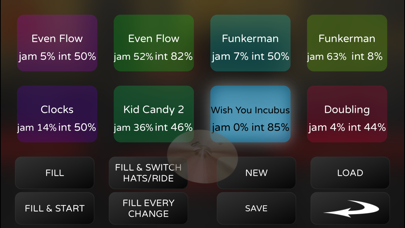
The Live Pads allows to play live sessions on the way with 8 assignable pads and buttons for fills, intro, end with midi controls. Now with assignable Midi Map, for controls and MIDI out notes. Synchronize any app easily with Ableton Link.
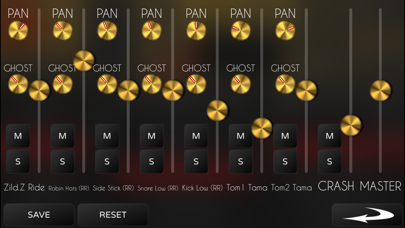
Export Full or Multitrack Audio and Midi File, available from iOS 12.
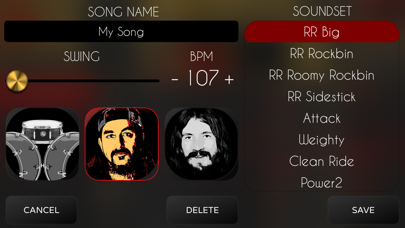
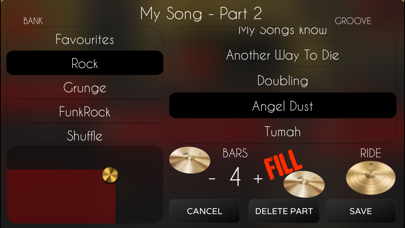
Song Mode. An easy and fast way to make quality drums for your songs.
- Double press to edit a part or song - Long press to move parts or songs
Save all your data to iCloud to have several song lists, rhythms or repertorios and share them among your devices
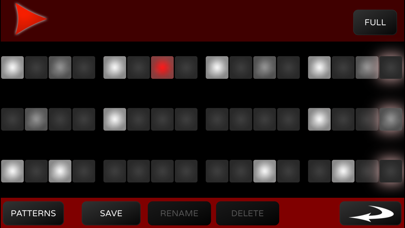
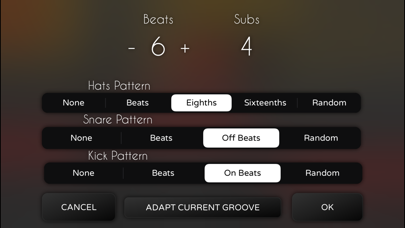
Edit or create your own rhythms very easily in two modes: * Edit Mode allows you to edit the whole rhythm quickly. * Patterns Mode allows you to set the patterns for each component (hihat/ride cymbal, snare or kick )easily with a wheel.
Combine the best acoustic drum sounds with any rhythm to get top inspiring rock grooves.
* Midi Sync + Inter App Audio + Audiobus. Stream live audio directly to other Audiobus or Inter App Audio apps!
* In Groove Edit Mode you can set any subdivision to any beats. Just long press on the time until it shows a red border and drag up or down to rest or add notes
* Midi Outt
--- MIDI CONTROLS ---
Assignable Midi Controls.
Default Controls :
Play : G2 LivePads : C1 - G2 Fill + Play/Stop : A2
Fill : C2 Fill + Toggle Hats/Ride D2 Toggle Hats/Ride Db2
Fill with LivePad Change E2 Load Live Pad C3 Preview LivePad Db3
Next Live Pad D3 Select Live Pad Set Eb3 Tap Tempo Bb2
Each subscription will automatically renew 3 days before the expiration date for
the same time period. Subscriptions can be cancelled at any time before the renewal.