

RPN 28x Calc is made and published by tredje design. AppBrain is an independent app data site and isn't affiliated with tredje design. The app name, icon, screenshots and description belong to tredje design and are shown as published on the App Store.
AppBrain's verdict
Established- Rating on App Store
- 4.97
- 34 ratings
- Last updated
- July 1, 2023
It doesn't have enough ratings yet to judge what users think.
Rankings
App Store top chartsApp Store Rankings for RPN 28x Calc
Competitors
Similar apps and more from tredje designAlternatives to RPN 28x Calc





More from tredje design


Releases
Updates seen on the App Store- Version
- 3.5.4
- Launched
- May 2012
No changelog data
User feedback
Ratings and reviews on the App StoreComments on RPN 28x Calc for iOS
We don't have enough comments to show example comments. Please check back later.
Technology
Found in the app by AppBrain- Price
- $6.99
- App size
- 3.16 MB
- Content rating
- Everyone
Technologies used by RPN 28x Calc
About the app and developer
About RPN 28x Calc
RPN 28x Calc is a productivity app developed by tredje design.
User Ratings
RPN 28x Calc is rated 4.97 out of 5 stars. The rating is based on 34 ratings.
App Information
RPN 28x Calc costs $6.99. The app size is 3.16 MB. The latest version available is 3.5.4. The last update was on July 1, 2023.
Technical Requirements
The app has a content rating of Everyone. The app has been available on the App Store since May 2012.
Developer information for tredje design
Address:
Store listing
By tredje design, from the App Store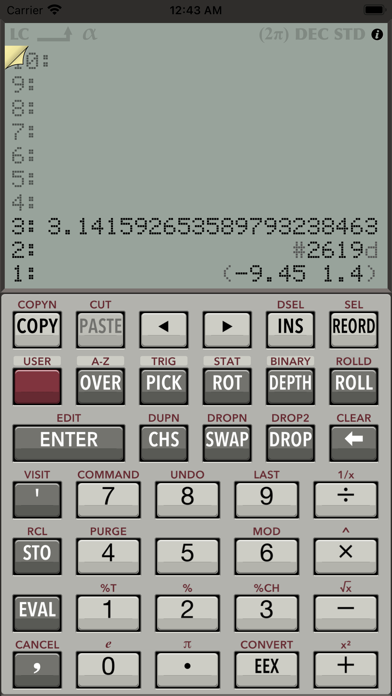
Description by tredje design Written by the developer, not by AppBrain. Click to read.
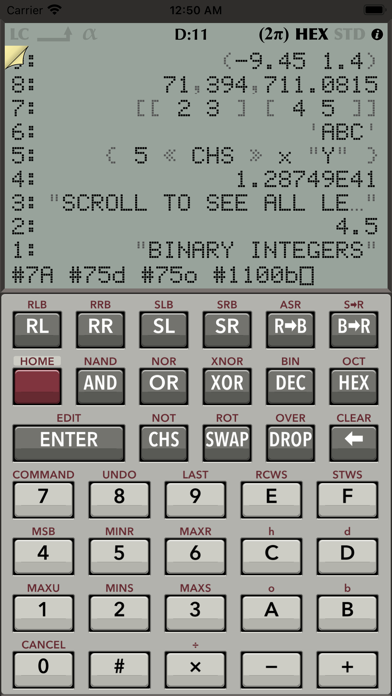
It is a reverse-polish notation (RPN) calculator with a dynamic stack display. As you add more values to the stack, the display shown on an iPad automatically expands. To see more lines, simply swipe to scroll. You can also re-order the levels or modify any of the values on the stack.
-----
"It’s the third RPN calculator I buy for my iPad 2 and the first that makes me happy.
It’s graphically appealing, intuitive and very responsive. I rated it 5 stars."
(Nuno Gomes)
-----
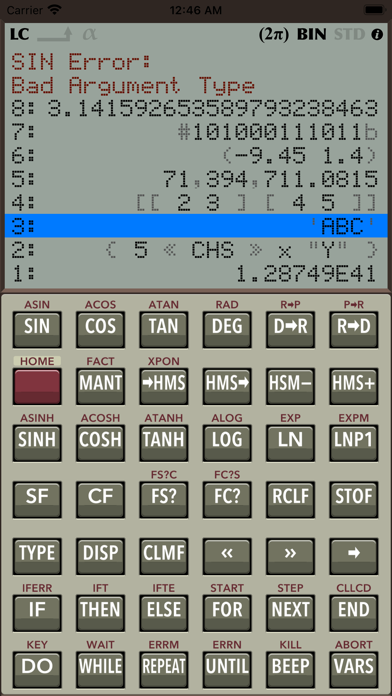
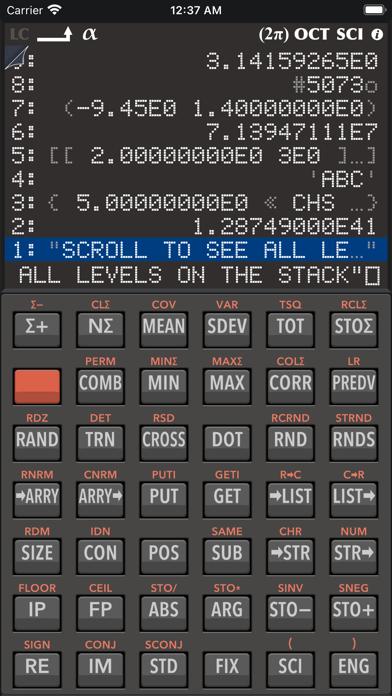
Advanced commands are available in a secondary panel on iPad or as alternative button pages on iPhone. The buttons are efficiently grouped into five pages that you can quickly access by swiping left or right:
- user-defined buttons,
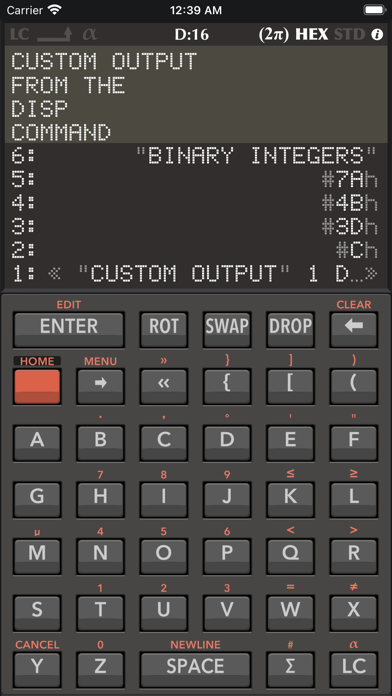
- letters A-Z for typing,
- trigonometric, logarithmic, and data manipulation commands,
- statistics, storage and programming commands
- binary integers, system flags and boolean logic.
This is why RPN 28x Calc is unique in its class:
- You can tap a row to select it and issue commands for the selected level.
- In REORD mode, it is possible to rearrange the stack by dragging the rows.
- You can swipe up or down the display to see all levels.
- When you enter a value, you can tap a digit to reposition the cursor.
- Tap on the status indicators in the top of the display to change their state.
- Drag buttons to re-arrange them as you like it (enable that in the settings).
Additionally, on iPad:
- The display automatically resizes to show more than just 4 levels of the stack.
- You can slide the secondary panel out of view or swipe across the panel to navigate between button pages.
New:
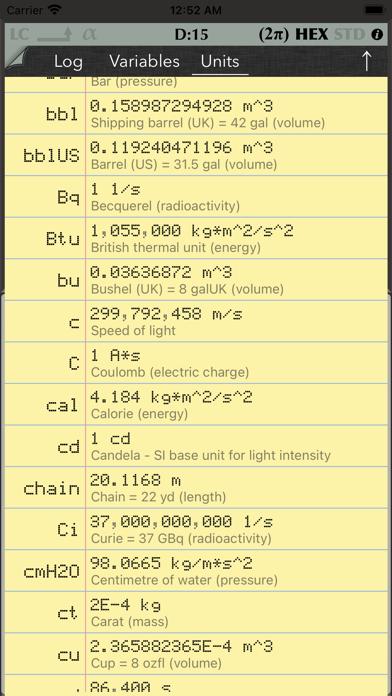
- 147 scientific units and elementary physical constants.
- Upper-tail probablity distribution commands.
- Interactive program debugging.
RPN 28x Calc is all you need.
- High precision arithmetics.
- Supports multiple data types: real numbers, complex numbers, binary integers, or lists, arrays, vectors, matrices, programs, names, and strings.
- Name your own variables; inspect them in the variable viewer.
- Use the rich command set to write your own programs.
- Create buttons for your programs.
- Interactive button reordering.
- Browse all scientific units and constants in the units viewer.
- View the command history and the results in the log viewer.
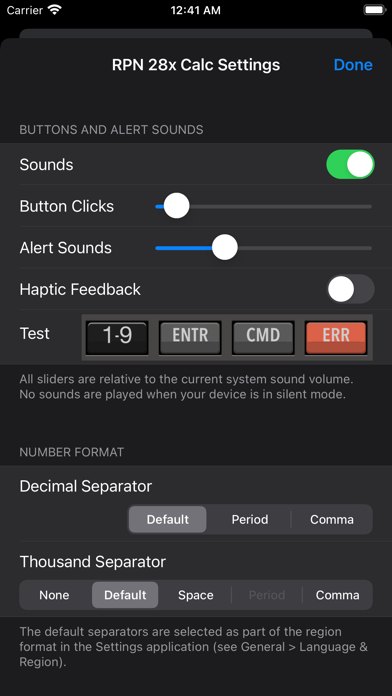
- Customizable button click & alert volumes.
- Support for landscape orientation.
- Optional thousand separators.
- Haptic feedback on iPhone.
- External keyboard support.
- Dark Appearance since iPadOS 13 or iOS 13.
- Alternative, dark app icon.
- Use the same app on iPad or iPhone.
- Use the calculator in iPad multitasking, i.e. in a Slide Over view or in Split View.
- No ads, no tracking, and no rating requests.
- Downloadable user guide with introduction and command reference (PDF).
-----
Plans for future versions (NOT YET SUPPORTED):
- Arithmetic expressions.