

Scanner App: Document & Photo
Scanner App: Document & Photo is made and published by FuturaApp, Inc. AppBrain is an independent app data site and isn't affiliated with FuturaApp, Inc. The app name, icon, screenshots and description belong to FuturaApp, Inc. and are shown as published on the App Store.
AppBrain's verdict
EstablishedLoved by users- Rating on App Store
- 4.73
- 555 ratings
- Last updated
- April 22, 2021
- Size
- 16.9 MB
Users love it: 4.7 stars from 555 ratings.
User feedback
Ratings and reviews on the App StoreComments on Scanner App: Document & Photo for iOS
We don't have enough comments to show example comments. Please check back later.
Store listing
By FuturaApp, Inc., from the App Store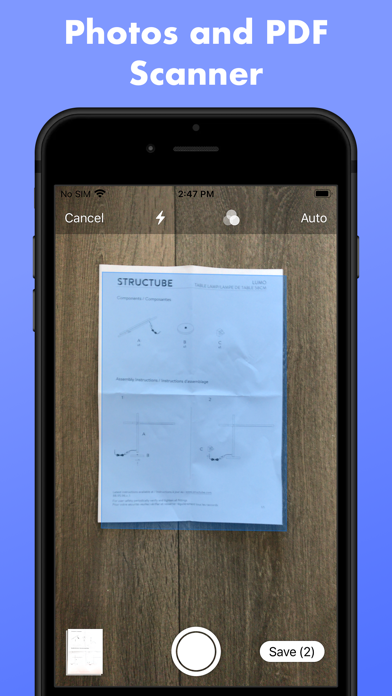
Description by FuturaApp, Inc. Written by the developer, not by AppBrain. Click to read.
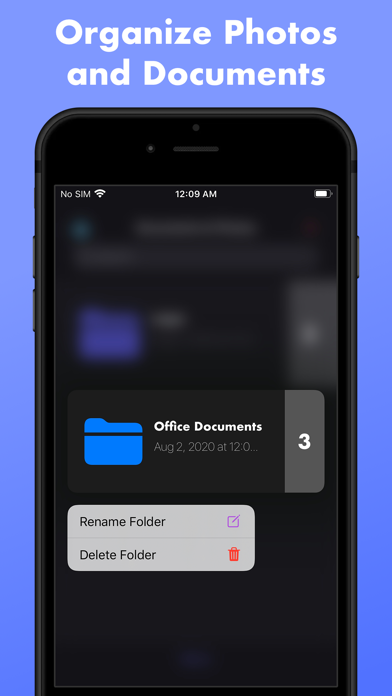
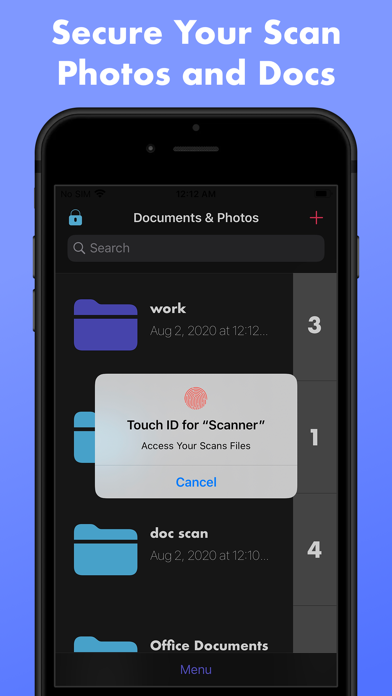
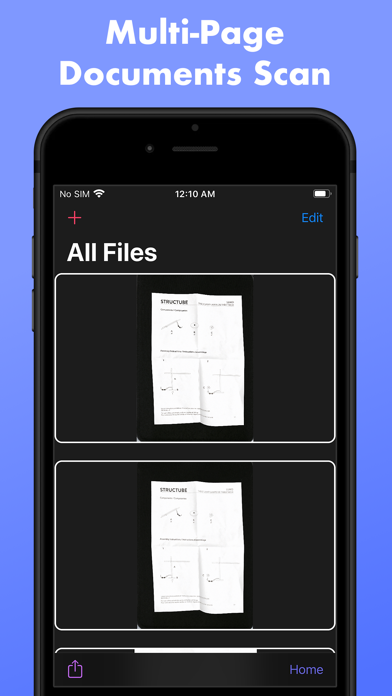
We have all the features you need from scanning multiple documents and photos and save it locally securely with a password Touch ID or Face ID.
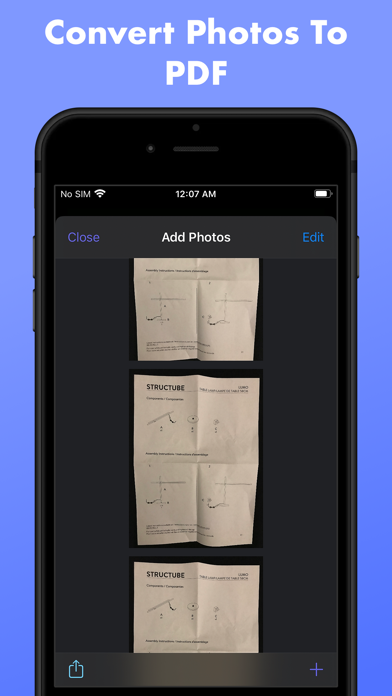
Do you have PDF files that you want to merge, rearrange pages or compress?
We have all the major features you need to work with your PDF daily task.
Do you have old photos to scan, or you want to improve already existing photos? We have what you need to remove red-eye or colorize your black and white photo, filters and a full photo editing capabilities is available to you.
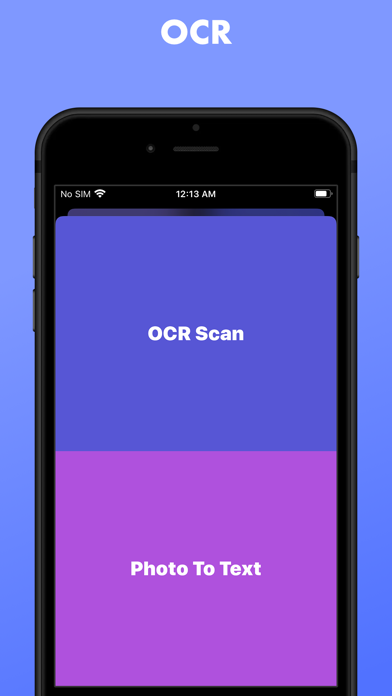
Every feature You need for your business from scanning a document and extract his text (OCR) or transcribed a business meeting or Sign and export your signature to use it in your favorite software is available in the app.
Everything in the application is exportable to the format you want JPEG or PDF.
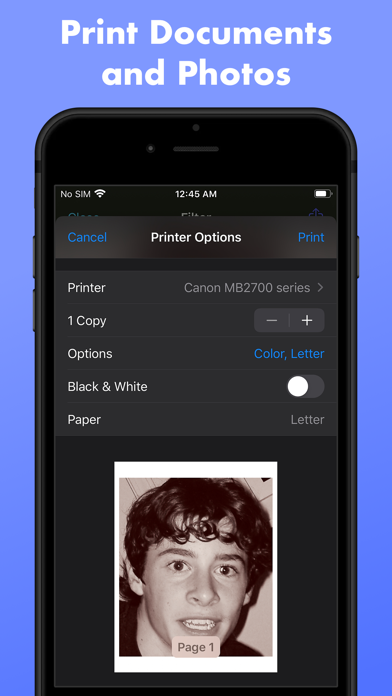
Everything in the application is Printable with your favorite AirPrint Printer
HP AirPrint, Brother AirPrint, Epson AirPrint, Canon AirPrint, Lenovo AirPrint, Toshiba AirPrint, Samsung AirPrint, Aurora AirPrint, Sharp AirPrint, Fuji Xerox AirPrint, Dell AirPrint and more...
For A full list of compatible printers checkout
https://support.apple.com/en-us/ht201311
Your subscription automatically renews unless it is canceled at least 24 hours before the end of the trial period. Your Apple ID account will be charged for renewal within 24 hours before the end of the trial period. You can manage and cancel your subscriptions by going to your account settings on the App Store.
Title of publication or service: Unlimited PDF & Image Export, Signature, AirPrint, OCR, Voice Transcription, Secure Your Photos & Documents, Colorize Photo
Length of subscription: Weekly or Monthly or Yearly
Any unused portion of a free trial period, if offered, will be forfeited when the user purchases a subscription to that publication, where applicable
Terms of Use: https://fierce-inlet-63133.herokuapp.com/scanner-term-of-use
Privacy Policy: https://fierce-inlet-63133.herokuapp.com/scanner
Safety and technology
Found in the app by AppBrain- Price
- Free
- App size
- 16.9 MB
- Content rating
- Everyone
Technologies used by Scanner App: Document & Photo
Releases
Updates seen on the App Store- Version
- 5.4
- Launched
- March 2019
No changelog data
Alternatives
Similar apps and more from FuturaApp, Inc.Alternatives to Scanner App: Document & Photo





More from FuturaApp, Inc.




Rankings
App Store top chartsApp Store Rankings for Scanner App: Document & Photo
About the app and developer
About Scanner App: Document & Photo
Scanner App: Document & Photo is a business app developed by FuturaApp, Inc.
User Ratings
Scanner App: Document & Photo is rated 4.73 out of 5 stars. The rating is based on 560 ratings.
App Information
Scanner App: Document & Photo is freely available from the App Store. The app size is 16.85 MB. The latest version available is 5.4. The last update was on April 22, 2021.
Technical Requirements
The app has a content rating of Everyone. The app has been available on the App Store since March 2019.
Developer information for FuturaApp, Inc.
Address:
Frequently asked questions about Scanner App: Document & Photo
Is Scanner App: Document & Photo free?
Yes. Scanner App: Document & Photo is free on the App Store.
Is Scanner App: Document & Photo still available?
Yes. Scanner App: Document & Photo is on the App Store, and the last update we saw was on April 22, 2021.
How large is Scanner App: Document & Photo?
Scanner App: Document & Photo is 16.85 MB.
Is Scanner App: Document & Photo suitable for children?
App Store rates the content of Scanner App: Document & Photo as suitable for everyone.
How do people rate Scanner App: Document & Photo?
Scanner App: Document & Photo scores 4.73 out of 5 stars, from 555 ratings on the App Store.
Who made Scanner App: Document & Photo?
Scanner App: Document & Photo was developed by FuturaApp, Inc. It is listed in the business category on the App Store.
What are the best alternatives to Scanner App: Document & Photo?
People looking at Scanner App: Document & Photo also look at these business apps: Camera Scanner: Clear Scan App, Cloud Ready printer, Quick Print - Print & Scan PDF, PrinterShare: WiFi & PDF, Tap & Print: Smart Printer App.