

Scanner App: PDF Scan
Scanner App: PDF Scan is made and published by DIVYESH BHANDERI. AppBrain is an independent app data site and isn't affiliated with DIVYESH BHANDERI. The app name, icon, screenshots and description belong to DIVYESH BHANDERI and are shown as published on the App Store.
AppBrain's verdict
- Last updated
- October 21, 2026
Rankings
App Store top chartsApp Store Rankings for Scanner App: PDF Scan
Competitors
Similar apps and more from DIVYESH BHANDERIAlternatives to Scanner App: PDF Scan


Releases
Updates seen on the App Store- Version
- 1.9
- Launched
- July 2026
No changelog data
User feedback
Ratings and reviews on the App StoreComments on Scanner App: PDF Scan for iOS
We don't have enough comments to show example comments. Please check back later.
Technology
Found in the app by AppBrain- Price
- Free
- App size
- 23.8 MB
- Content rating
- Everyone
Technologies used by Scanner App: PDF Scan
About the app and developer
About Scanner App: PDF Scan
Scanner App: PDF Scan is an utilities app developed by DIVYESH BHANDERI.
User Ratings
The app has no ratings yet.
App Information
Scanner App: PDF Scan is freely available from the App Store. The app size is 23.79 MB. The latest version available is 1.9. The last update was on October 21, 2026.
Technical Requirements
The app has a content rating of Everyone. The app has been available on the App Store since July 2026.
Developer information for DIVYESH BHANDERI
Address:
Store listing
By DIVYESH BHANDERI, from the App Store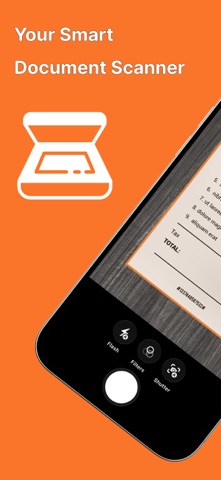


Description by DIVYESH BHANDERI Written by the developer, not by AppBrain. Click to read.
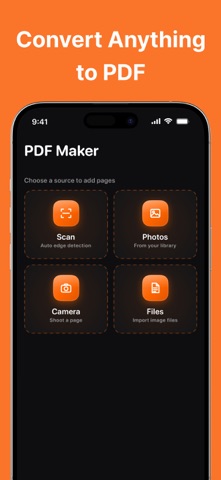
Capture documents with your camera, import photos or files, and create high-quality PDF documents in seconds. Whether you're scanning receipts, invoices, contracts, notes, business cards, books, or ID cards, managing your documents has never been easier.
Scan & Create
• Scan documents with your camera
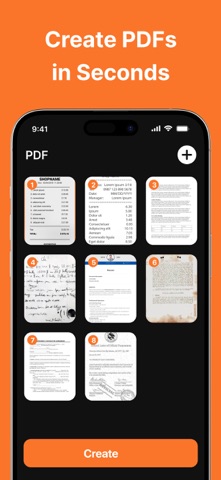
• Create high-quality PDF files
• Import photos and files
• Create multi-page PDF documents
• Scan receipts, notes, invoices, and contracts
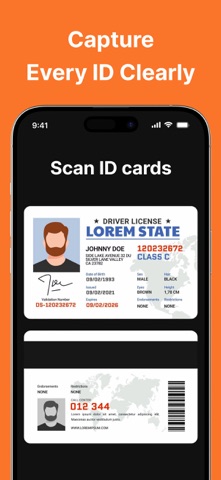
• Scan ID cards and passports
Read & Manage
• Built-in PDF reader
• Organize documents effortlessly
• Search and manage your files
• Rotate and reorder pages
• Extract selected pages
• Share documents instantly
Edit & Convert
• Merge multiple PDF files
• Split PDF documents
• Compress PDF size
• Convert Images to PDF
• Convert PDF to Images
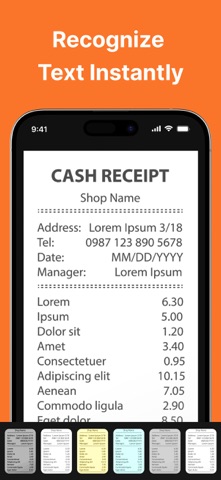
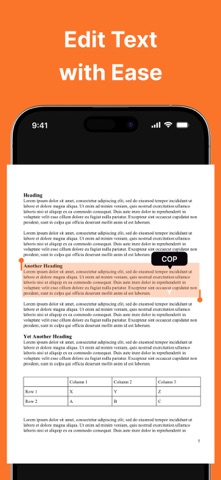
• Extract text using OCR
• Copy and edit recognized text
Protect Your Documents
• Add password protection to PDF files
• Unlock password-protected PDFs
• Keep sensitive documents secure
Premium Features
Upgrade to Premium to unlock even more powerful tools:
• Unlimited document scanning
• Unlimited PDF creation
• Advanced OCR text recognition
• Complete PDF editing toolkit
• Password protection features
• Ad-free experience
• Access to all premium tools and future updates
Why Choose This App?
• Fast and accurate document scanning
• Professional-quality PDF creation
• Smart OCR text recognition
• Powerful PDF editing tools
• Clean and easy-to-use interface
• Secure document management
• Optimized for iPhone and iPad
• Regular feature updates and improvements
Whether you're a student, business professional, teacher, freelancer, or anyone who works with documents, this application provides everything you need to scan, edit, convert, organize, and manage PDFs from one convenient place.
Download today and experience a faster, smarter, and more efficient way to work with PDF documents.
Privacy policy: https://pdfreader007.blogspot.com/2026/07/privacy-policy.html
Terms and conditions: https://pdfreader007.blogspot.com/2026/07/terms-and-conditions.html
Eula: https://pdfreader007.blogspot.com/2026/07/eula.html