

ScanNet - Network Scanner
ScanNet - Network Scanner is made and published by Oleg Gutlyanskiy. AppBrain is an independent app data site and isn't affiliated with Oleg Gutlyanskiy. The app name, icon, screenshots and description belong to Oleg Gutlyanskiy and are shown as published on the App Store.
AppBrain's verdict
EstablishedLoved by users- Rating on App Store
- 4.71
- 358 ratings
- Last updated
- September 17, 2024
Users love it: 4.7 stars from 358 ratings.
Rankings
App Store top chartsApp Store Rankings for ScanNet - Network Scanner
Competitors
Similar apps and more from Oleg GutlyanskiyAlternatives to ScanNet - Network Scanner





More from Oleg Gutlyanskiy


Releases
Updates seen on the App Store- Version
- 1.0.6
- Launched
- October 2021
No changelog data
User feedback
Ratings and reviews on the App StoreComments on ScanNet - Network Scanner for iOS
We don't have enough comments to show example comments. Please check back later.
Technology
Found in the app by AppBrain- Price
- Free
- App size
- 3.21 MB
- Content rating
- Everyone
Technologies used by ScanNet - Network Scanner
About the app and developer
About ScanNet - Network Scanner
ScanNet - Network Scanner is an utilities app developed by Oleg Gutlyanskiy.
What is the rating of ScanNet - Network Scanner?
ScanNet - Network Scanner is rated 4.71 out of 5 stars, based on 360 ratings.
Is ScanNet - Network Scanner free?
ScanNet - Network Scanner is free. The app size is 3.21 MB. The latest version available is 1.0.6. The last update was on September 17, 2024.
What are the requirements for ScanNet - Network Scanner?
The app has a content rating of Everyone. The app has been available on the App Store since October 2021.
Developer information for Oleg Gutlyanskiy
Address:
Frequently asked questions about ScanNet - Network Scanner
Is ScanNet - Network Scanner free?
Yes. ScanNet - Network Scanner is free on the App Store.
Is ScanNet - Network Scanner still available?
Yes. ScanNet - Network Scanner is on the App Store, and the last update we saw was on September 17, 2024.
How large is ScanNet - Network Scanner?
ScanNet - Network Scanner is 3.21 MB.
Is ScanNet - Network Scanner suitable for children?
App Store rates the content of ScanNet - Network Scanner as suitable for everyone.
How do people rate ScanNet - Network Scanner?
ScanNet - Network Scanner scores 4.71 out of 5 stars, from 358 ratings on the App Store.
Who made ScanNet - Network Scanner?
ScanNet - Network Scanner was developed by Oleg Gutlyanskiy. It is listed in the utilities category on the App Store.
What are the best alternatives to ScanNet - Network Scanner?
People looking at ScanNet - Network Scanner also look at these utilities apps: IP Scanner, iNet - Network Scanner, Network Utility, NetScan - IP Scanner, iNetTools - Ping,DNS,Port Scan.
Store listing
By Oleg Gutlyanskiy, from the App Store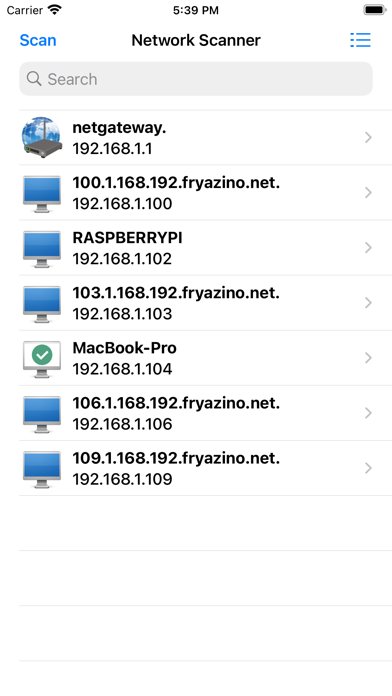
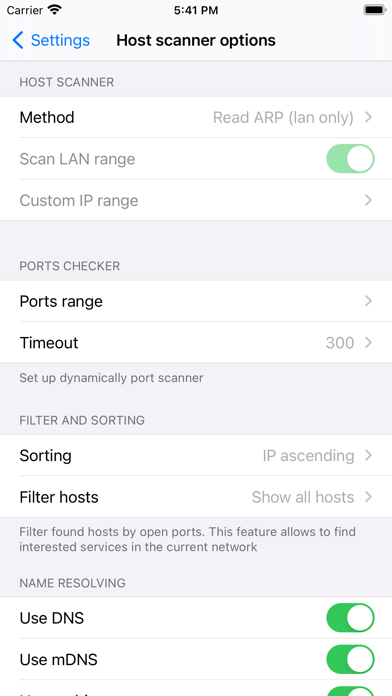
Description by Oleg Gutlyanskiy Written by the developer, not by AppBrain. Click to read.
By installing ScanNet - Network Scanner on your device, you get a handy and easy-to-use network scanner that does not require special knowledge when working in the default mode.
Following functions and capabilities of the application will be useful for administrators and IT specialists:
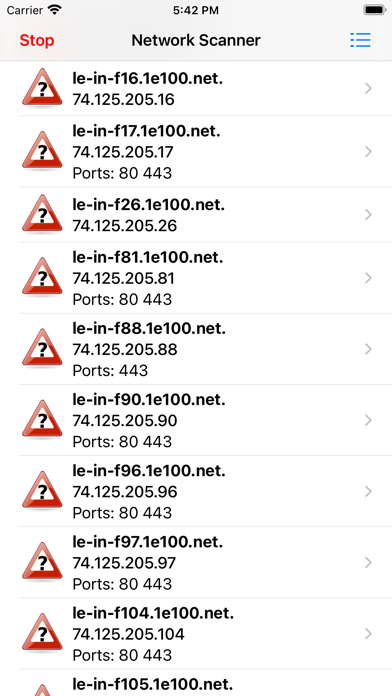
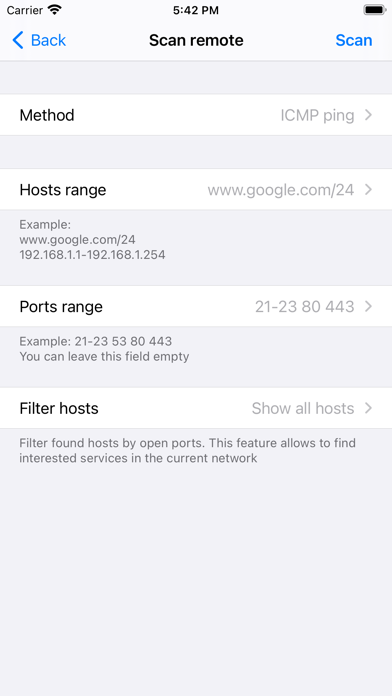
1) The ability to check ports right during the search for hosts. Filtering by open ports allows you to quickly find the server you need on your network.
2) IP scanner supports 4 scan modes - arp read, icmp ping, udp ping, dns request. The ability to manually set a DNS server significantly expands the functionality of scanning private networks.
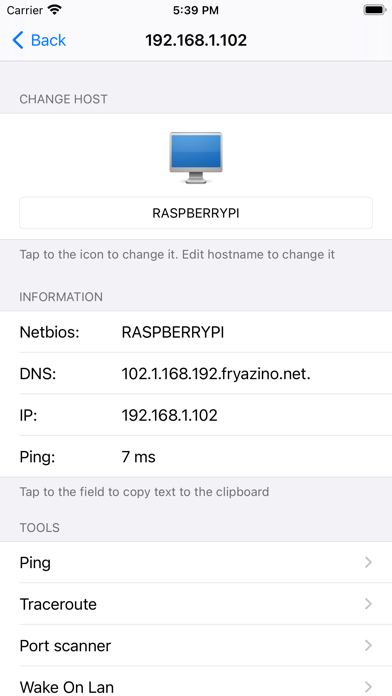
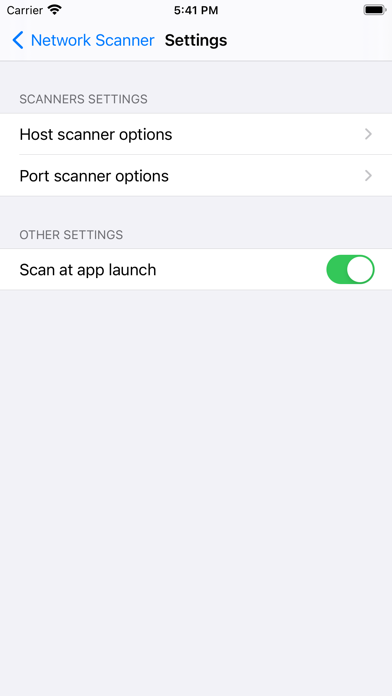
3) A wide range of settings allows you to manually set both the scanning mode and the used methods of name resolution - currently supported by DNS, mDNS, netbios.
4) Advanced search in the list of found hosts - you can search both by all available information, and by address, name, open ports.
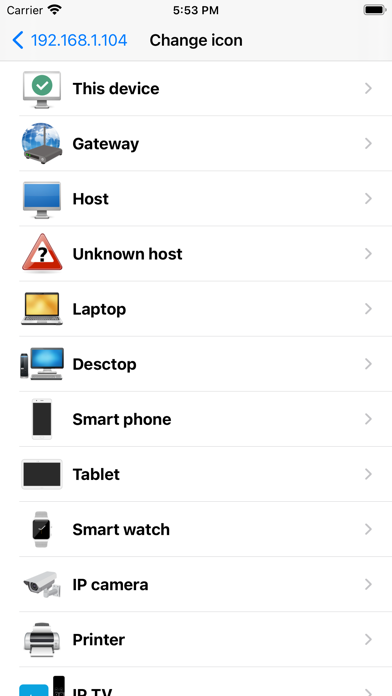
5) Personalization - the ability to change the picture and the hostname displayed in the interface. This function requires binding to the WiFi network name for the best performance. In order for the application to get the network name, access to the location will be requested.
6) The function of saving a list of found devices and opening it for study later.
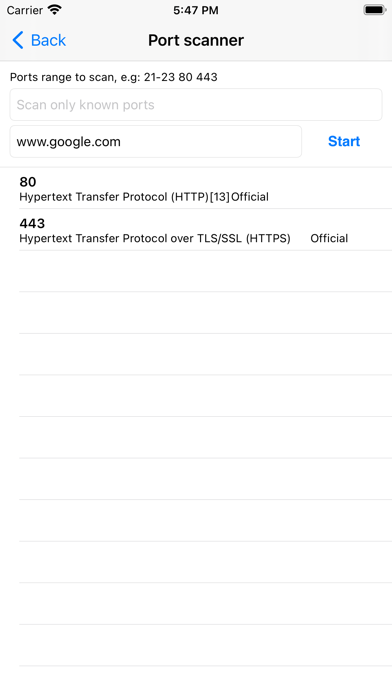
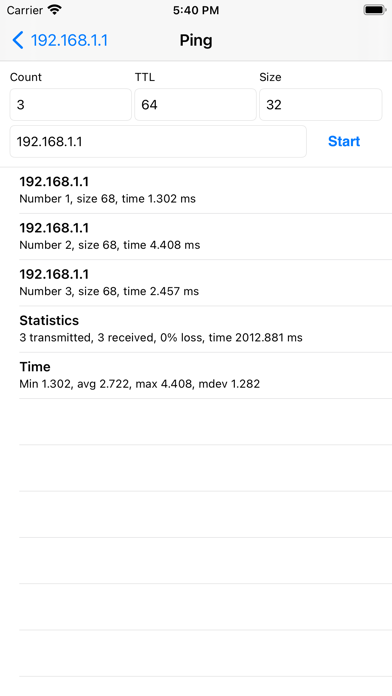
7) The program includes network utilities familiar to every administrator - ping, tracerout, port scanner. Premium access allows you to access them directly from the device information screen. In the free version, all utilities are available for calling from the application menu.