

Science Practical Simulator
Science Practical Simulator is made and published by Science Practical Simulator ltd. AppBrain is an independent app data site and isn't affiliated with Science Practical Simulator ltd. The app name, icon, screenshots and description belong to Science Practical Simulator ltd and are shown as published on the App Store.
AppBrain's verdict
- Last updated
- May 4, 2023
Rankings
App Store top chartsApp Store Rankings for Science Practical Simulator
Competitors
Similar apps and more from Science Practical Simulator ltdAlternatives to Science Practical Simulator






Releases
Updates seen on the App Store- Version
- 1.3.0
- Launched
- September 2020
No changelog data
User feedback
Ratings and reviews on the App StoreComments on Science Practical Simulator for iOS
We don't have enough comments to show example comments. Please check back later.
Technology
Found in the app by AppBrain- Price
- Free
- App size
- 59.0 MB
- Content rating
- Everyone
Technologies used by Science Practical Simulator
About the app and developer
About Science Practical Simulator
Science Practical Simulator is an education app developed by Science Practical Simulator ltd.
User Ratings
The app has no ratings yet.
App Information
Science Practical Simulator is freely available from the App Store. The app size is 59.02 MB. The latest version available is 1.3.0. The last update was on May 4, 2023.
Technical Requirements
The app has a content rating of Everyone. The app has been available on the App Store since September 2020.
Developer information for Science Practical Simulator ltd
Science Practical Simulator ltd
Address:
Frequently asked questions about Science Practical Simulator
Is Science Practical Simulator free?
Yes. Science Practical Simulator is free on the App Store.
Is Science Practical Simulator still available?
Yes. Science Practical Simulator is on the App Store, and the last update we saw was on May 4, 2023.
How large is Science Practical Simulator?
Science Practical Simulator is 59.02 MB.
Is Science Practical Simulator suitable for children?
App Store rates the content of Science Practical Simulator as suitable for everyone.
Who made Science Practical Simulator?
Science Practical Simulator was developed by Science Practical Simulator ltd. It is listed in the education category on the App Store.
What are the best alternatives to Science Practical Simulator?
People looking at Science Practical Simulator also look at these education apps: EdPlace: Learn & Revise Smart, GCSE Biology Revision, The GCSE Chemistry App - AQA, Arc Maths, The Elements in Action.
Store listing
By Science Practical Simulator ltd, from the App Store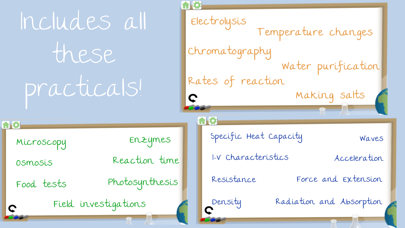
Description by Science Practical Simulator ltd Written by the developer, not by AppBrain. Click to read.
• LEARN
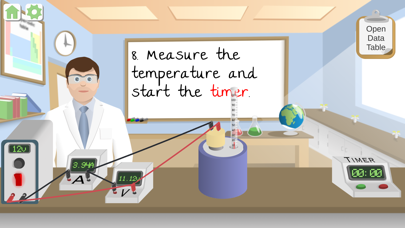
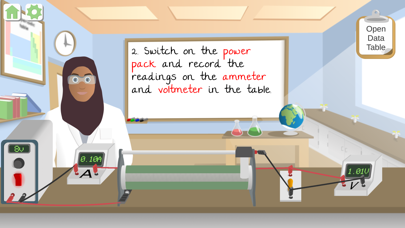
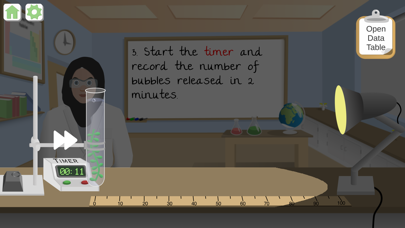
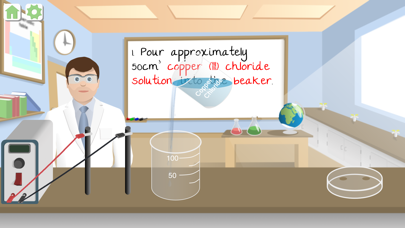
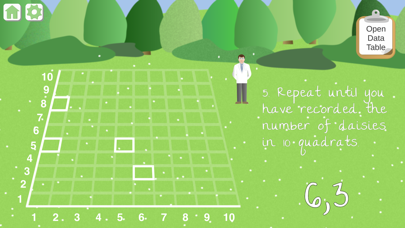
Be taken through each of the practicals step-by-step with easy to read instructions, featuring 'highlight ID' which identifies the pieces of equipment.
• REVISE
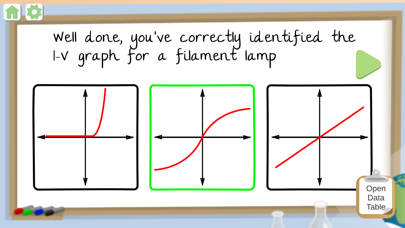
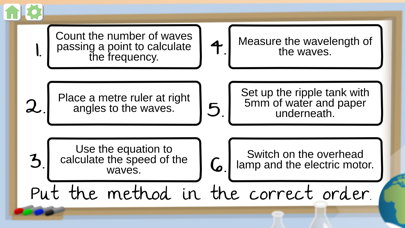
The main purpose of the Science Practical Simulator is to help revise for science exams. Go over what has been taught in class and test yourself with the method quiz after each practical.
The practicals within the app have been created based on the suggested practicals for most exam boards.
• IMPROVE
Easily keep track of their progress and have something to show for your work as the app counts completions and displays the number within the topic lists pages. Unlimited attempts allow for you to keep coming back to look over things!
Gain the valuable skills needed for when you're in the practical lesson.
Practicals included:
Biology - Enzymes, Reaction Time, Photosynthesis, Osmosis, Microscopy, Field Investigations, Food Tests
Physics - Specific Heat Capacity, I-V Characteristics, Resistance, Density, Waves, Acceleration, Force and Extension, Radiation and Absorption
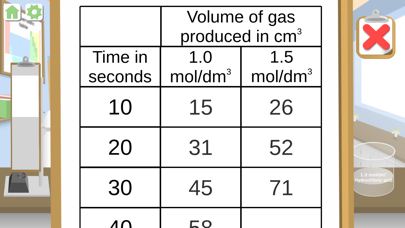
Chemistry - Electrolysis, Temperature Changes, Chromatography, Water Purification, Rates of Reaction, Making Salts
Accessibility
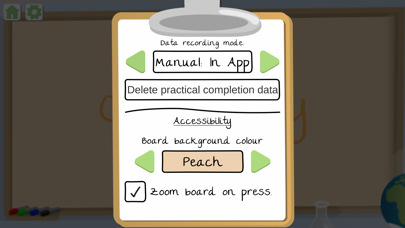
We have taken into consideration the need for different colour backgrounds to accommodate those who have Dyslexia. You can change the background colour on the settings page. Choose from six different colours and select which is best for you.
We have also included a feature for those with visual impairment. You can choose to have the instructions on the board expand as you press and hold on the area. Just tick the 'Zoom board on press' box in settings.