
AppBrain's verdict
- Rating on App Store
- 4.62
- 74 ratings
- Last updated
- February 1, 2024
- Size
- 68.2 MB
It doesn't have enough ratings yet to judge what users think.
User feedback
Ratings and reviews on the App StoreComments on Screen Mirroring: Air TV Cast+ for iOS
We don't have enough comments to show example comments. Please check back later.
Store listing
By Patrik Novak, from the App StoreDescription by Patrik Novak Written by the developer, not by AppBrain. Click to read.
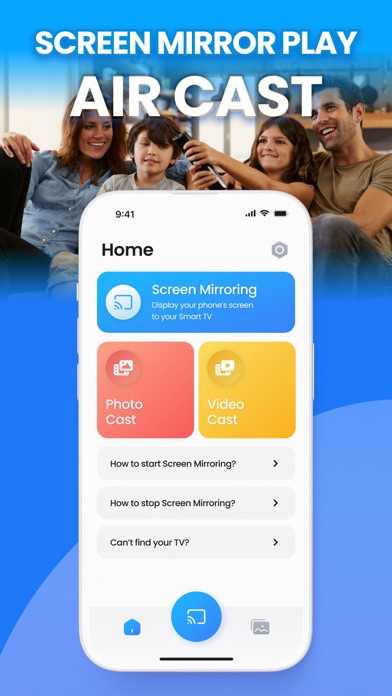
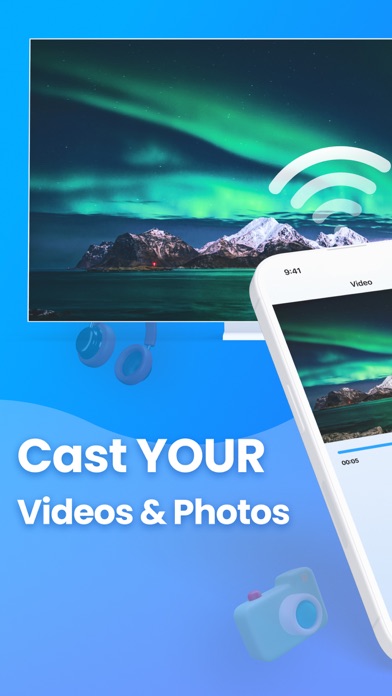
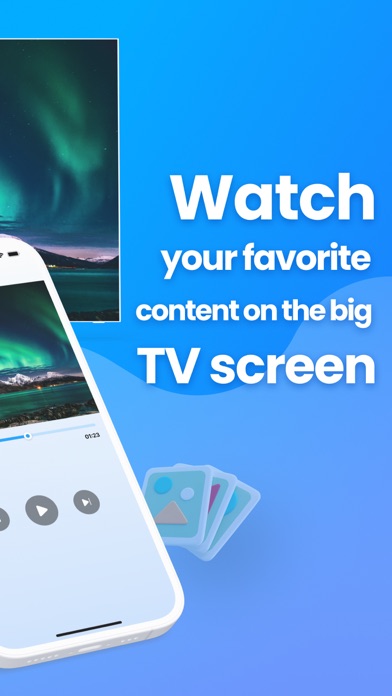
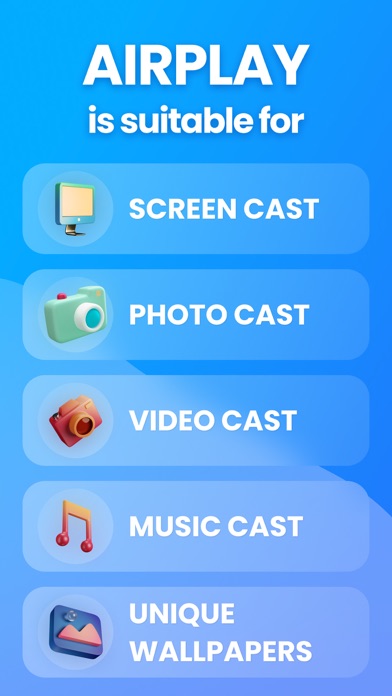
One of the standout features of this app is its rapid and stable casting capability, ensuring a swift connection between your phone or tablet and the TV. The straightforward interface facilitates a simple, one-click connection process, making it convenient for users of all levels of technical expertise. All media file types, including videos, photos, audios, and PDFs, are supported, offering a versatile platform for content sharing.
This Cast To TV app supports multiple devices, making it a versatile solution for various setups. Whether you want to play mobile games on your TV screen, cast live videos from your browser, or share your screen at high speeds, Screen Mirror Play has you covered. The real-time speed of the mirror technology employed in this app sets it apart, ensuring a smooth and enjoyable viewing experience.
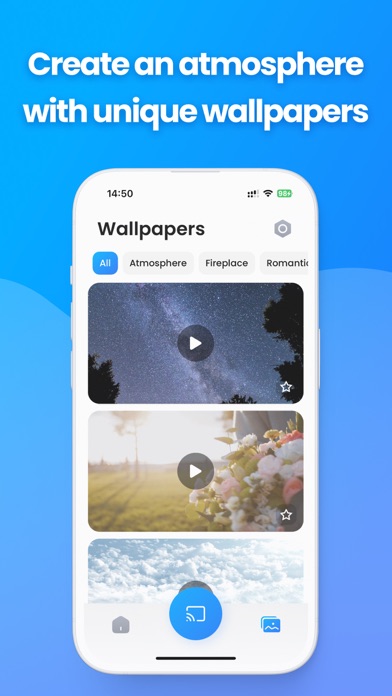
Furthermore, Screen Mirror Play | Air Cast goes beyond ordinary screen mirroring applications by offering a unique feature – a collection of video wallpapers to enhance your TV's ambiance. Choose from a variety of themes such as Christmas, Romance, Coziness, Nature, and more, creating a captivating atmosphere that complements your viewing experience. This additional touch adds a personalized and aesthetically pleasing dimension to the app, making it a comprehensive solution for both practical and decorative needs. Elevate your entertainment with Screen Mirror Play | Air Cast and enjoy the perfect blend of functionality and creativity.
Before you start:
— Before connecting the device, make sure VPN is turned off.
— The TV must be connected to WI-FI network same as your phone.
Subscription Information:
– Payment will be charged to iTunes Account at confirmation of purchase
– Subscription automatically renews unless auto-renew is turned off at least 24-hours before the end of the current period
– Account will be charged for renewal within 24-hours prior to the end of the current period, and identify the cost of the renewal
– Subscriptions may be managed by the user and auto-renewal may be turned off by going to the user's Account Settings after purchase
– Any unused portion of a free trial period, if offered, will be forfeited when the user purchases a subscription to that publication, where applicable
Privacy Policy: https://docs.google.com/document/d/1ob0apgeUsOu7uEHlT2D_yJScAS5Xq39hS2o74IM2dBs/edit?usp=sharing
Terms of Use: https://docs.google.com/document/d/1pvbva3Hzy8kjXUTFuHmyALZN2xDi6LZ_nkEYGM-fjcs/edit?usp=sharing
If you face any problems with the app, feel free to contact us at: kadr1paat99@gmail.com
Safety and technology
Found in the app by AppBrain- Price
- Free
- App size
- 68.2 MB
- Content rating
- Everyone
Technologies used by Screen Mirroring: Air TV Cast+
Releases
Updates seen on the App Store- Version
- 1.1
- Launched
- January 2024
No changelog data
Alternatives
Similar apps and more from Patrik NovakAlternatives to Screen Mirroring: Air TV Cast+


More from Patrik Novak

Rankings
App Store top chartsApp Store Rankings for Screen Mirroring: Air TV Cast+
About the app and developer
About Screen Mirroring: Air TV Cast+
Screen Mirroring: Air TV Cast+ is an entertainment app developed by Patrik Novak.
User Ratings
Screen Mirroring: Air TV Cast+ is rated 4.62 out of 5 stars. The rating is based on 74 ratings.
App Information
Screen Mirroring: Air TV Cast+ is freely available from the App Store. The app size is 68.23 MB. The latest version available is 1.1. The last update was on February 1, 2024.
Technical Requirements
The app has a content rating of Everyone. The app has been available on the App Store since January 2024.
Screen Mirroring: Air TV Cast+ is made and published by Patrik Novak. AppBrain is an independent app data site and isn't affiliated with Patrik Novak. The app name, icon, screenshots and description belong to Patrik Novak and are shown as published on the App Store.
Developer information for Patrik Novak
Address:
Frequently asked questions about Screen Mirroring: Air TV Cast+
Is Screen Mirroring: Air TV Cast+ free?
Yes. Screen Mirroring: Air TV Cast+ is free on the App Store.
Is Screen Mirroring: Air TV Cast+ still available?
Yes. Screen Mirroring: Air TV Cast+ is on the App Store, and the last update we saw was on February 1, 2024.
How large is Screen Mirroring: Air TV Cast+?
Screen Mirroring: Air TV Cast+ is 68.23 MB.
Is Screen Mirroring: Air TV Cast+ suitable for children?
App Store rates the content of Screen Mirroring: Air TV Cast+ as suitable for everyone.
How do people rate Screen Mirroring: Air TV Cast+?
Screen Mirroring: Air TV Cast+ scores 4.62 out of 5 stars, from 74 ratings on the App Store.
Who made Screen Mirroring: Air TV Cast+?
Screen Mirroring: Air TV Cast+ was developed by Patrik Novak. It is listed in the entertainment category on the App Store.
What are the best alternatives to Screen Mirroring: Air TV Cast+?
People looking at Screen Mirroring: Air TV Cast+ also look at these entertainment apps: Mushroom Identifier: Fungi ID, Télé Na Ngai, NEXGEN TV, Air Horn: Prank Sounds Game, All Screen Mirror Miracast TV.