

Screenium 3
Screenium 3 is made and published by Synium Software GmbH. AppBrain is an independent app data site and isn't affiliated with Synium Software GmbH. The app name, icon, screenshots and description belong to Synium Software GmbH and are shown as published on the App Store.
AppBrain's verdict
- Last updated
- September 17, 2024
Rankings
App Store top chartsApp Store Rankings for Screenium 3
Competitors
Similar apps and more from Synium Software GmbHMore from Synium Software GmbH







Releases
Updates seen on the App Store- Version
- 3.3.6
- Launched
- July 2015
No changelog data
User feedback
Ratings and reviews on the App StoreComments on Screenium 3 for iOS
We don't have enough comments to show example comments. Please check back later.
Technology
Found in the app by AppBrain- Price
- $59.99
- App size
- 34.2 MB
- Content rating
- Everyone
Technologies used by Screenium 3
About the app and developer
About Screenium 3
Screenium 3 is a photo & video app developed by Synium Software GmbH.
User Ratings
The app has no ratings yet.
App Information
Screenium 3 costs $59.99. The app size is 34.19 MB. The latest version available is 3.3.6. The last update was on September 17, 2024.
Technical Requirements
The app has a content rating of Everyone. The app has been available on the App Store since July 2015.
Developer information for Synium Software GmbH
Address:
Store listing
By Synium Software GmbH, from the App Store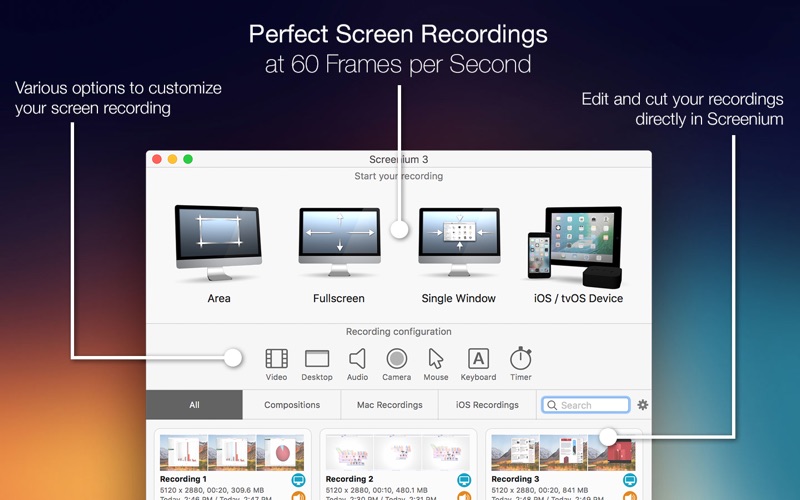
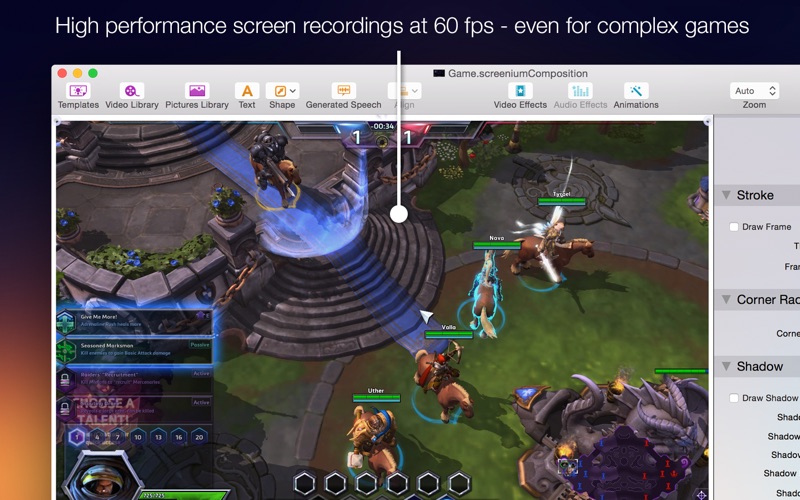
Description by Synium Software GmbH Written by the developer, not by AppBrain. Click to read.
But Screenium 3 offers much more than ultra-smooth video capture. Take advantage of numerous convenient tools that will help you create your perfect screencast. For example, embed FaceTime camera footage as a Picture-in-Picture clip, add audio comments or hide your desktop or desktop symbols during recording. Screenium also records keystrokes and the mouse pointer as separate tracks so you can visualize pressed keys and mouse clicks or edit them at a later point without any hassle.
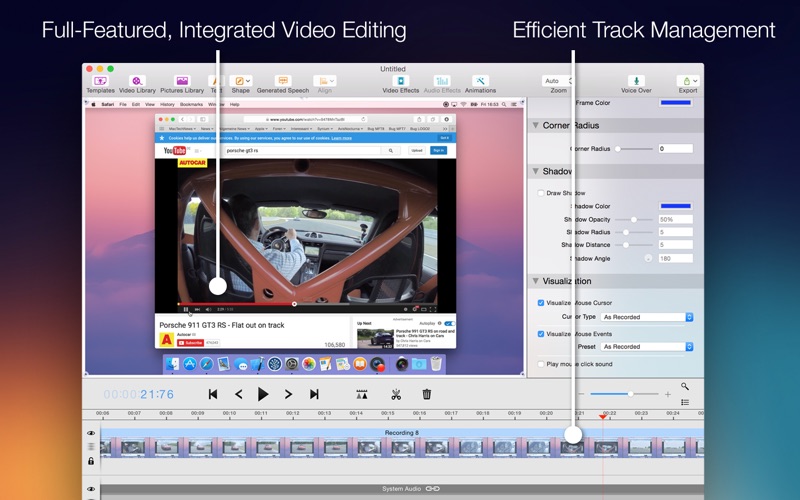
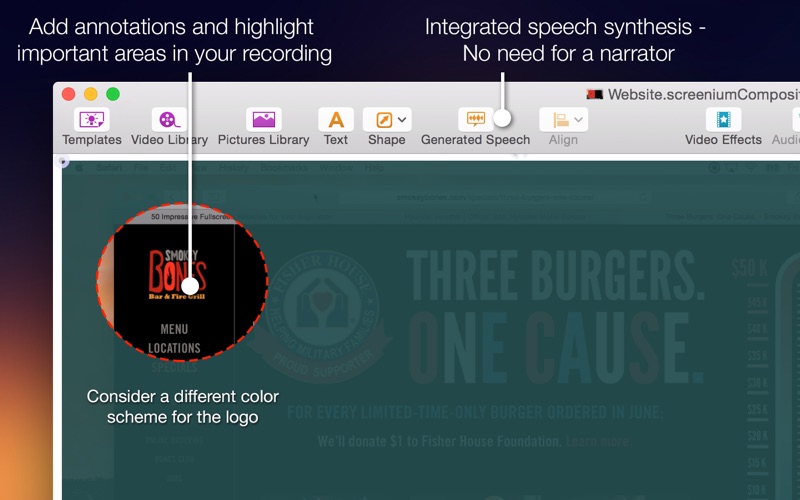
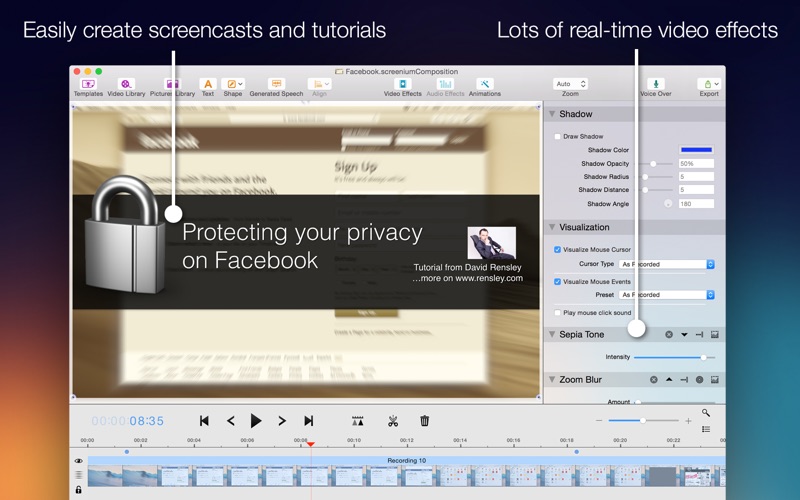
Screenium's comfortable and powerful video editor provides you with all the tools you need to cut your footage, embed texts or add effects, transitions, or animations. Accentuate mouse clicks, add geometric shapes or hide screen sections that contain personal information. Of course you can also edit audio tracks and add filters. Using text synthesis, you can even add multilingual audio comments or auto-generated voice tracks.
Screenium 3 Overview
- Ultra-smooth 60 fps recording
- Supports any screen resolution
- 4 recording modes: Full screen, area selection, specific window, iOS / tvOS device
- Optionally embed FaceTime camera footage as a Picture-in-Picture clip
- Visualize keystrokes and mouse clicks
- Incognito mode to hide desktop, desktop symbols, or simply Screenium
- Highly optimized for multi-processor Macs
- 4K and 5K recording at full frame rate
- Versatile, convenient editor
- Versatile video effects and transitions
- Templates for text or graphic overlays
- Numerous audio filters
- VoiceOver using your own voice or auto-generated voice tracks