
SignFlow - eSign PDF Editor
SignFlow - eSign PDF Editor is made and published by PDF Technologies, Inc. AppBrain is an independent app data site and isn't affiliated with PDF Technologies, Inc. The app name, icon, screenshots and description belong to PDF Technologies, Inc. and are shown as published on the App Store.
AppBrain's verdict
- Last updated
- June 30, 2022
Rankings
App Store top chartsApp Store Rankings for SignFlow - eSign PDF Editor
Competitors
Similar apps and more from PDF Technologies, Inc.More from PDF Technologies, Inc.







Releases
Updates seen on the App Store- Version
- 1.1.1
- Launched
- October 2021
No changelog data
User feedback
Ratings and reviews on the App StoreComments on SignFlow - eSign PDF Editor for iOS
We don't have enough comments to show example comments. Please check back later.
Technology
Found in the app by AppBrain- Price
- Free
- App size
- 19.8 MB
- Content rating
- Everyone
Technologies used by SignFlow - eSign PDF Editor
About the app and developer
About SignFlow - eSign PDF Editor
SignFlow - eSign PDF Editor is a business app developed by PDF Technologies, Inc.
What is the rating of SignFlow - eSign PDF Editor?
SignFlow - eSign PDF Editor has no ratings yet.
Is SignFlow - eSign PDF Editor free?
SignFlow - eSign PDF Editor is free. The app size is 19.78 MB. The latest version available is 1.1.1. The last update was on June 30, 2022.
What are the requirements for SignFlow - eSign PDF Editor?
The app has a content rating of Everyone. The app has been available on the App Store since October 2021.
Developer information for PDF Technologies, Inc.
Address:
Frequently asked questions about SignFlow - eSign PDF Editor
Is SignFlow - eSign PDF Editor free?
Yes. SignFlow - eSign PDF Editor is free on the App Store.
Is SignFlow - eSign PDF Editor still available?
Yes. SignFlow - eSign PDF Editor is on the App Store, and the last update we saw was on June 30, 2022.
How large is SignFlow - eSign PDF Editor?
SignFlow - eSign PDF Editor is 19.78 MB.
Is SignFlow - eSign PDF Editor suitable for children?
App Store rates the content of SignFlow - eSign PDF Editor as suitable for everyone.
Who made SignFlow - eSign PDF Editor?
SignFlow - eSign PDF Editor was developed by PDF Technologies, Inc. It is listed in the business category on the App Store.
Store listing
By PDF Technologies, Inc., from the App Store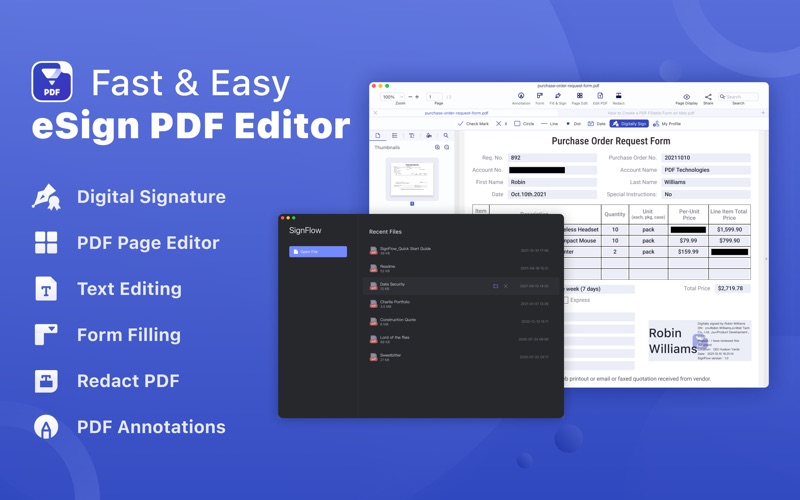
Description by PDF Technologies, Inc. Written by the developer, not by AppBrain. Click to read.
Packed with essential PDF tools, SignFlow is your best PDF files partner.
SignFlow allows you to apply a legally-binding digital signature in PDFs, and it provides an effortless PDF solution for you to create, edit and fill out PDF forms. You can edit text in PDFs like word, manage and edit PDF pages, annotate and view your PDFs.
Read PDF
- Open PDF files from the Finder and view multiple files in one tab simultaneously. Support Drag & Drop
- Reading modes: view file in full-screen, page-fit, book mode, read mode, continuous and page break
- Customize and personalize toolbar to provide easy access to frequently-used features
- Quickly navigate PDF files by page thumbnails or outlines
- Switch themes from light mode, dark mode, sepia mode and reseda mode to please your eyes
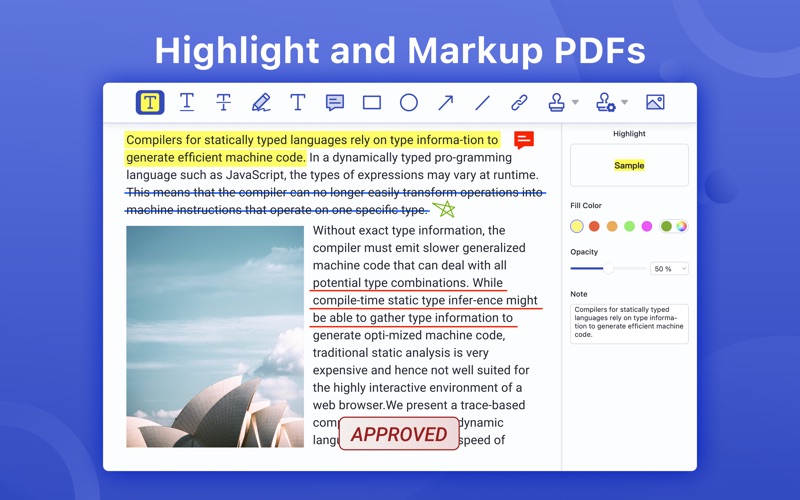
Markup / Annotation Expert
- Markup, highlight, underline, strikeout text in PDFs
- Annotate PDF, add comment, text box, anchored note, freehand drawing, stamps, insert shapes(rectangle, circle, line, arrow), hyperlink, etc.
- Add/edit links. Target link to a specific page in page number, external website(URL) and email
- Apply standard business stamps(like APPROVED) or create custom dynamic seals and digital identity stamps with an automatic date
Digital Sign PDFs
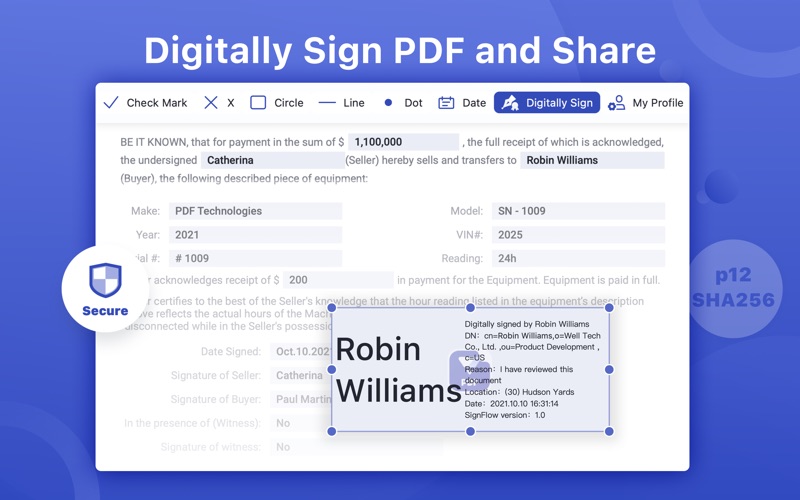
- e-Signing documents. Apply a certificate-based signature(p12) on a document with a digital ID
- Create a self-signed digital ID for a legal signature to sign PDFs and protect electronic documents against fraud
- Customize the e signature appearance. You can personalize signing information like signer name, date, reason, logo and more to sign PDFs
- eSign PDF documents, no signee and signable pdf files limits
- Sign PDF or add digital signature with no need to sign up an account
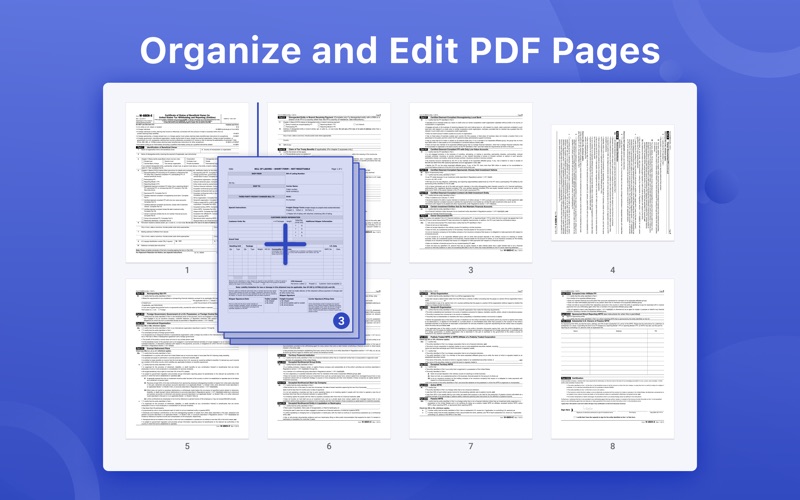
Organize / Edit Pages
- Manage pages of a document such as reorganize, renumber, insert, extract, rotate and delete pages.
- Insert a blank page or borrow pages from another PDF into the existing PDF
- Extract pages or drag selected pages out to create a new PDF
- Rotate and delete pages in a PDF
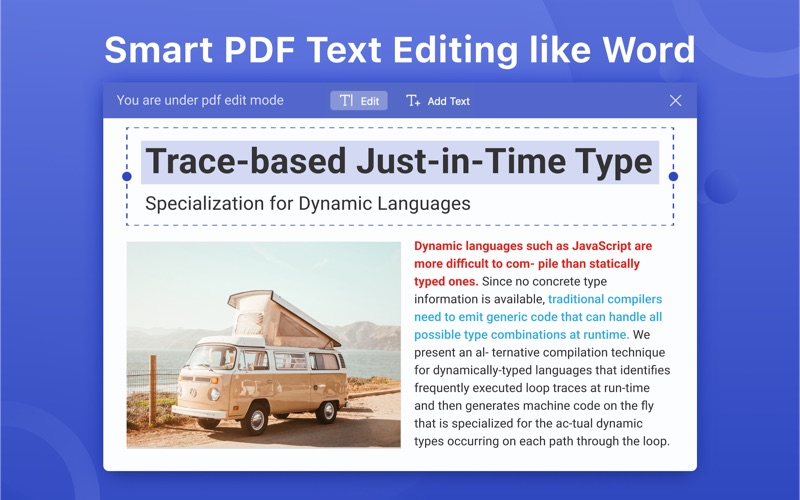
Edit PDF Text
- PDF text editing like Word. You can replace, add, change or delete texts in PDFs. Font attributes (font size&text color) are changeable
Redact PDF
- Redaction tools allow you to hide or delete your sensitive information permanently by blacking out certain personal contents in your PDFs
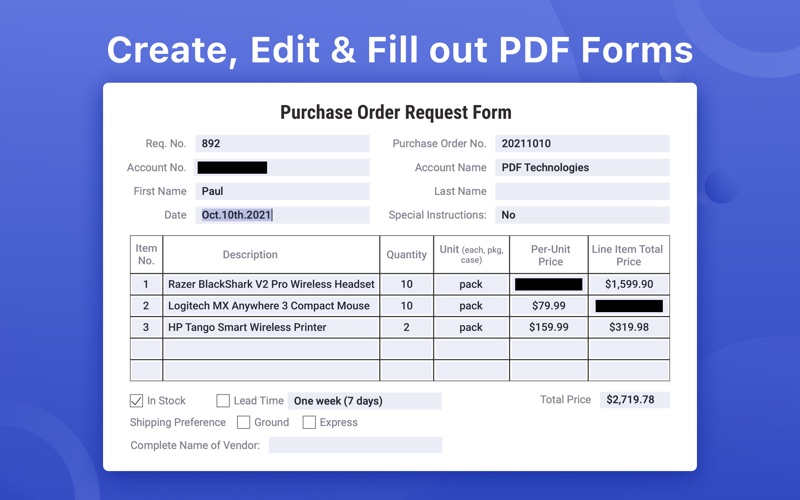
Form Creator & PDF Filler
- Create and edit fillable PDF forms with interactive fields, such as text fields, checkboxes, radio buttons, list boxes, combo boxes, and etc.
- Form editor allows you to group form fields and align form elements as you need
- Work with static PDF forms created in Adobe Acrobat
Secure & Share PDF
- Set a password and permissions to protect PDFs from being opened, copied, edited, moved, printed by unauthorized users
- Save and share your files (original PDF, Flattened PDF) to others
Terms of service
https://www.pdfreaderpro.com/terms_of_service
Have any feedback, comments or issues? Please contact us directly at support@pdfreaderpro.com