

SterlingPro is made and published by Sterling Bank Plc. AppBrain is an independent app data site and isn't affiliated with Sterling Bank Plc. The app name, icon, screenshots and description belong to Sterling Bank Plc and are shown as published on the App Store.
AppBrain's verdict
Established- Rating on App Store
- 2.40
- 10 ratings
- Last updated
- June 24, 2023
It doesn't have enough ratings yet to judge what users think.
Rankings
App Store top chartsApp Store Rankings for SterlingPro
Competitors
Similar apps and more from Sterling Bank PlcAlternatives to SterlingPro








More from Sterling Bank Plc







Releases
Updates seen on the App Store- Version
- Version 1.2.6
- Launched
- March 2021
No changelog data
User feedback
Ratings and reviews on the App StoreComments on SterlingPro for iOS
We don't have enough comments to show example comments. Please check back later.
Technology
Found in the app by AppBrain- Price
- Free
- App size
- 36.4 MB
- Content rating
- Everyone
Technologies used by SterlingPro
About the app and developer
About SterlingPro
SterlingPro is a finance app developed by Sterling Bank Plc.
User Ratings
SterlingPro is rated 2.40 out of 5 stars. The rating is based on 10 ratings.
App Information
SterlingPro is freely available from the App Store. The app size is 36.43 MB. The latest version available is Version 1.2.6. The last update was on June 24, 2023.
Technical Requirements
The app has a content rating of Everyone. The app has been available on the App Store since March 2021.
Developer information for Sterling Bank Plc
Address:
Store listing
By Sterling Bank Plc, from the App Store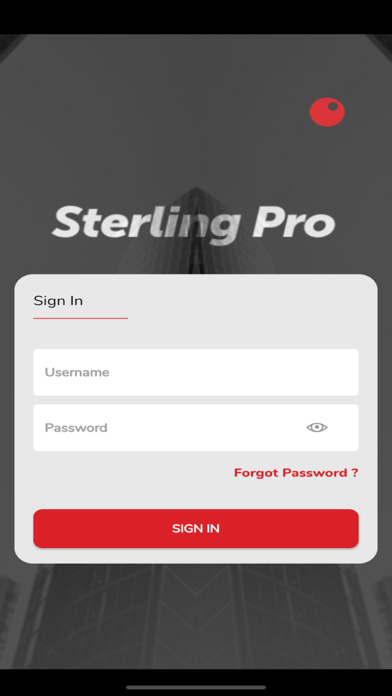
Description by Sterling Bank Plc Written by the developer, not by AppBrain. Click to read.
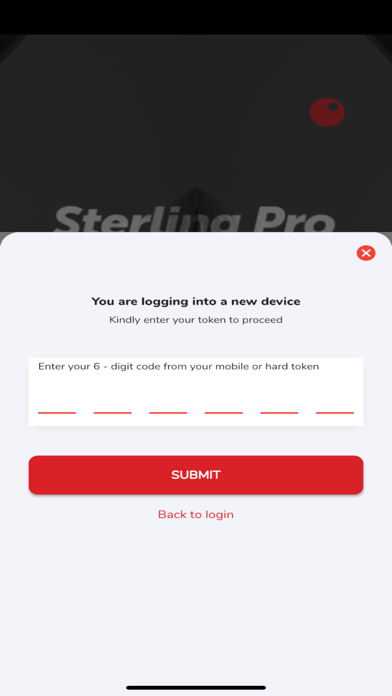
This application allows users to carry out various business payment transactions on the go with a top-notch user experience, guaranteed security using recent 2FA technology on a mobile device.
Features and Benefits:
Security
Access to accounts on a mobile device, and transactions are secured with 2FA mobile/hard token authentication.
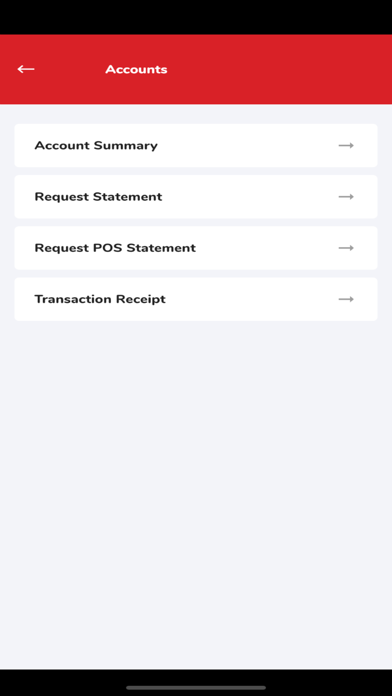
Accounts
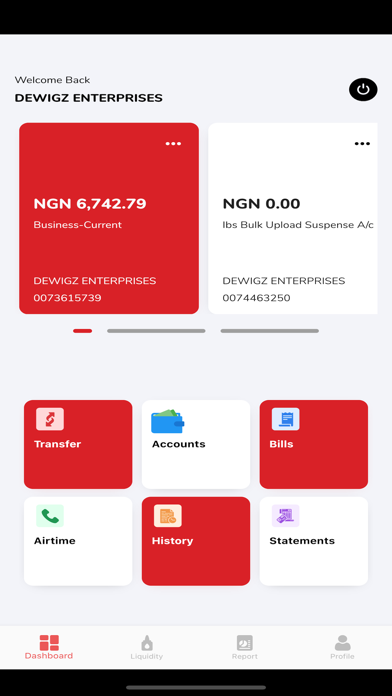
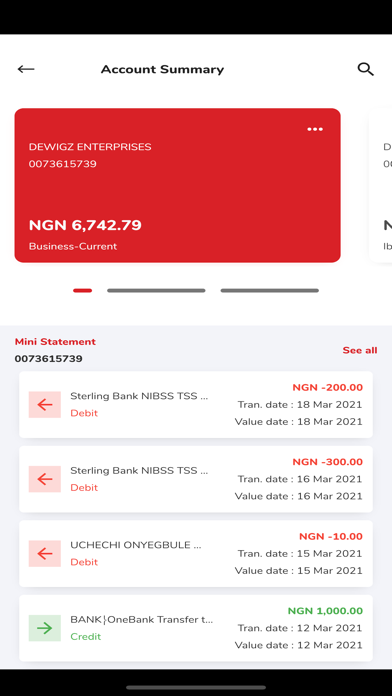
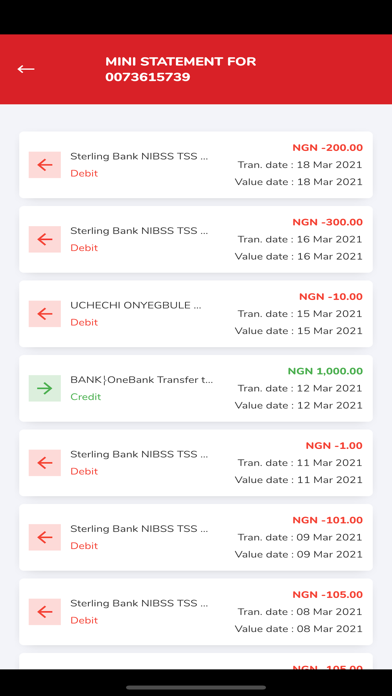
View real-time account balances and monitor recent inflows and outflows in an account(s).
Single Transfers
Pay suppliers, vendors, and associates by transferring funds to accounts in Sterling or Other Banks.
Multiple Transfers
Pay multiple beneficiaries at once, such as paying staff and workers’ salaries/wages with the multiple transfers features by stacking transactions and authenticating with a single token input.
Foreign Transfers
Conveniently make cross-border payments to beneficiaries and track the status of transactions.
Bills
Pay for airline tickets, cable & internet subscriptions, electricity bills, etc. all on the go.
Purchase Airtime
Purchase airtime for yourself, colleagues, or staff. It is easy, convenient, and secure.
Request Transaction Receipt
Generate transaction receipt for transactions and share them with beneficiaries as evidence of payments.
Transaction History
View history of recent transactions carried out on your account(s).
Request Statement
Request account statements for a range of 12 months and the system would send them to your email.
Request POS Statement
POS owners can request POS statements on the go and have them sent to your email.
Account Sweep
Schedule automated account sweeping at your preferred frequency to regularly sweep funds from collections accounts to the main account at preferred intervals.
Reports
Generate transaction reports for easy reconciliation of accounts.
Manage Beneficiaries
Save frequent transaction beneficiaries, to easily select them for future transfers.
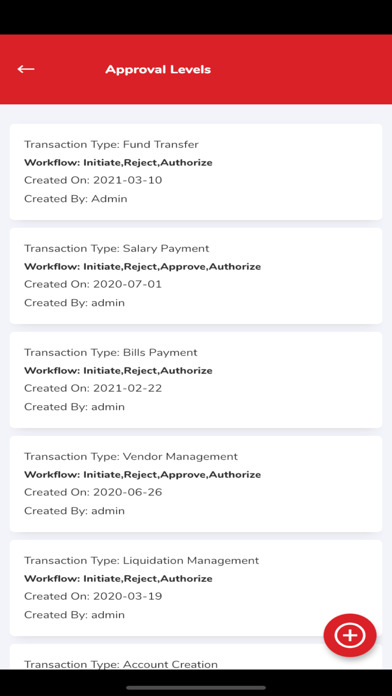
Set Approval Level
Customer Admin can setup transaction approval flow for various transaction types for organizations with multiple users.
Multiple Users Access
All users created on the account profile can have access to their user profiles on their devices to perform their defined roles easily and conveniently.
Approvals
Users with approver roles can easily view, approve, or reject transactions pending for their approval all on the go.