

Tamilini - Tamil Keyboard
Tamilini - Tamil Keyboard is made and published by banuchander janarthn. AppBrain is an independent app data site and isn't affiliated with banuchander janarthn. The app name, icon, screenshots and description belong to banuchander janarthn and are shown as published on the App Store.
AppBrain's verdict
EstablishedLoved by users- Rating on App Store
- 4.57
- 536 ratings
- Last updated
- September 10, 2026
Users love it: 4.6 stars from 536 ratings.
Rankings
App Store top chartsApp Store Rankings for Tamilini - Tamil Keyboard
Competitors
Similar apps and more from banuchander janarthnAlternatives to Tamilini - Tamil Keyboard


More from banuchander janarthn








Releases
Updates seen on the App Store- Version
- 5.0.2
- Launched
- September 2018
No changelog data
User feedback
Ratings and reviews on the App StoreComments on Tamilini - Tamil Keyboard for iOS
We don't have enough comments to show example comments. Please check back later.
Technology
Found in the app by AppBrain- Price
- Free
- App size
- 89.3 MB
- Content rating
- Everyone
Technologies used by Tamilini - Tamil Keyboard
About the app and developer
About Tamilini - Tamil Keyboard
Tamilini - Tamil Keyboard is an utilities app developed by banuchander janarthn.
User Ratings
Tamilini - Tamil Keyboard is rated 4.57 out of 5 stars. The rating is based on 540 ratings.
App Information
Tamilini - Tamil Keyboard is freely available from the App Store. The app size is 89.33 MB. The latest version available is 5.0.2. The last update was on September 10, 2026.
Technical Requirements
The app has a content rating of Everyone. The app has been available on the App Store since September 2018.
Developer information for banuchander janarthn
Address:
Store listing
By banuchander janarthn, from the App Store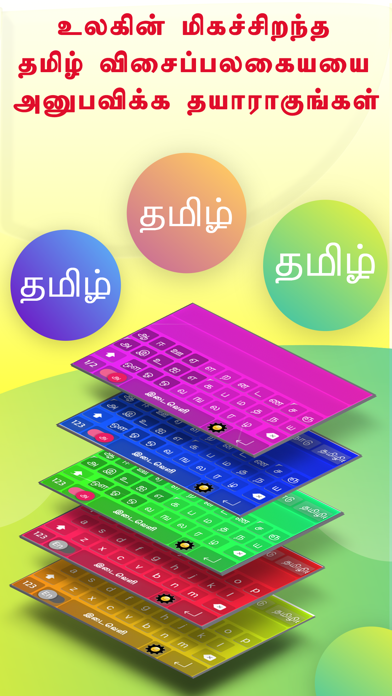



Description by banuchander janarthn Written by the developer, not by AppBrain. Click to read.
Vazhga Tamil, Valarga Tamil
**************************
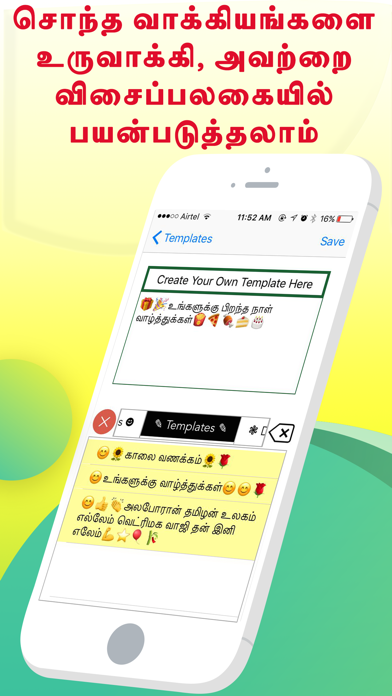
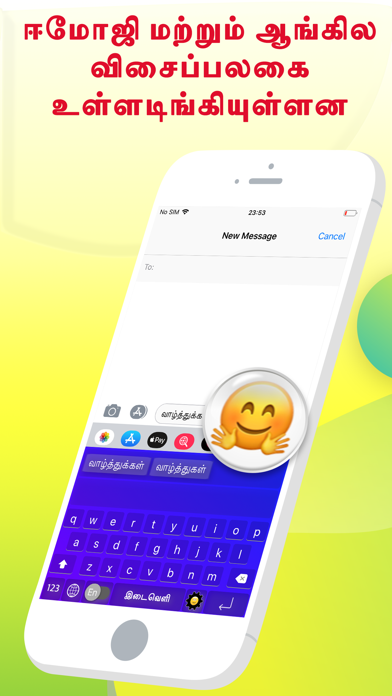
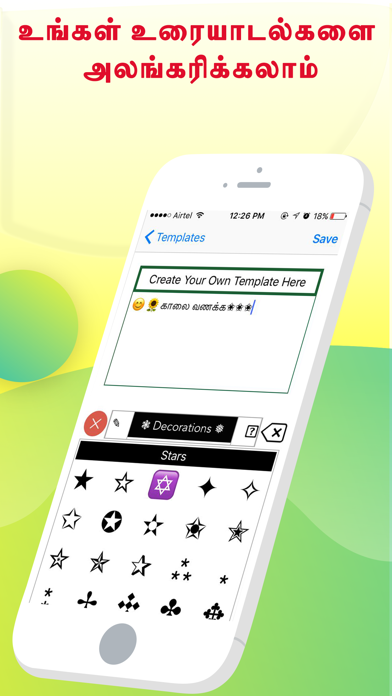
◉ Best Tamil Keyboard Created Ever for Tamil's
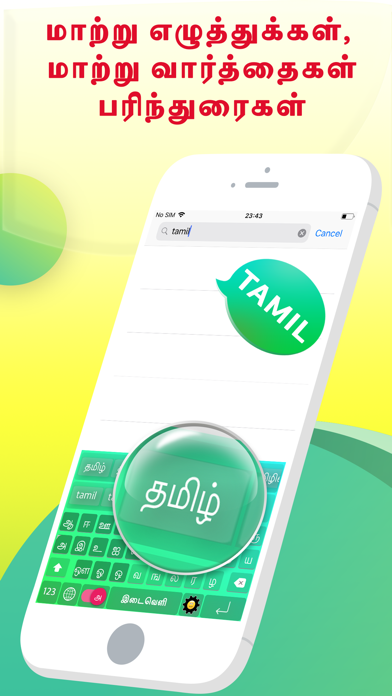
◉ Type the English word, Get the Tamil Meaning Instantly Offline
◉ Easy Letter Suggestions - Offline
◉ 50% More Faster than normal keyboards
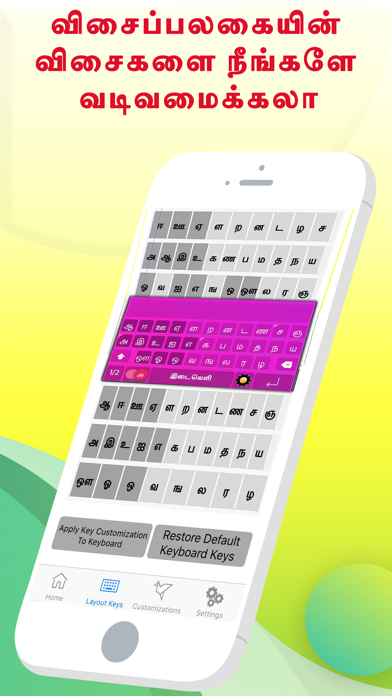
◉ Easily differentiate the Letters
◉ Get suggestions for the letters
◉ Help Grow Our Tamil Community
◉ Please Support Development By sharing with others
-------------------------------------
HOW TO INSTALL TAMIL KEYBOARD
-------------------------------------
Once you downloaded the app from Appstore.
Step 1: Go to iPhone settings.
Step 2: Find General And Click on it.
Step 3:Scroll Down to bottom and see Keyboard option, Click on it.
Step 4: Click on the Keyboards Row.
Step 5: Scroll Down bottom of the screen and find "Add New Keyboard" Option and tap on it.
Step 6: Scroll down and find the Tamilini - Tamil Keyboard Option And tap on it, Thats it you are done.
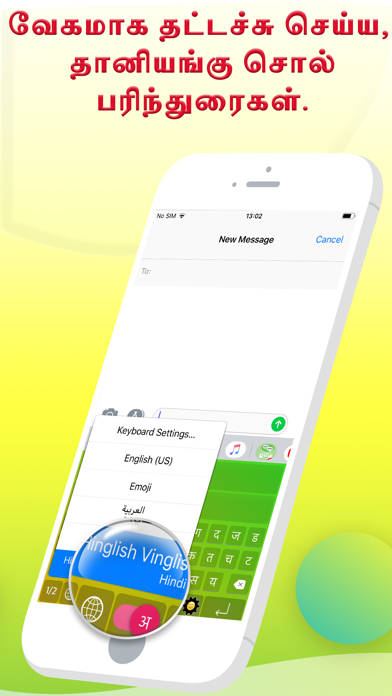
Now finally open any of the WhatsApp,Facebook,Email,Notes,Twitter, sms app, and long press the Globe icon from the default keyboard, now choose the Tamilini - Tamil Keyboard Option.
And Start Typing In Tamil.
**************************
Vazhga Tamil, Valarga Tamil
**************************