Tday Widget - Weather, News is a lifestyle app developed by Touchberry.
User Ratings
Tday Widget - Weather, News is rated 4.04 out of 5 stars. The rating is based on 67 ratings.
App Information
Tday Widget - Weather, News is freely available from the App Store. The app size is 24.50 MB. The latest version available is 2.0.0. The last update was on November 26, 2020.
Technical Requirements
The app has a content rating of Medium Maturity. The app has been available on the App Store since September 2020.
Tday Widget - Weather, News is made and published by
Touchberry.
AppBrain is an independent app data site and isn't affiliated with Touchberry.
The app name, icon, screenshots and description belong to Touchberry and are shown as published on the App Store.
Description by Touchberry(from the App Store)
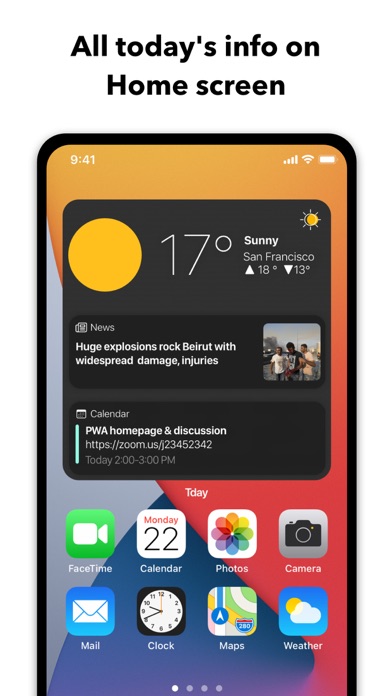
Today's essential information for you, on iOS 14 Home Screen.
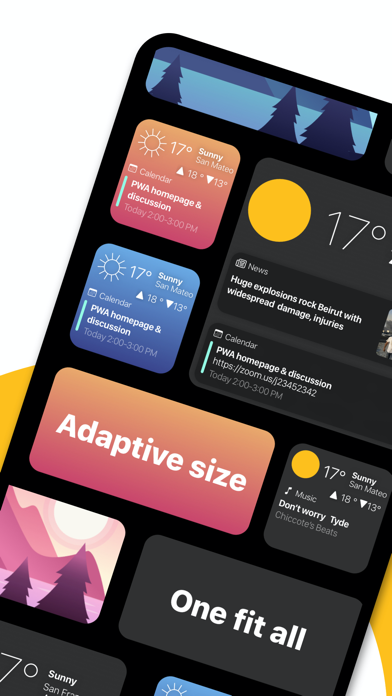
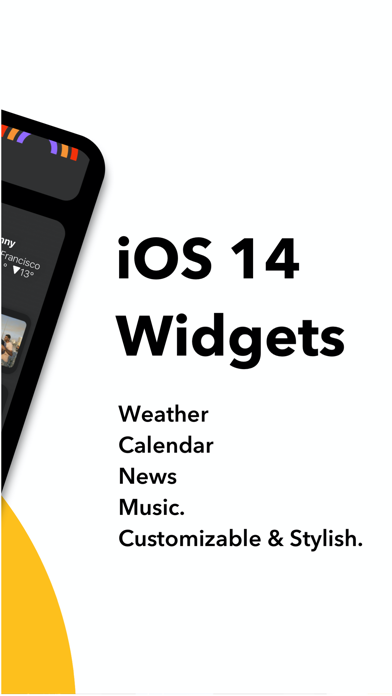
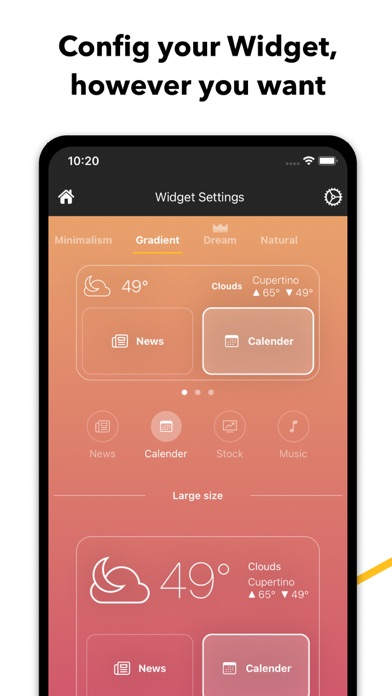
Tday Widget is informative, stylish, and customizable. - Stylish: looks beautiful on your home screen, with 4 styles to choose from - Minimalism, Gradient, Dream, and Natural. - Weather: looks great on home screen widget; more detailed weather info inside the app - News: show you what's trending - Calendar: take a glance to know the next meeting for yourself - Music: play most recent music, from home screen - Stock: show the performance of major stock indices, as well as the stocks you picked - Customizable: you can define what you see throughout the day, from Widget Settings - More inside the app: hourly weather forecast for the next 24 hours, and daily weather forecast for the next 7 days - Easy-to-use: we have step-by-step onboarding tutorial who anyone who is new to iOS 14 widget
Tday + Subscription: - You can subscribe for premium features from inside the app; subscriptions are billed weekly or monthly or annually at the rate selected depending on the subscription plan. - Payment will be charged to your iTunes account at confirmation of purchase. - Subscriptions will automatically renew unless auto-renew is turned off at least 24 hours before the end of current period. - Your account will be charged according to your plan for renewal within 24 hours prior to the end of the current period.
You can manage or turn off auto-renew in your Apple ID account settings at any time after purchase: - Go to Settings > iTunes & App Store - Tap your Apple ID at the top of the screen - Tap View Apple ID. You might need to sign in or use Touch ID. - Tap Subscriptions. - Tap the subscription you want to manage. - Use the options to manage your subscription. - No cancellation of the current subscription is allowed during the active subscription period. Once purchased, refunds will not be provided for any unused portion of the term.
Privacy Policy: http://myfancy.app/is/TdayWidget74/privacy Terms of Use: http://myfancy.app/is/TdayWidget74/term
Each subscription will automatically renew 3 days before the expiration date for
the same time period. Subscriptions can be cancelled at any time before the renewal.