

The Image Format Converter
The Image Format Converter is made and published by Dongwook Cho. AppBrain is an independent app data site and isn't affiliated with Dongwook Cho. The app name, icon, screenshots and description belong to Dongwook Cho and are shown as published on the App Store.
AppBrain's verdict
Established- Rating on App Store
- 5.00
- 5 ratings
- Last updated
- September 11, 2025
It doesn't have enough ratings yet to judge what users think.
Rankings
App Store top chartsApp Store Rankings for The Image Format Converter
Competitors
Similar apps and more from Dongwook ChoAlternatives to The Image Format Converter








More from Dongwook Cho







Releases
Updates seen on the App Store- Version
- 1.2.0
- Launched
- March 2018
No changelog data
User feedback
Ratings and reviews on the App StoreComments on The Image Format Converter for iOS
We don't have enough comments to show example comments. Please check back later.
Technology
Found in the app by AppBrain- Price
- $2.99
- App size
- 1.14 MB
- Content rating
- Everyone
Technologies used by The Image Format Converter
About the app and developer
About The Image Format Converter
The Image Format Converter is a photo & video app developed by Dongwook Cho.
User Ratings
The Image Format Converter is rated 5.00 out of 5 stars. The rating is based on 5 ratings.
App Information
The Image Format Converter costs $2.99. The app size is 1.14 MB. The latest version available is 1.2.0. The last update was on September 11, 2025.
Technical Requirements
The app has a content rating of Everyone. The app has been available on the App Store since March 2018.
Developer information for Dongwook Cho
Address:
Frequently asked questions about The Image Format Converter
Is The Image Format Converter free?
No. The Image Format Converter costs $2.99 on the App Store.
Is The Image Format Converter still available?
Yes. The Image Format Converter is on the App Store, and the last update we saw was on September 11, 2025.
How large is The Image Format Converter?
The Image Format Converter is 1.14 MB.
Is The Image Format Converter suitable for children?
App Store rates the content of The Image Format Converter as suitable for everyone.
How do people rate The Image Format Converter?
The Image Format Converter scores 5.00 out of 5 stars, from 5 ratings on the App Store.
Who made The Image Format Converter?
The Image Format Converter was developed by Dongwook Cho. It is listed in the photo & video category on the App Store.
What are the best alternatives to The Image Format Converter?
People looking at The Image Format Converter also look at these photo & video apps: Teleprompter Video Recorder, JPEG,PNG Image file converter, CheezyCam, JPG Optimizer PRO, Face Video Morph Animator HD.
Store listing
By Dongwook Cho, from the App Store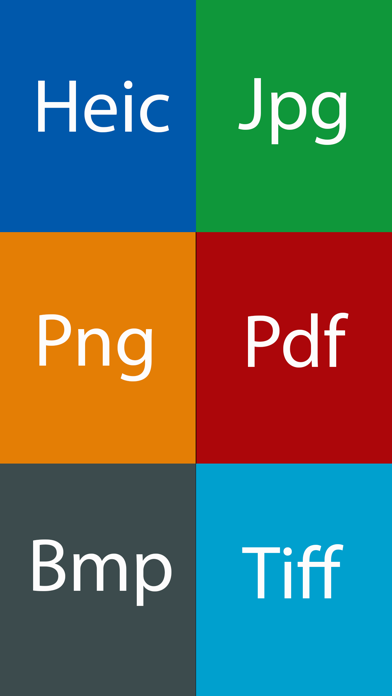


Description by Dongwook Cho Written by the developer, not by AppBrain. Click to read.
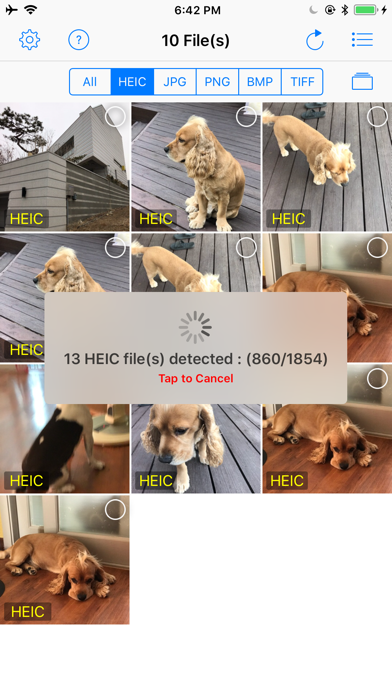
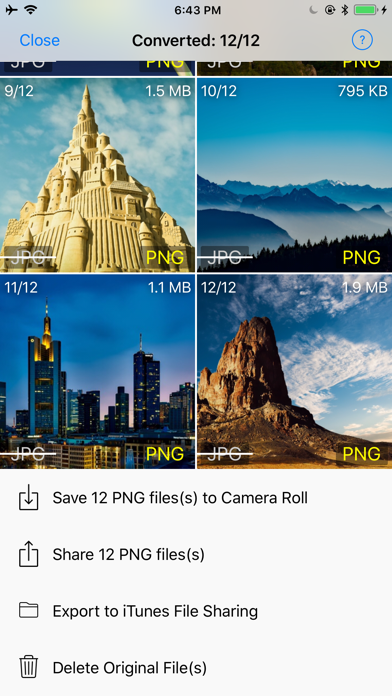
It supports the batch conversion. You have no limit on the number of images to convert. You can also resize the images as you want.
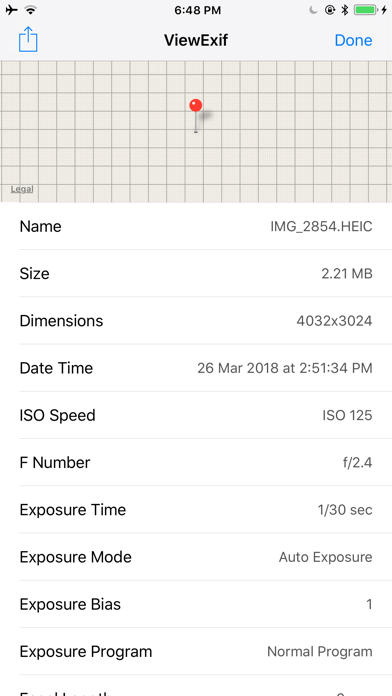
You also don't need to worry about the loss of meta data. It supports the complete preservation of meta data including exif.
• Convert heic to jpg, png, bmp, tiff and pdf.
• Convert jpg file to heic, png, bmp, tiff and pdf.
• Convert png to heic, jpg, png, bmp, tiff and pdf.
• Convert bmp to heic, jpg, png, tiff and pdf.
• Convert tiff to heic, jpg, png, bmp and pdf.
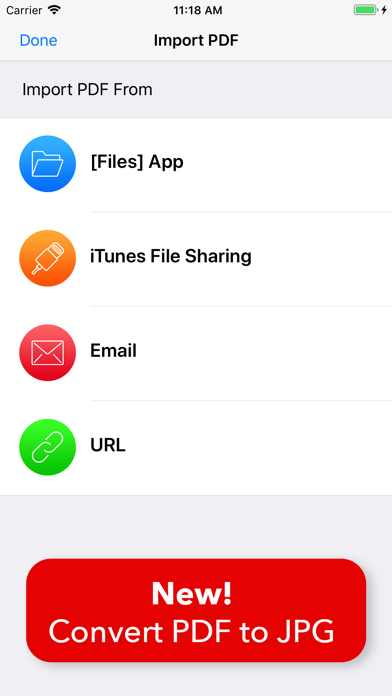
• Convert individual pdf pages to jpg. You can import pdf file from [Files] app, iTunes file sharing, email and url.
• Supports batch conversion. You have no limit on the number of photos to convert.
• Resize at any size you want.
• Determines whether to keep metadata (including exif) after conversion.
• Save converted images to Camera roll at once.
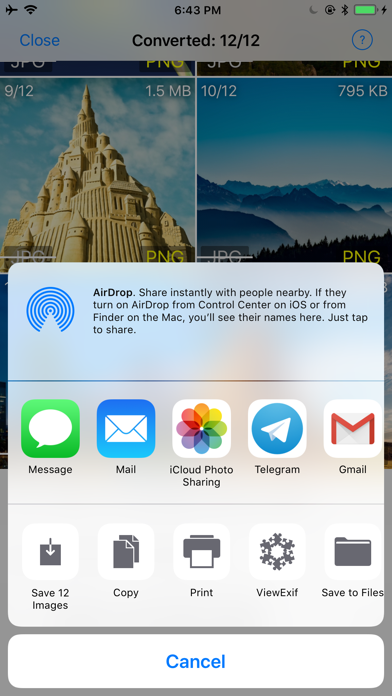
• Share converted images at once.
• Copy converted images to PC using iTunes fiie sharing at once.
• Optionally delete the original files.