

TimeTableEX
TimeTableEX is made and published by MUTSUAKI KIKUCHI. AppBrain is an independent app data site and isn't affiliated with MUTSUAKI KIKUCHI. The app name, icon, screenshots and description belong to MUTSUAKI KIKUCHI and are shown as published on the App Store.
AppBrain's verdict
- Last updated
- November 19, 2021
Rankings
App Store top chartsApp Store Rankings for TimeTableEX
Competitors
Similar apps and more from MUTSUAKI KIKUCHIAlternatives to TimeTableEX







More from MUTSUAKI KIKUCHI


Releases
Updates seen on the App Store- Version
- 2.1.3
- Launched
- September 2018
No changelog data
User feedback
Ratings and reviews on the App StoreComments on TimeTableEX for iOS
We don't have enough comments to show example comments. Please check back later.
Technology
Found in the app by AppBrain- Price
- Free
- App size
- 7.80 MB
- Content rating
- Everyone
Technologies used by TimeTableEX
About the app and developer
About TimeTableEX
TimeTableEX is an education app developed by MUTSUAKI KIKUCHI.
What is the rating of TimeTableEX?
TimeTableEX has no ratings yet.
Is TimeTableEX free?
TimeTableEX is free. The app size is 7.80 MB. The latest version available is 2.1.3. The last update was on November 19, 2021.
What are the requirements for TimeTableEX?
The app has a content rating of Everyone. The app has been available on the App Store since September 2018.
Developer information for MUTSUAKI KIKUCHI
Address:
Store listing
By MUTSUAKI KIKUCHI, from the App Store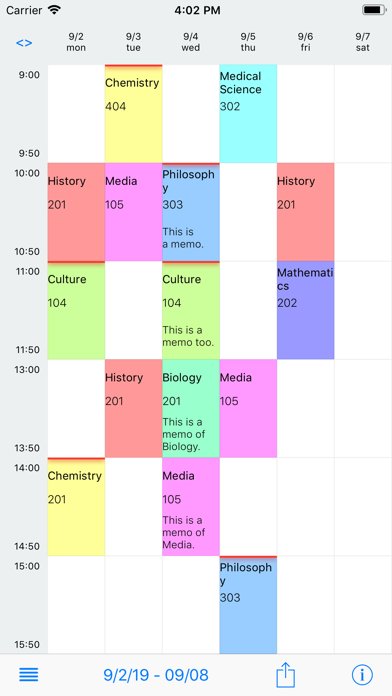
Description by MUTSUAKI KIKUCHI Written by the developer, not by AppBrain. Click to read.
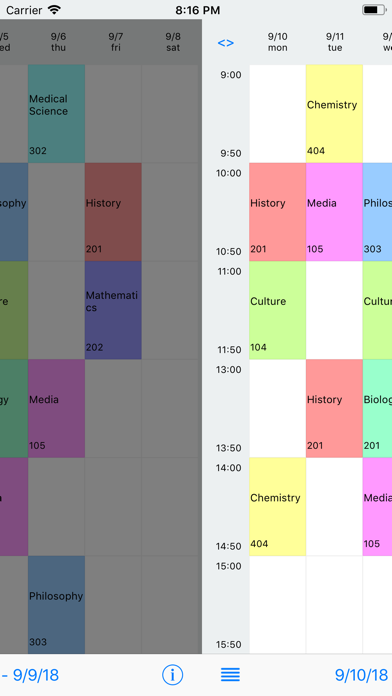
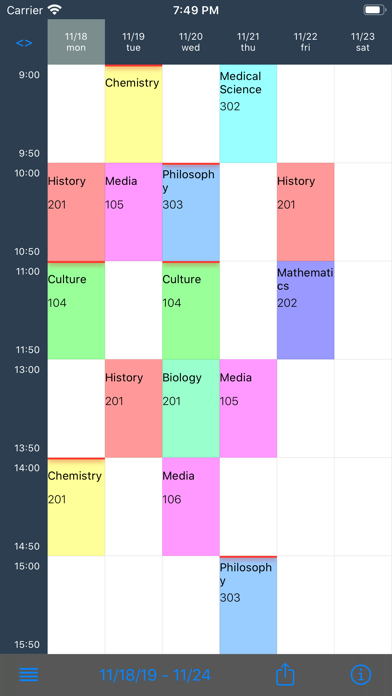
You can set lessons weekly, and flexible changes can be made easily, so it is an optimal schedule for university students with different subjects every week.
Its functions and features
-Lessons can be set daily.
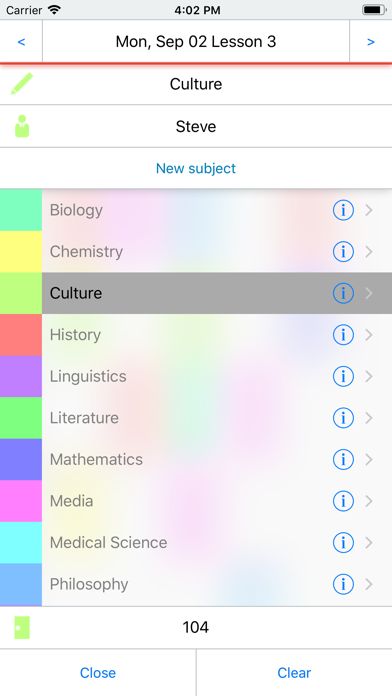
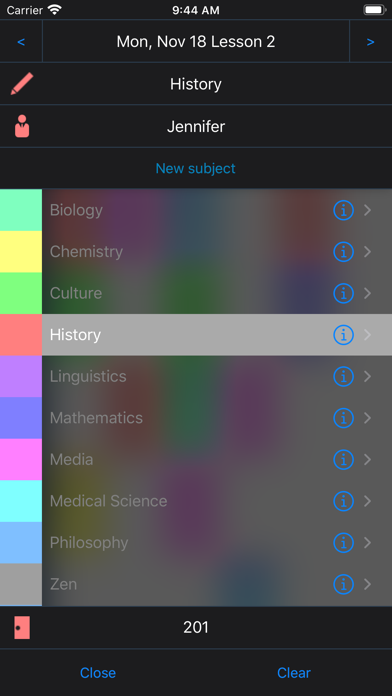
-Once selected, subjects can be registered at other times, and subjects can be added easily.
-You can easily copy the data of the set week once to other weeks.
-Create flexible timetables quickly by customizing it.
-You can move the week easily as ...
> Slide to the left and right of the screen for the week before and after.
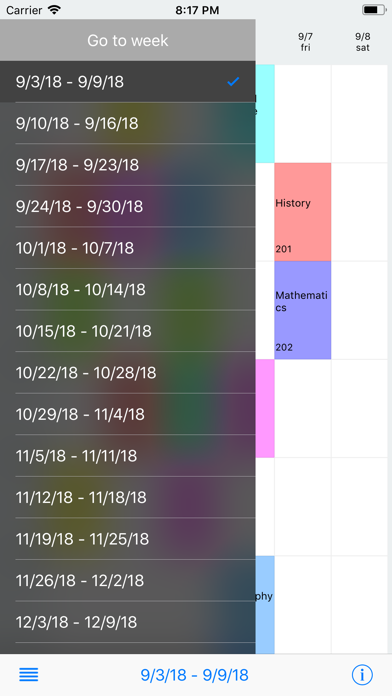
> Select the week you want to move from the menu.
> Return to this week by menu at below.
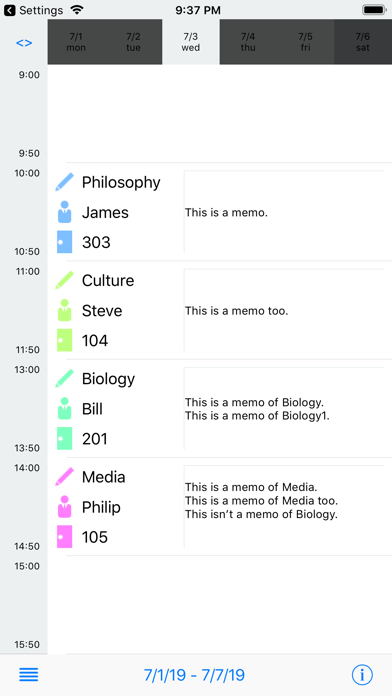
-View the lesson list of the day by tapping the date of the upper part.
-Send timetable data in text or CSV format.
-A bar can be displayed at the top of the lesson in the required subject.
-Three types of timetable display: Mon-Fri, Mon-Saturday and Mon-Sunday (To switch, just tap the upper left button)
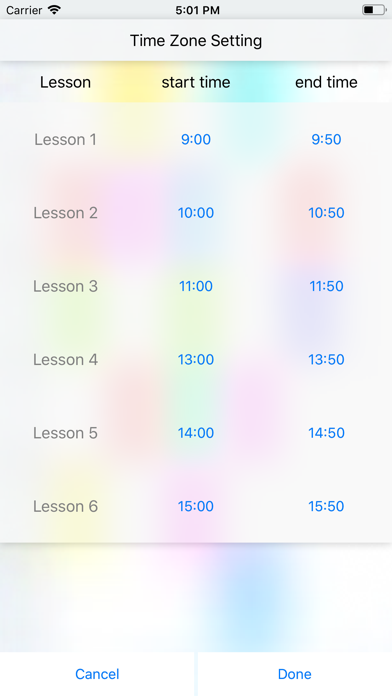
-The setting of each time zone can be freely set by tapping the time column on the left side of the screen.
-Notification in the morning when you have lessons.
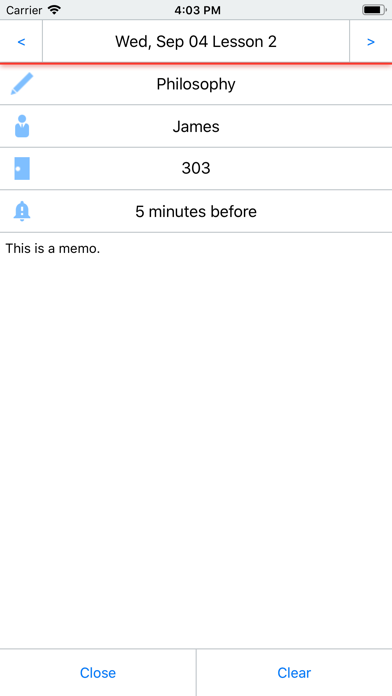
-Starting lessson notification (5, 10, 15, 30, 60 minutes before) can be set.
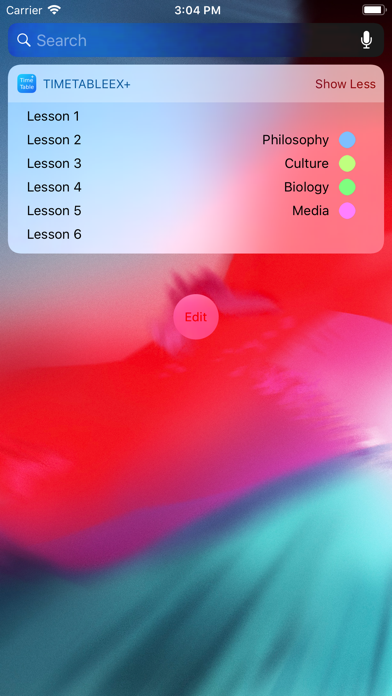
-Display the schedule of the day in the Today widget.
etc.. You can enjoy various functions with easy operation.
--------
Thank you for using it by many people.
It is the setting method of the time that I have often inquired, but you can set each time zone by tapping the column of the time on the left side of the screen.
If you can not configure well, please contact us.
--------