

Tips & Tricks - for iPad
Tips & Tricks - for iPad is made and published by Intelligenti Ltd. AppBrain is an independent app data site and isn't affiliated with Intelligenti Ltd. The app name, icon, screenshots and description belong to Intelligenti Ltd and are shown as published on the App Store.
AppBrain's verdict
EstablishedLoved by users- Rating on App Store
- 4.69
- 2,110 ratings
- Last updated
- March 28, 2023
Users love it: 4.7 stars from 2,110 ratings.
Rankings
App Store top chartsApp Store Rankings for Tips & Tricks - for iPad
Competitors
Similar apps and more from Intelligenti LtdAlternatives to Tips & Tricks - for iPad








More from Intelligenti Ltd


Releases
Updates seen on the App Store- Version
- 15.0.0
- Launched
- May 2010
No changelog data
User feedback
Ratings and reviews on the App StoreComments on Tips & Tricks - for iPad for iOS
We don't have enough comments to show example comments. Please check back later.
Technology
Found in the app by AppBrain- Price
- Free
- App size
- 144.8 MB
- Content rating
- Everyone
Technologies used by Tips & Tricks - for iPad
About the app and developer
About Tips & Tricks - for iPad
Tips & Tricks - for iPad is a productivity app developed by Intelligenti Ltd.
User Ratings
Tips & Tricks - for iPad is rated 4.69 out of 5 stars. The rating is based on 2.1 thousand ratings.
App Information
Tips & Tricks - for iPad is freely available from the App Store. The app size is 144.79 MB. The latest version available is 15.0.0. The last update was on March 28, 2023.
Technical Requirements
The app has a content rating of Everyone. The app has been available on the App Store since May 2010.
Developer information for Intelligenti Ltd
Address:
Frequently asked questions about Tips & Tricks - for iPad
Is Tips & Tricks - for iPad free?
Yes. Tips & Tricks - for iPad is free on the App Store.
Is Tips & Tricks - for iPad still available?
Yes. Tips & Tricks - for iPad is on the App Store, and the last update we saw was on March 28, 2023.
How large is Tips & Tricks - for iPad?
Tips & Tricks - for iPad is 144.79 MB.
Is Tips & Tricks - for iPad suitable for children?
App Store rates the content of Tips & Tricks - for iPad as suitable for everyone.
How do people rate Tips & Tricks - for iPad?
Tips & Tricks - for iPad scores 4.69 out of 5 stars, from 2,110 ratings on the App Store.
Who made Tips & Tricks - for iPad?
Tips & Tricks - for iPad was developed by Intelligenti Ltd. It is listed in the productivity category on the App Store.
What are the best alternatives to Tips & Tricks - for iPad?
People looking at Tips & Tricks - for iPad also look at these productivity apps: FlyScreen - Screenshot Manager, BIM 360 Field, WeekCal for iPad, Autodesk® BIM 360 Glue, Upnext: Read with Superpowers.
Store listing
By Intelligenti Ltd, from the App Store


Description by Intelligenti Ltd Written by the developer, not by AppBrain. Click to read.
We’re here to help you unlock the full potential of your device and get to grips with apps and functions you might not even have known existed.
WHAT YOU GET
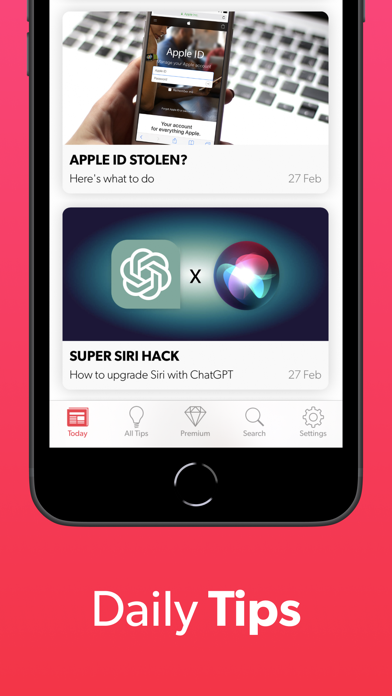
* Breaking news stories from the tech world
* No filler – all articles are relevant to iPhone and iPad users
* Over 200 tips and tricks covering all aspects of iOS
* Full coverage of iOS updates and new features
* Everything you need to know about the latest Apple devices
THAT’S NOT ALL…
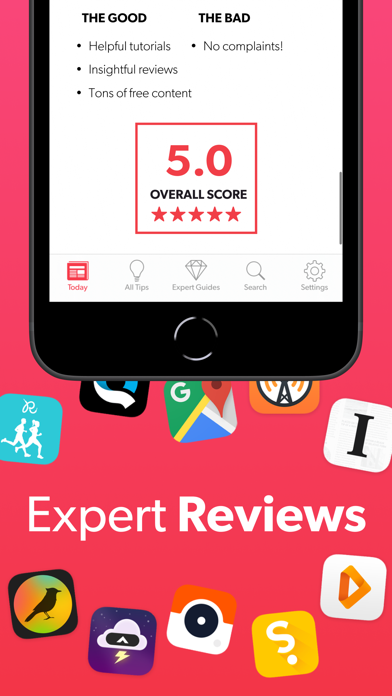
* Unbiased reviews of the latest apps and games
* Expert features, app roundups, and tutorials
* Price drop alerts when our favorite apps go on sale
* Privacy advice and scam warnings
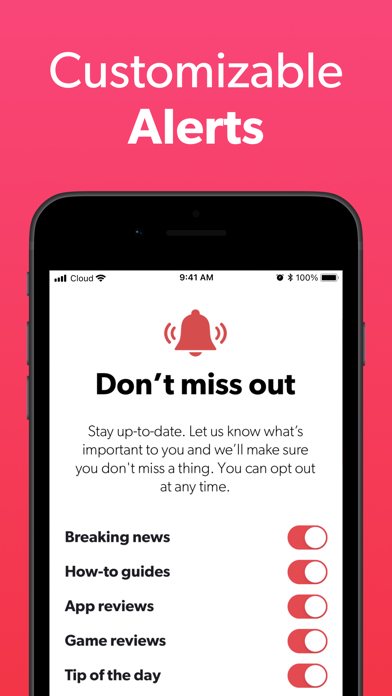
* Custom daily notifications for your favorite content
We at Tips & Tricks have been around almost since the dawn of the App Store, and have been featured twice in Apple’s “Best of the Year” lists. With over 10 million downloads and many hundreds of five-star reviews to our name, we’re a news source you can rely on for expert analysis and easy-to-understand advice.
WHAT OUR READERS THINK
5/5 “Simple, logical, and beautifully designed. Very well done.”
5/5 “I used every tip! Very useful!!”
5/5 “So many tips I had no idea my device could do.”
5/5 “A real eye-opener! I thought I knew a lot, but I didn't! ;-)”
TIPS PREMIUM
This app is supported by occasional ads, but a Premium subscription will remove all ads and grant access to exclusive bonus content including special guides, features, app roundups, and more. It’s a great way to support us if you like what we do, but rest assured the core functions of the app are accessible to everyone.
These optional subscriptions are billed via iTunes and auto-renewed as follows:
・A monthly subscription to Tips Premium is priced at $4.99 USD / £4.99 GBP.
・A yearly subscription to Swipe is priced at $34.99 USD / £34.99 GBP. (Around 42% cheaper).
・Subscription payments are charged to your iTunes Account at confirmation of purchase.
・Subscriptions may be managed by the user and auto-renewal may be turned off by going to the user's iTunes Account Settings after purchase.
・Subscription automatically renews unless auto-renew is turned off at least 24 hours before the end of the current subscription period.
・ iTunes Account will be charged for renewal within 24 hours prior to the end of the current period, at the annual rate at the time of renewal.
・No cancellation of the current subscription is allowed during the active subscription period.
・Any unused portion of a free trial period will be forfeited when you purchase a subscription.
Read our Privacy Policy: http://www.tapsmart.com/app-privacy-policy/
Read our Terms of Use: http://www.tapsmart.com/app-terms-of-use/