

Total files is made and published by App Ideas. AppBrain is an independent app data site and isn't affiliated with App Ideas. The app name, icon, screenshots and description belong to App Ideas and are shown as published on the App Store.
AppBrain's verdict
EstablishedLoved by users- Rating on App Store
- 4.72
- 134,772 ratings
- Last updated
- September 11, 2026
- Size
- 175.3 MB
Users love it: 4.7 stars from 134,772 ratings.
User feedback
Ratings and reviews on the App StoreComments on Total files for iOS
We don't have enough comments to show example comments. Please check back later.
Store listing
By App Ideas, from the App Store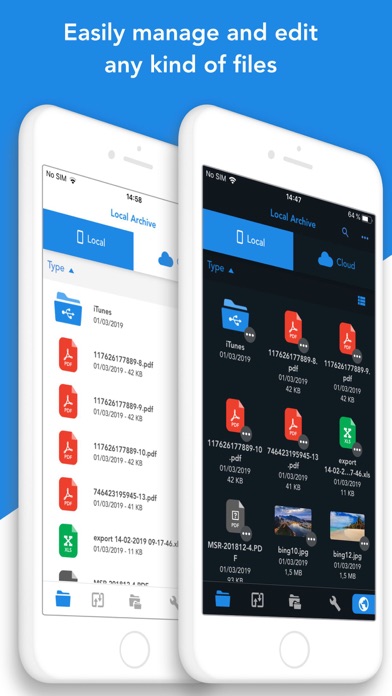

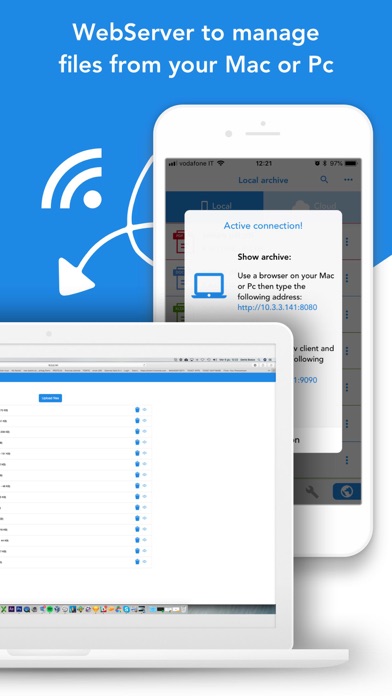

Description by App Ideas Written by the developer, not by AppBrain. Click to read.
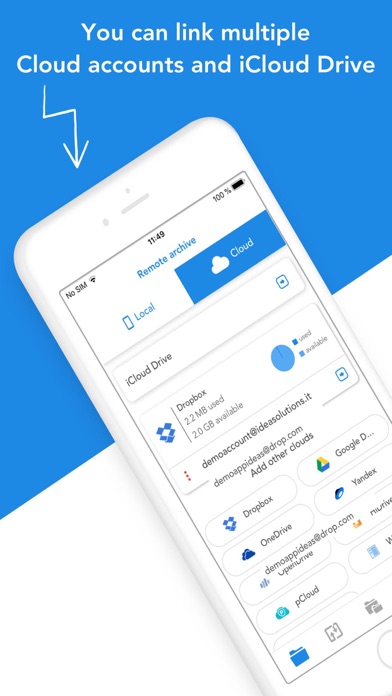
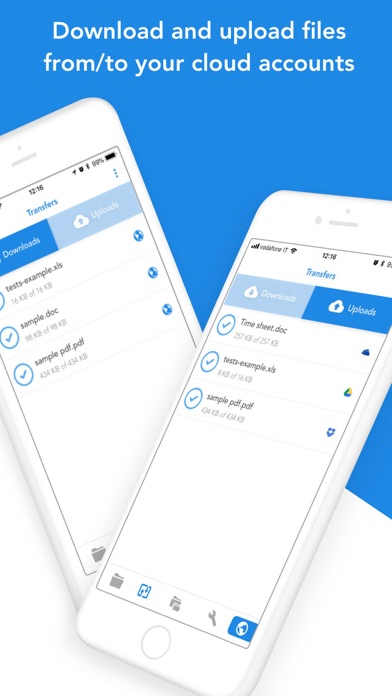
Total Files supports DropBox, Google Drive, OneDrive and iCloud Files and offers iOS Files app integration to download and upload to any cloud from any app!
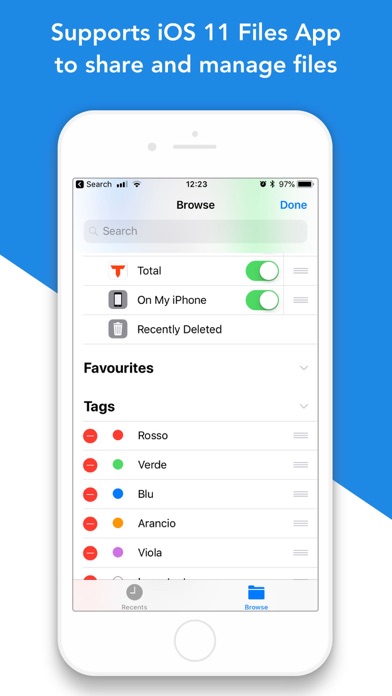
You'll not need to install a separate app for each storage provider that you want to use from your device! Link all cloud accounts in Total Files and enjoy the full integration with iOS. For example, thanks to the iOS “Files” integration, you can directly save files to one of the cloud linked in Total, simply using the "Save in files” feature available in any apps on your device.
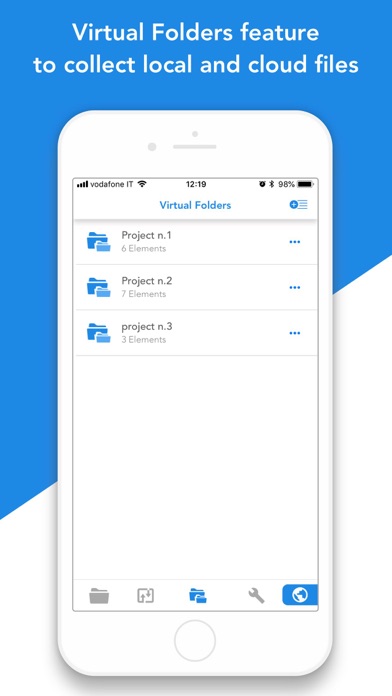
Virtual folders allows to group files that come from different sources (cloud or local).
The Spotlight indexing of all local contents allows to immediately find and open the file you're looking for, without opening the app!
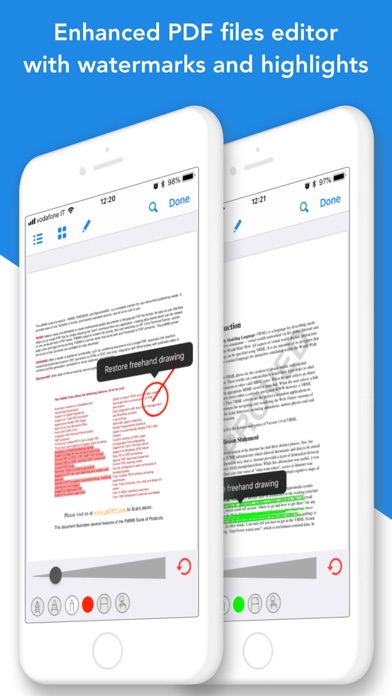
Our powerful PDF viewer offers annotation capabilities and automatically recognise common shapes and gestures to highlight paragraph
Main features:
- iOS 11 Files app integration for ALL clouds linked to the app in read write mode.
- Supports Dropbox, GDrive, OneDrive, iCloud services for remote file storage.
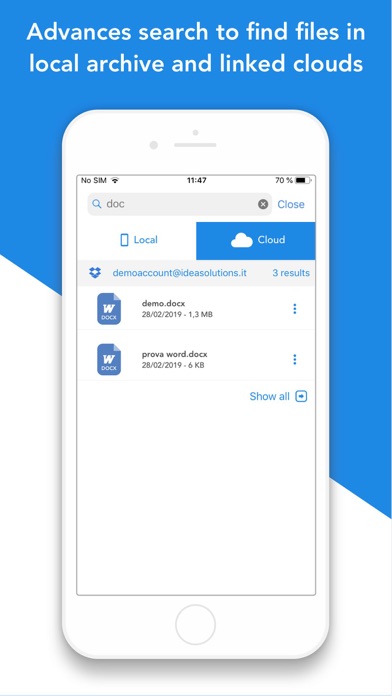
- Search between all contents in the app and in the linked cloud storages thanks to the advanced search
- Compression and decompression features (zip)
- Spotlight indexing
- PDF editor with annotation, shape recognition
- Simultaneous linking of multiple Cloud accounts and management of folders shared with other users.
- Bookmarks and history management.
- URL autocomplete
- Quick search bar, and enhanced search within all cloud and local files.
- PIN to hide and secure folders.
- Multi-tab browser
Terms of use (EULA) available at: https://www.apple.com/legal/internet-services/itunes/dev/stdeula/
Safety and technology
Found in the app by AppBrain- Price
- Free
- App size
- 175.3 MB
- Content rating
- High
Technologies used by Total files
Releases
Updates seen on the App Store- Version
- 3.14.6
- Launched
- September 2012
No changelog data
Alternatives
Similar apps and more from App IdeasAlternatives to Total files






More from App Ideas







Rankings
App Store top chartsApp Store Rankings for Total files
About the app and developer
About Total files
Total files is an utilities app developed by App Ideas.
What is the rating of Total files?
Total files is rated 4.72 out of 5 stars, based on 130 thousand ratings.
Is Total files free?
Total files is free. The app size is 175.29 MB. The latest version available is 3.14.6. The last update was on September 11, 2026.
What are the requirements for Total files?
The app has a content rating of High Maturity. The app has been available on the App Store since September 2012.
Developer information for App Ideas
Address: