

UBoardMate CC Assistant
UBoardMate CC Assistant is made and published by Xiamen Prima Technology Inc. AppBrain is an independent app data site and isn't affiliated with Xiamen Prima Technology Inc. The app name, icon, screenshots and description belong to Xiamen Prima Technology Inc. and are shown as published on the App Store.
AppBrain's verdict
- Last updated
- February 14, 2023
Rankings
App Store top chartsApp Store Rankings for UBoardMate CC Assistant
Competitors
Similar apps and more from Xiamen Prima Technology Inc.Alternatives to UBoardMate CC Assistant












Releases
Updates seen on the App Store- Version
- 1.0.5
- Launched
- November 2020
No changelog data
User feedback
Ratings and reviews on the App StoreComments on UBoardMate CC Assistant for iOS
We don't have enough comments to show example comments. Please check back later.
Technology
Found in the app by AppBrain- Price
- Free
- App size
- 58.2 MB
- Content rating
- Everyone
Technologies used by UBoardMate CC Assistant
About the app and developer
About UBoardMate CC Assistant
UBoardMate CC Assistant is an education app developed by Xiamen Prima Technology Inc.
User Ratings
The app has no ratings yet.
App Information
UBoardMate CC Assistant is freely available from the App Store. The app size is 58.17 MB. The latest version available is 1.0.5. The last update was on February 14, 2023.
Technical Requirements
The app has a content rating of Everyone. The app has been available on the App Store since November 2020.
Developer information for Xiamen Prima Technology Inc.
Address:
Store listing
By Xiamen Prima Technology Inc., from the App Store


Description by Xiamen Prima Technology Inc. Written by the developer, not by AppBrain. Click to read.
Let's see what UBoardMate CC Assistant can do for you
*Mobile booth: during the teaching process, you can use photos or live to show students' works
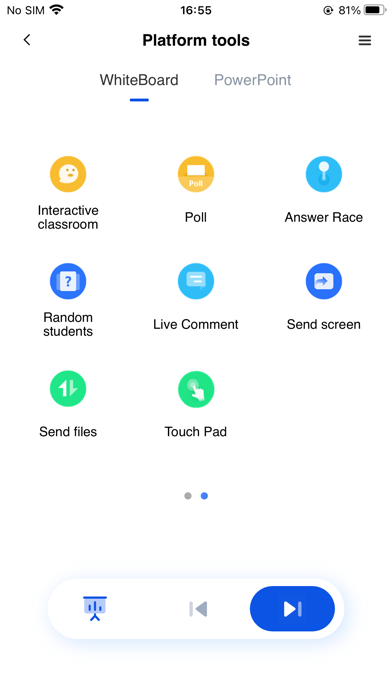
*Mobile teaching: play and control UBoardMate CC or PPT files remotely
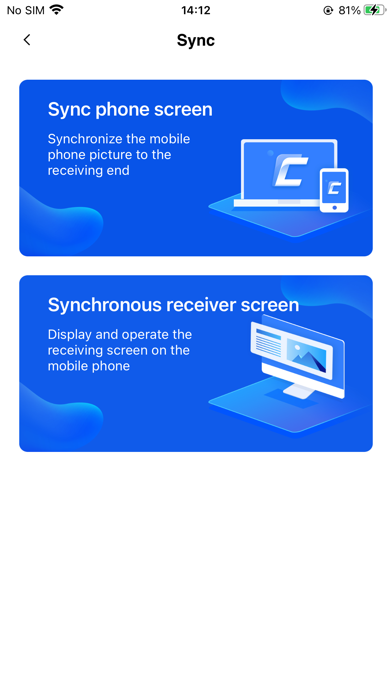
*Desktop synchronization: real time projection of large screen screen to iPhone or iPad to realize visual sharing
*Interactive teaching: a teaching tool that can open the whiteboard with one touch on the mobile terminal
This software needs to be used with mobile terminal and computer terminal