Video Compressor - HD is a photo & video app developed by Francis Bonnin.
User Ratings
Video Compressor - HD is rated 4.77 out of 5 stars. The rating is based on 22 ratings.
App Information
Video Compressor - HD costs $1.99. The app size is 68.17 MB. The latest version available is 5.7. The last update was on July 23, 2026.
Technical Requirements
The app has a content rating of Everyone. The app has been available on the App Store since May 2019.
Video Compressor - HD is made and published by
Francis Bonnin.
AppBrain is an independent app data site and isn't affiliated with Francis Bonnin.
The app name, icon, screenshots and description belong to Francis Bonnin and are shown as published on the App Store.
Description by Francis Bonnin(from the App Store)
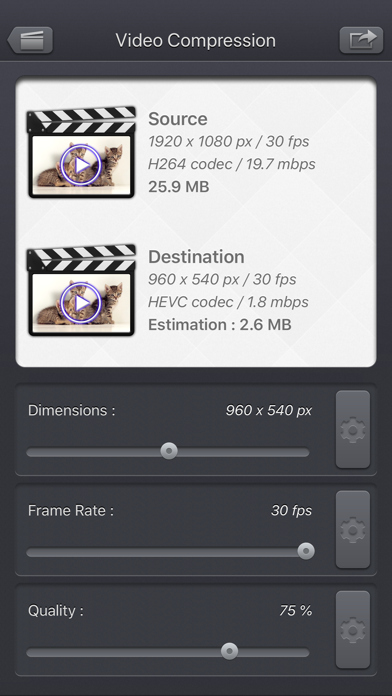
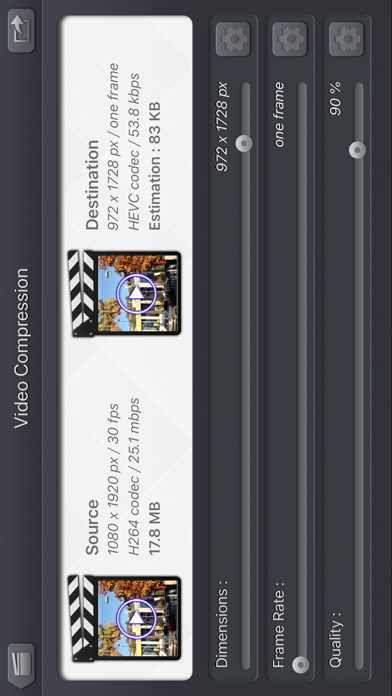
Use Video Compressor - HD, to compress your videos and reduce their file size. Precisely control the dimensions, frame rate and quality to achieve the perfect result.
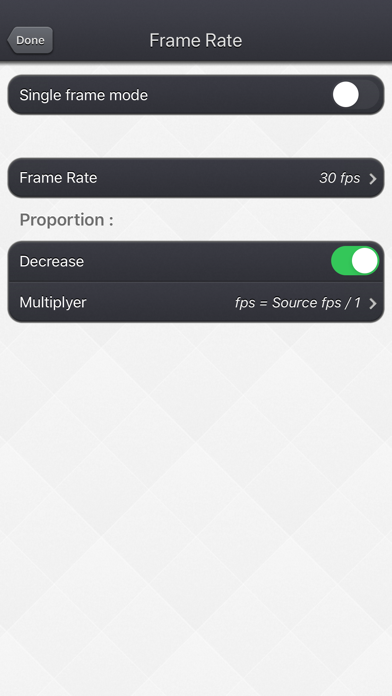
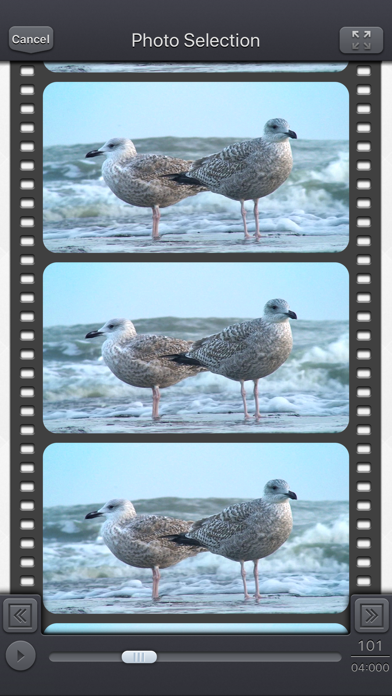
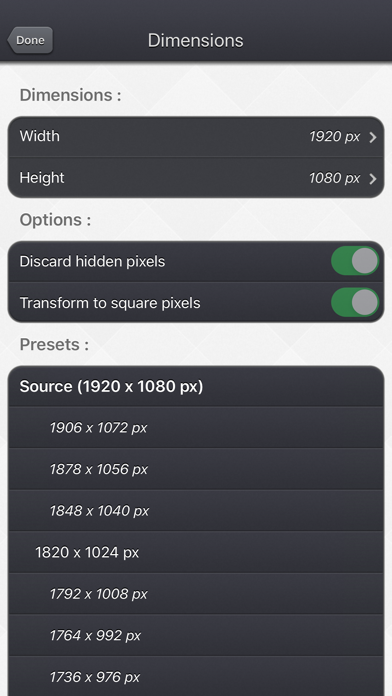
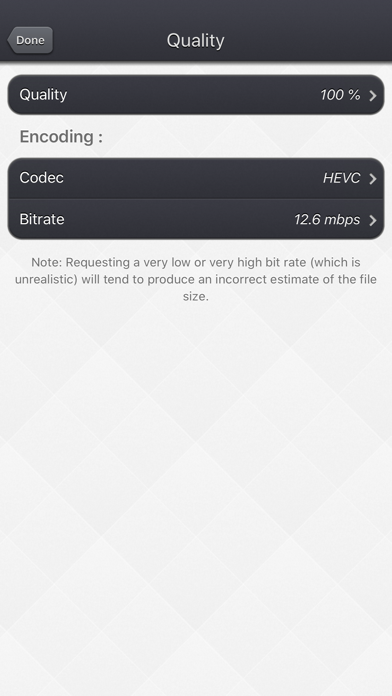
The key points of the application: • Reduce the size to a minimum before sending the video online or sharing it by email. • Real-time estimation of the file size of the destination video, with the ability to preview the result. • Simply use the sliders, or access more options if necessary. • Delete hidden pixels if your video contains them ( "Clean Aperture" information). • Impose a square pixel format to get a smaller video. • If your device supports it, choose to re-encode your video in HEVC format taking half as much space as H264 format. • Choose a specific bitrate if necessary. • Reduce the dimensions, but also increase them if necessary. • Reduce the frame rate, but also increase it if necessary. • Exclusive functionality of a single frame mode to display only one frame in the video.
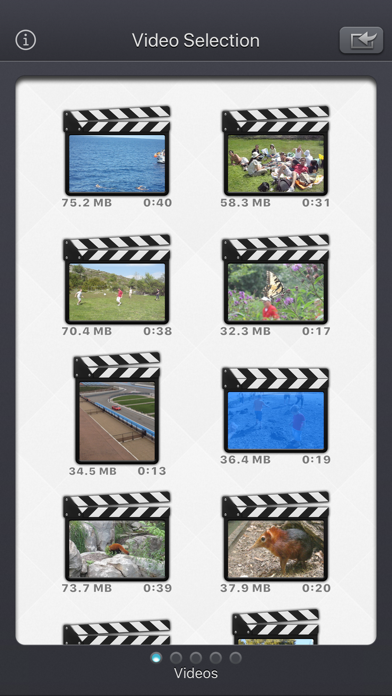
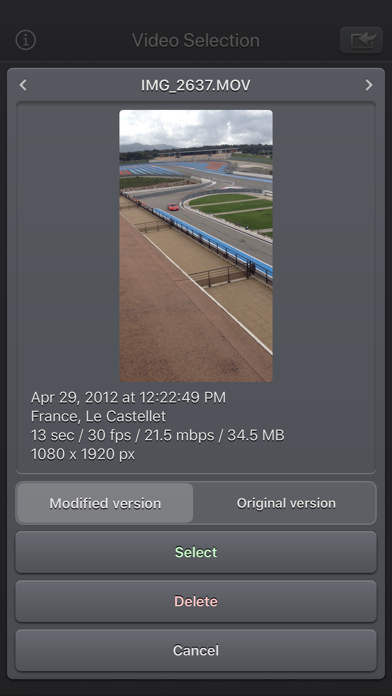
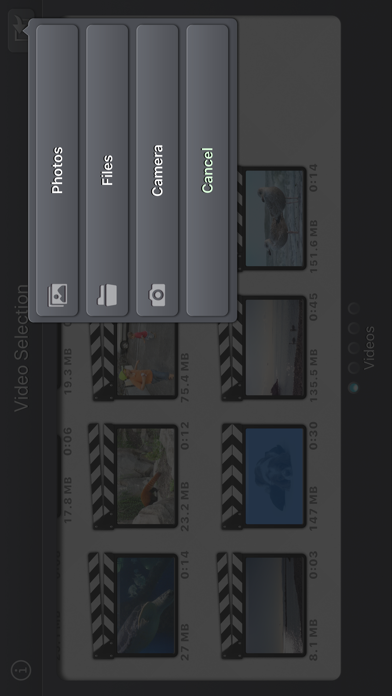
The Input video can be imported from your device in several ways. The modified version (if there is one) or the original version of the video are both available. The camera can be used directly to record a video if needed. You can also connect your device to your computer in order to drag and drop specific videos (Files feature).
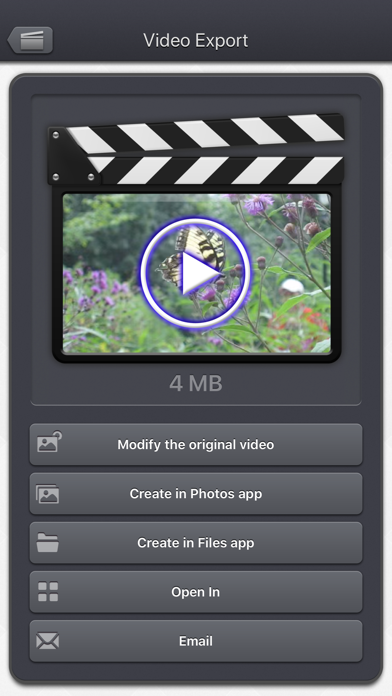
The output video can be exported in several ways. Create a new video in the Photo app or in the Files app. Directly modify the input video by adding an edited version. Share the video to another application.
This application can run, on your iPhone and your iPad, as a standalone application, a Photo Extension, or as an Action Extension (from the compatible applications like the Photo app). Portrait and Landscape orientations are supported in all screens. Dark mode of iOS13 is supported.
You will find the original and intuitive user interface, common to all our videos applications. These applications have been featured many times by Apple and various websites.
Each subscription will automatically renew 3 days before the expiration date for
the same time period. Subscriptions can be cancelled at any time before the renewal.