

WorkingHours: Time Tracker
WorkingHours: Time Tracker is made and published by Timo Partl. AppBrain is an independent app data site and isn't affiliated with Timo Partl. The app name, icon, screenshots and description belong to Timo Partl and are shown as published on the App Store.
AppBrain's verdict
- Last updated
- October 8, 2026
- Size
- 18.3 MB
User feedback
Ratings and reviews on the App StoreComments on WorkingHours: Time Tracker for iOS
We don't have enough comments to show example comments. Please check back later.
Store listing
By Timo Partl, from the App Store

Description by Timo Partl Written by the developer, not by AppBrain. Click to read.
WorkingHours is a practical personal time tracker for freelancers, hourly workers, employees, contractors, consultants, and self-employed professionals.
Run the timer while you work, pause for breaks, and correct entries whenever plans change. Organize every session by task, project, and tag so your work log stays clear and billable time is easy to review.
Track and organize your time
• Start, pause, resume, and stop the work timer
• Add or edit entries manually
• Optionally subtract breaks and automatically split sessions that cross midnight
• Add tags, notes, and descriptions
• Track hourly rates, fixed fees, earnings, and overtime
• Adjust time or earnings with flexible tag rules
Understand where your time goes
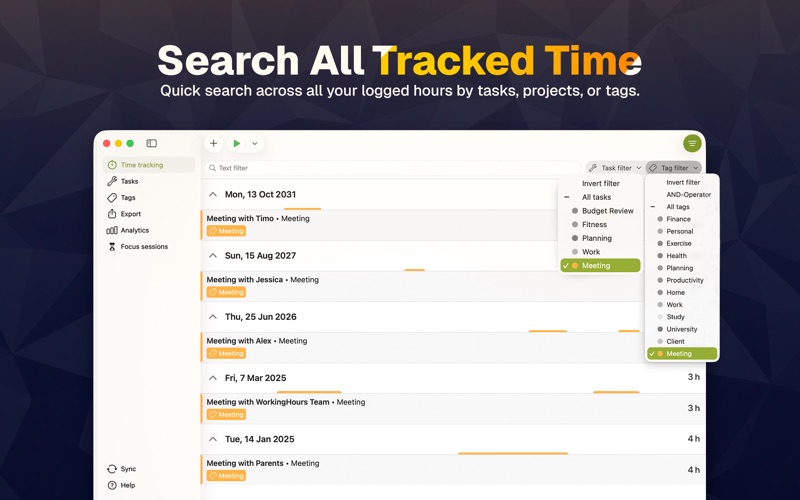
• Filter and search entries quickly
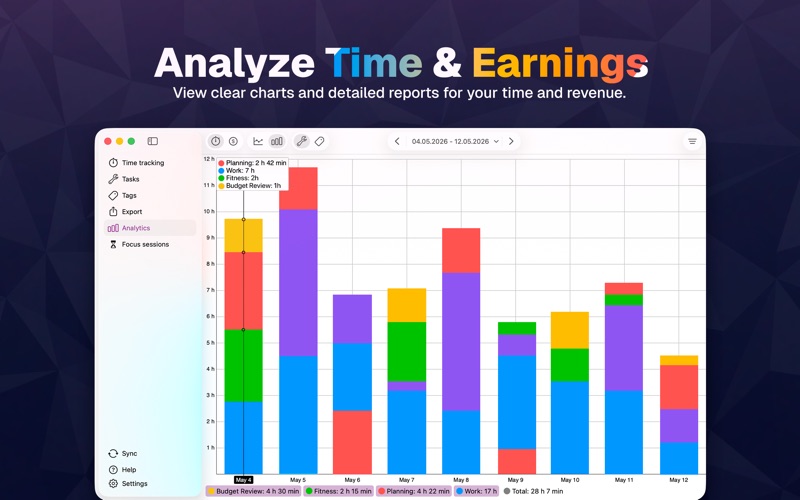
• View charts and reports by duration or revenue
• Review patterns across tasks, tags, and work periods
Export and bill with confidence
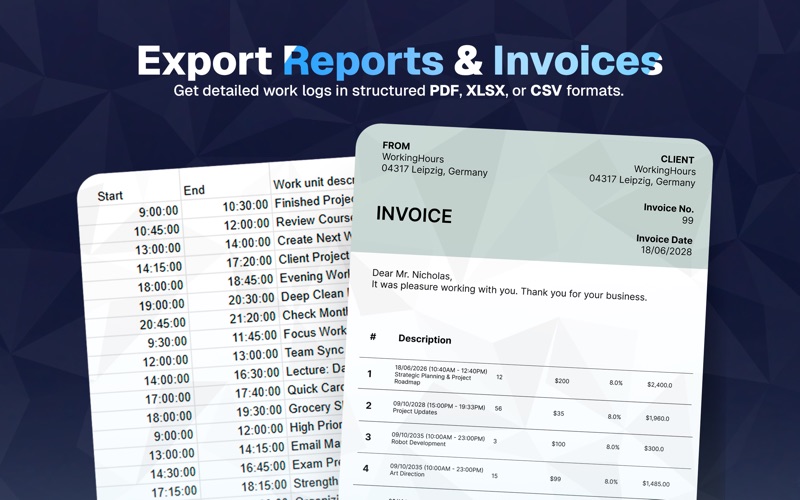
• Export timesheets to Excel or CSV
• Choose your export columns
• Group records by day, week, month, task, or tag
• Create PDF invoices from your WorkingHours data through SubTotal
Stay focused and keep records accurate
• View and import appointments from your system or Outlook calendars
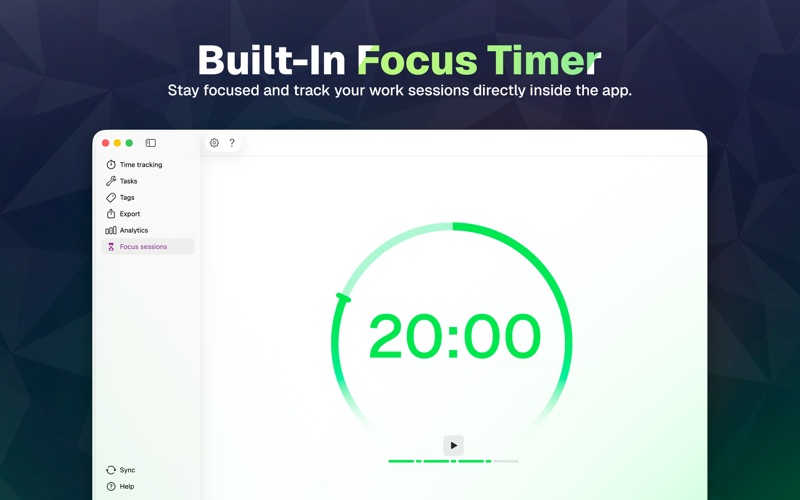
• Use Pomodoro and focus sessions
• Control the timer from the menu bar or Dock
• Detect inactivity and correct untracked time
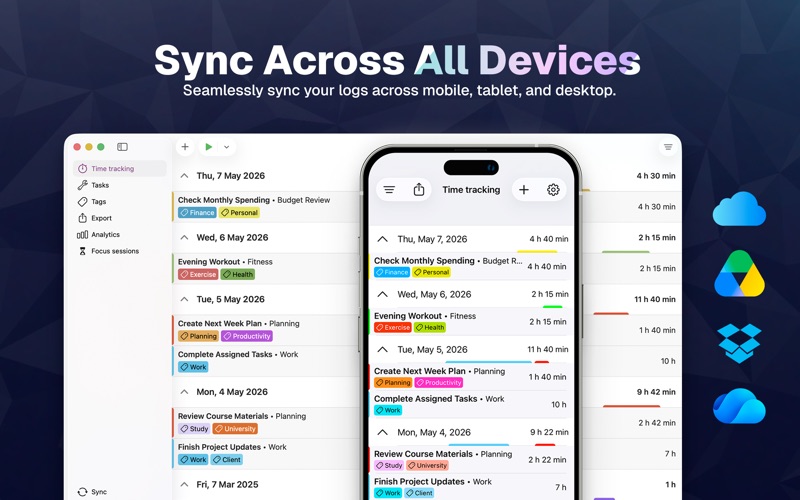
Continue your work across supported phone, tablet, laptop, and desktop versions with optional sync through your own cloud storage. Choose OneDrive, Google Drive, Dropbox, iCloud, or WebDAV. No WorkingHours account or registration is required.
WorkingHours is free to use. Some advanced features require WorkingHours Pro, which you can try for 7 days after installing.
Pro is a one-time purchase linked to your Apple ID and unlocks Pro access on macOS. A separate Pro purchase may be required on other platforms.
Safety and technology
Found in the app by AppBrain- Price
- Free
- App size
- 18.3 MB
- Content rating
- Everyone
Technologies used by WorkingHours: Time Tracker
Releases
Updates seen on the App Store- Version
- 2.19.0
- Launched
- March 2020
No changelog data
Alternatives
Similar apps and more from Timo PartlMore from Timo Partl


Rankings
App Store top chartsApp Store Rankings for WorkingHours: Time Tracker
About the app and developer
About WorkingHours: Time Tracker
WorkingHours: Time Tracker is a productivity app developed by Timo Partl.
User Ratings
The app has no ratings yet.
App Information
WorkingHours: Time Tracker is freely available from the App Store. The app size is 18.33 MB. The latest version available is 2.19.0. The last update was on October 8, 2026.
Technical Requirements
The app has a content rating of Everyone. The app has been available on the App Store since March 2020.
Developer information for Timo Partl
Address:
Frequently asked questions about WorkingHours: Time Tracker
Is WorkingHours: Time Tracker free?
Yes. WorkingHours: Time Tracker is free on the App Store.
Is WorkingHours: Time Tracker still available?
Yes. WorkingHours: Time Tracker is on the App Store, and the last update we saw was on October 8, 2026.
How large is WorkingHours: Time Tracker?
WorkingHours: Time Tracker is 18.33 MB.
Is WorkingHours: Time Tracker suitable for children?
App Store rates the content of WorkingHours: Time Tracker as suitable for everyone.
Who made WorkingHours: Time Tracker?
WorkingHours: Time Tracker was developed by Timo Partl. It is listed in the productivity category on the App Store.