

Wrench SmartProject
Wrench SmartProject is made and published by WRENCH Solutions Pvt Ltd. AppBrain is an independent app data site and isn't affiliated with WRENCH Solutions Pvt Ltd. The app name, icon, screenshots and description belong to WRENCH Solutions Pvt Ltd and are shown as published on the App Store.
AppBrain's verdict
Established- Rating on App Store
- 5.00
- 1 ratings
- Last updated
- October 28, 2026
It doesn't have enough ratings yet to judge what users think.
Rankings
App Store top chartsApp Store Rankings for Wrench SmartProject
Competitors
Similar apps and more from WRENCH Solutions Pvt LtdAlternatives to Wrench SmartProject








More from WRENCH Solutions Pvt Ltd


Also available on Google Play

Releases
Updates seen on the App Store- Version
- 2026.3.200
- Launched
- July 2019
No changelog data
User feedback
Ratings and reviews on the App StoreComments on Wrench SmartProject for iOS
We don't have enough comments to show example comments. Please check back later.
Technology
Found in the app by AppBrain- Price
- Free
- App size
- 85.9 MB
- Content rating
- Everyone
Technologies used by Wrench SmartProject
About the app and developer
About Wrench SmartProject
Wrench SmartProject is a business app developed by WRENCH Solutions Pvt Ltd.
What is the rating of Wrench SmartProject?
Wrench SmartProject is rated 5.00 out of 5 stars, based on one rating ratings.
Is Wrench SmartProject free?
Wrench SmartProject is free. The app size is 85.91 MB. The latest version available is 2026.3.200. The last update was on October 28, 2026.
What are the requirements for Wrench SmartProject?
The app has a content rating of Everyone. The app has been available on the App Store since July 2019.
Developer information for WRENCH Solutions Pvt Ltd
Address:
Store listing
By WRENCH Solutions Pvt Ltd, from the App Store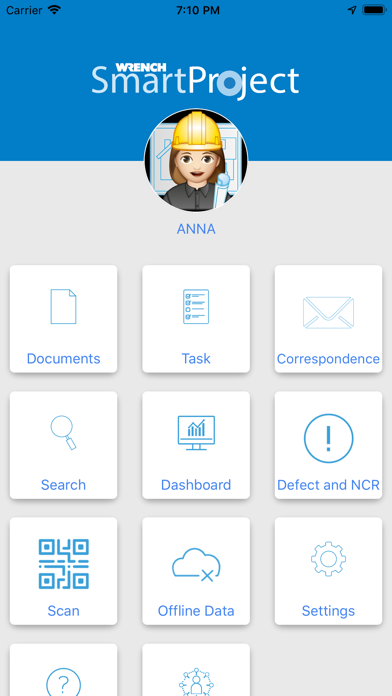



Description by WRENCH Solutions Pvt Ltd Written by the developer, not by AppBrain. Click to read.
WRENCH SmartProject is the world's most effective engineering and construction project control and EDMS solution, providing an integrated platform for the smooth digital transformation of the project delivery process, including quality management, collaboration, and information management.
WRENCH SmartProject mobile application permits you to access the application from wherever you are provided you are connected to the net.
Why WRENCH Mobile App?
Modern engineering projects, especially the infrastructure and construction projects have distributed and simultaneous project execution, involving separate project teams working across different geographies. This adds challenges in letting people access project information from a variety of devices such as desktop PCs, mobile devices and even the devices of the IOT class. WRENCH mobile application permits you to access the application from wherever you are provided you are connected to the net. WRENCH Mobile App is intended to be used on various hand held devices in a distributed project management environment.
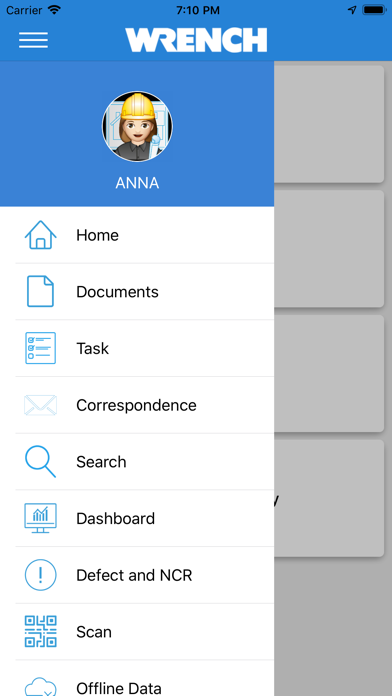
Once you log in successfully main screen is displayed. In the main screen frequently used folders will be available and various functions are available for you to choose from. Different operations can be carried out selecting these functions.
You can carry out the following operations using WRENCH Mobile App.
• Send Documents and Task to different resources
• Add documents and images
• Attach comments
• Download and View Comments
• Link and refer documents to tasks
• Update progress of task
• Search and download documents
• Search and retrieve tasks
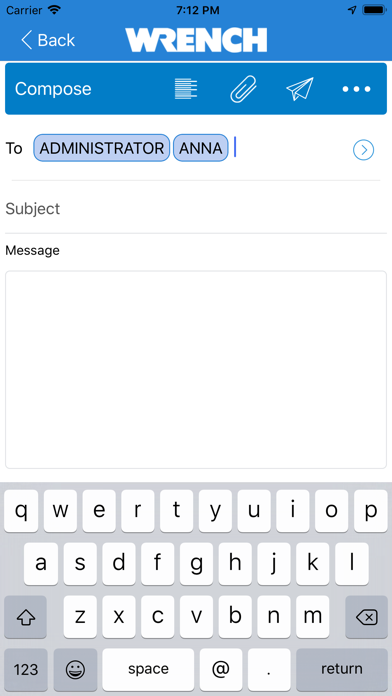
• Send Correspondence
The following options are available in the main screen.
Task: When this option is pressed list of task smart folders available in the device is displayed.
Document: When this option is pressed list of document smart folders available in the device is displayed.
Search: When this option is pressed Search window is displayed. Documents or Tasks can be searched from this window.
Settings: On pressing this option settings screen is displayed.
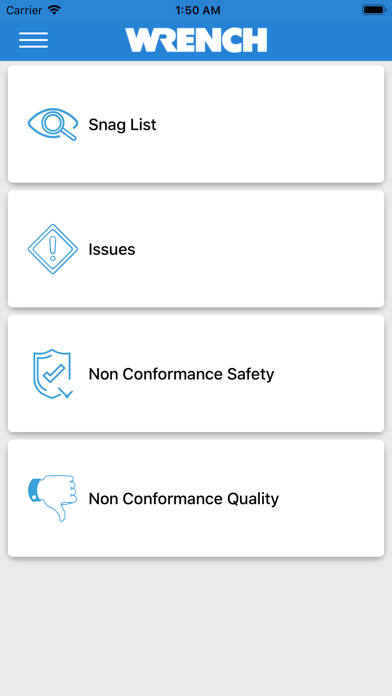
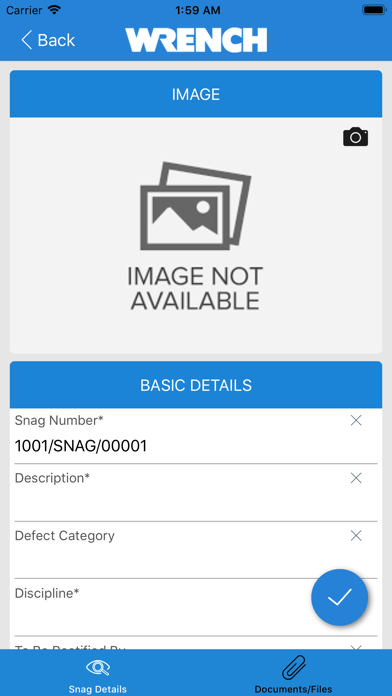
Defect and NCR:Snagging facility in WRENCH Smartproject, helps you in defining the process of inspection necessary to compile a list of minor defects or omissions in building works for the contractor to rectify is simplified. Site teams will be able to create snags on the fly, add a photo and quickly assign it to the responsible person with no paperwork. Snag feature manages and records what are typically referred to as “Snags” within the construction industry. This feature provides the site team a seamless process for creating multiple snag items and issue them to third parties without ever needing a piece of paper.
Help: When this option is pressed support page of the application is displayed. You can obtain help in carrying out different operations from this page.
Work as One: Press this option to launch WRENCH SmartProject support portal.