

Writemator - Plain Text Editor
Writemator - Plain Text Editor is made and published by Amit Chaudhary. AppBrain is an independent app data site and isn't affiliated with Amit Chaudhary. The app name, icon, screenshots and description belong to Amit Chaudhary and are shown as published on the App Store.
AppBrain's verdict
Established- Rating on App Store
- 3.97
- 58 ratings
- Last updated
- March 15, 2022
- Size
- 77.1 MB
It doesn't have enough ratings yet to judge what users think. Its best ranking is #73 in Top Paid, Productivity in Japan.
User feedback
Ratings and reviews on the App StoreComments on Writemator - Plain Text Editor for iOS
We don't have enough comments to show example comments. Please check back later.
Store listing
By Amit Chaudhary, from the App Store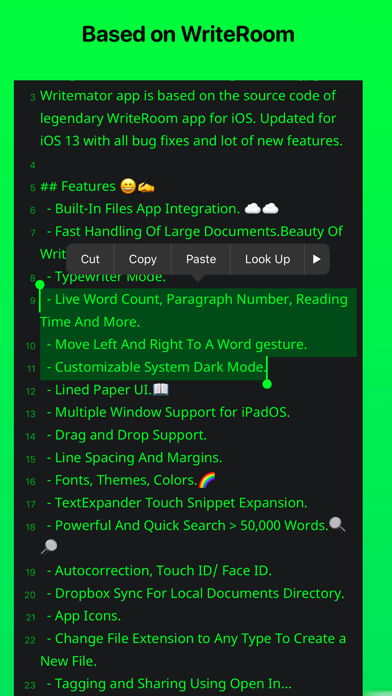
Description by Amit Chaudhary Written by the developer, not by AppBrain. Click to read.
◉ "A solid new alternative to text editors like iA Writer and 1Writer" - Federico Viticci
◉ "I like the program very much" - Michael D. Shear
◉ "Best New App for iPad and iPhone" - imore.com
◉ "The original distraction-free writing app" - idownloadblog.com
◉ "WriteRoom for iOS lives on as Writemator" - Jesse Grosjean, founder of Hog Bay Software
Writemator is based on the source code of WriteRoom app for iOS & iPadOS with all bug fixes and new features.
FEATURES:
• Based on WriteRoom source code for iOS & iPadOS. Fast handling of large documents.
• Updated for the latest iOS and iPadOS with all bug fixes and new features.
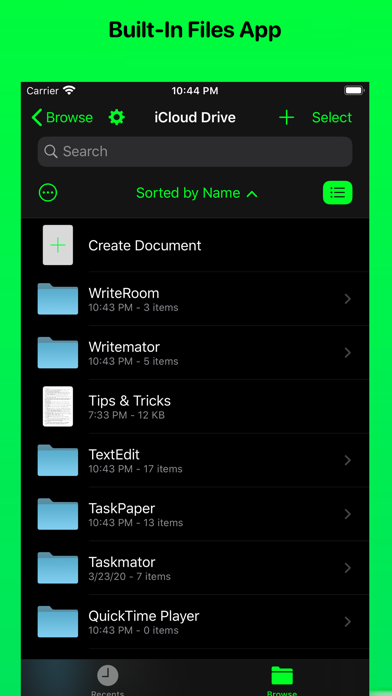
• Built-in Files App Support.
• Support Multiple Window feature for iPadOS.
• Drag and Drop Support (for items like plain text, xml, html, URLs, etc.) of iPadOS (in Split View).
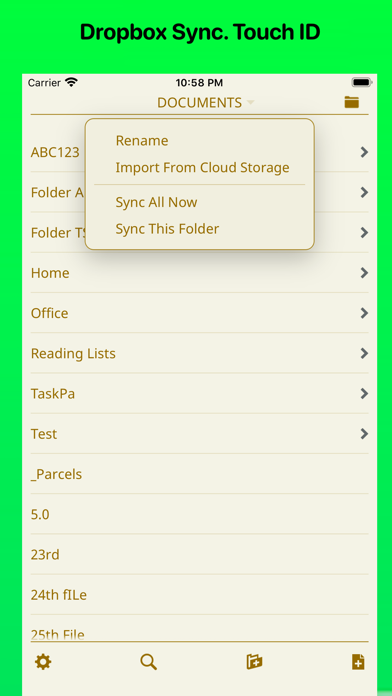
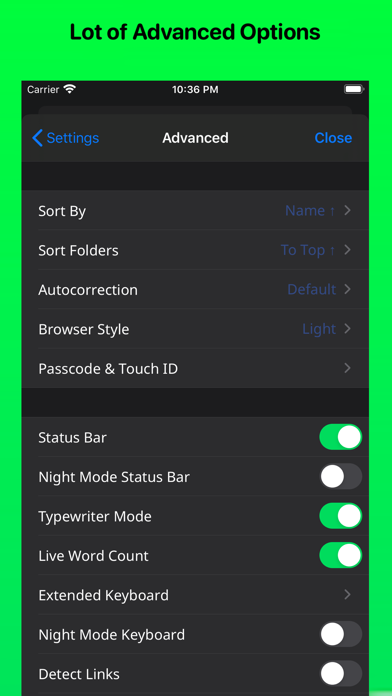
• Touch ID/ Passcode/ Face ID support.
• Search tool that lets you search for and find every document that contains your search text.
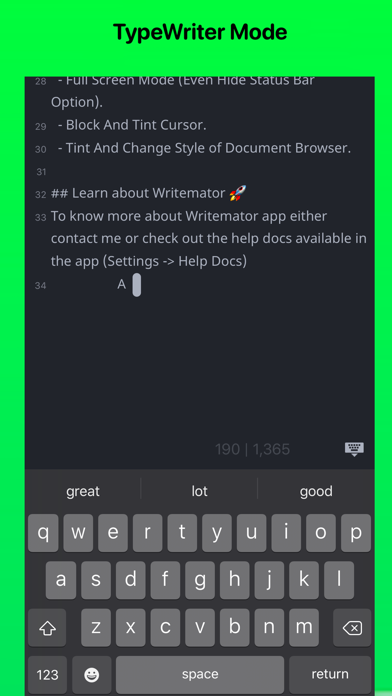
• TypeWriter Mode.
• Live Word Counter.
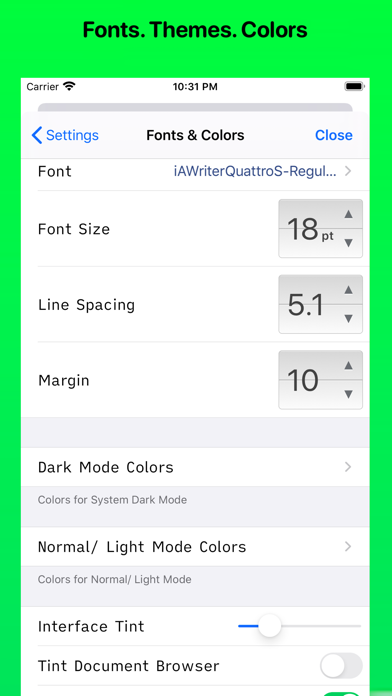
• Customizable System Dark Mode.
• Reading Time option available.
• Lined Paper option available.
• Dropbox Sync API V2. Support both "Sync Automatically" and "Manual Sync".
• Writemator allows you to choose the folder with which you link in your Dropbox account.
• Keyboard Shortcuts. Toal 58 keyboard shortcuts are available (excluding iPadOS system keyboard shortcuts).
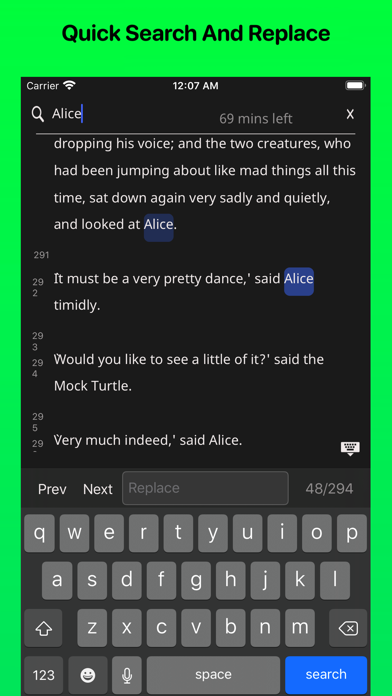
• Quick Search & Replace text feature available. Works great even for a document with more than 500,000 words.
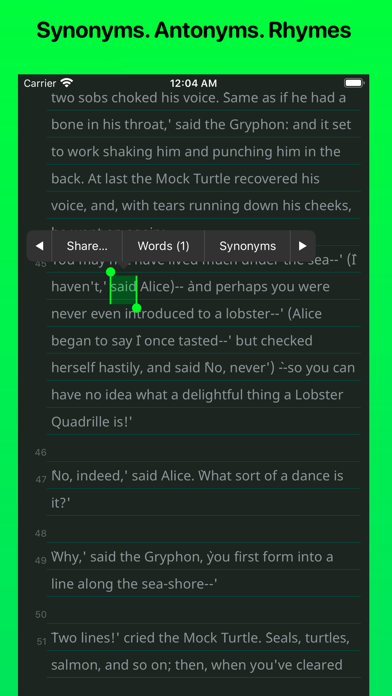
• Synonyms, Antonyms, Rhyming words for a selected word.
• Drag-to-scroll scroll bar for quick navigation bigger documents. Just like desktop app scrolling.
• In full-screen view, tap margins to move cursor toward margin (iPad only).
• Many new fonts are added like iA Writer Duospace, IBM Plex, SF UI Text, etc. More than 150 fonts are available.
• Extended keyboard row with customizable keys.
• Dark Mode keyboard.
• Support TextExpander Touch Expansion. Updated to the latest SDKs of TETouch.
• Document Picker Support. Support "Import" and "Export" methods of document picker.
• Access Writemator files in iOS Files app.
• Extra app icons available to change the app icon.
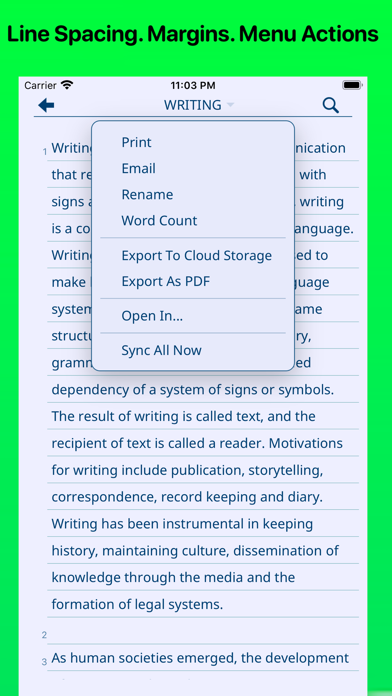
• Customize your text and background color to any color, line spacing, font size to make your own writing room.
• Line spacing is improved from the older version of WriteRoom. Margin option is available.
• Siri Shortcuts.
• Tint color option.
• Sort the folder list by name or date, descending.
• Hide or unhide status bar. Dark mode status bar for dark background
• Scroll headings during typing to hide headings.
• Rename your document or folder.
• Swipe to delete a document or a folder.
• Detect links in a document.
• Support text right to left (useful for writers for languages like in Arabic)
• Powerful URLs scheme support
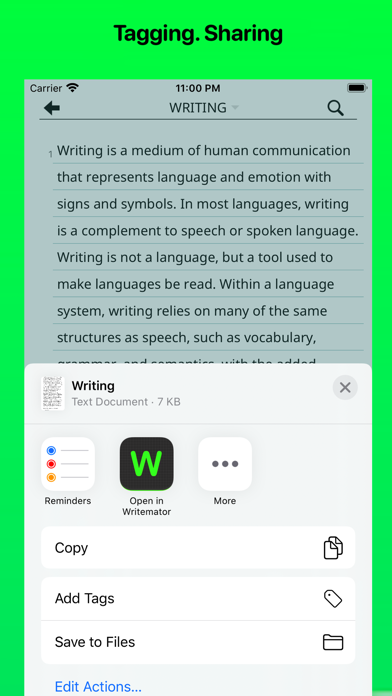
• Export and share file in PDF format.
• Hide or show file extensions ;html, css, plain text, ft, etc.
Safety and technology
Found in the app by AppBrain- Price
- $2.99
- App size
- 77.1 MB
- Content rating
- Everyone
Technologies used by Writemator - Plain Text Editor
Releases
Updates seen on the App Store- Version
- 3.46
- Launched
- December 2017
No changelog data
Alternatives
Similar apps and more from Amit ChaudharyAlternatives to Writemator - Plain Text Editor





More from Amit Chaudhary

Rankings
App Store top charts- Highest rank
- #73
- Chart
- Top Paid
- Productivity
- Country
- Japan
App Store Rankings for Writemator - Plain Text Editor
Top rankings
| Rank | Country | Category | List |
|---|---|---|---|
| 73 | Japan | Productivity | Top Paid |
Ranking history in Japan
About the app and developer
About Writemator - Plain Text Editor
Writemator - Plain Text Editor is a productivity app developed by Amit Chaudhary.
What is the rating of Writemator - Plain Text Editor?
Writemator - Plain Text Editor is rated 3.97 out of 5 stars, based on 58 ratings.
Is Writemator - Plain Text Editor free?
Writemator - Plain Text Editor costs $2.99. The app size is 77.05 MB. The latest version available is 3.46. The last update was on March 15, 2022.
What are the requirements for Writemator - Plain Text Editor?
The app has a content rating of Everyone. The app has been available on the App Store since December 2017.
Developer information for Amit Chaudhary
Address: