
xCalendar - Calendar in Excel
xCalendar - Calendar in Excel is made and published by ShenZhen SamApp Technology Development Co., Ltd. AppBrain is an independent app data site and isn't affiliated with ShenZhen SamApp Technology Development Co., Ltd. The app name, icon, screenshots and description belong to ShenZhen SamApp Technology Development Co., Ltd and are shown as published on the App Store.
AppBrain's verdict
Established- Rating on App Store
- 2.25
- 4 ratings
- Last updated
- January 9, 2019
It doesn't have enough ratings yet to judge what users think.
Rankings
App Store top chartsApp Store Rankings for xCalendar - Calendar in Excel
Competitors
Similar apps and more from ShenZhen SamApp Technology Development Co., LtdAlternatives to xCalendar - Calendar in Excel








Releases
Updates seen on the App Store- Version
- 2.3.7
- Launched
- August 2012
No changelog data
User feedback
Ratings and reviews on the App StoreComments on xCalendar - Calendar in Excel for iOS
We don't have enough comments to show example comments. Please check back later.
Technology
Found in the app by AppBrain- Price
- $2.99
- App size
- 27.5 MB
- Content rating
- Everyone
Technologies used by xCalendar - Calendar in Excel
About the app and developer
About xCalendar - Calendar in Excel
xCalendar - Calendar in Excel is a productivity app developed by ShenZhen SamApp Technology Development Co., Ltd.
User Ratings
xCalendar - Calendar in Excel is rated 2.25 out of 5 stars. The rating is based on 4 ratings.
App Information
xCalendar - Calendar in Excel costs $2.99. The app size is 27.47 MB. The latest version available is 2.3.7. The last update was on January 9, 2019.
Technical Requirements
The app has a content rating of Everyone. The app has been available on the App Store since August 2012.
Developer information for ShenZhen SamApp Technology Development Co., Ltd
Store listing
By ShenZhen SamApp Technology Development Co., Ltd, from the App Store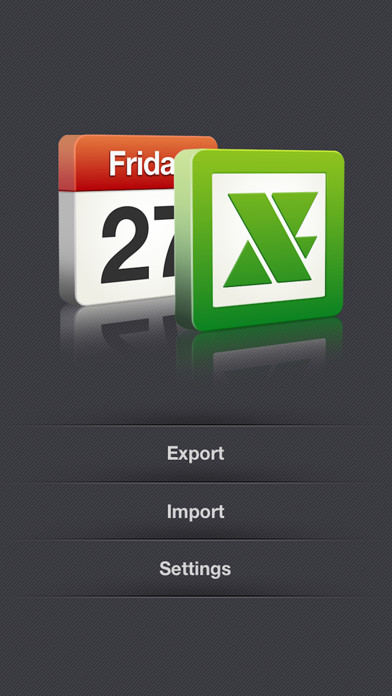
Description by ShenZhen SamApp Technology Development Co., Ltd Written by the developer, not by AppBrain. Click to read.
xCalendar exports all of your events from your iPhone or iPad to an Excel file by email, USB, WiFi and Dropbox. You can then modify and maintain your schedule easily and conveniently on your computer using Excel, Numbers, OpenOffice or any other Excel-compatible application.
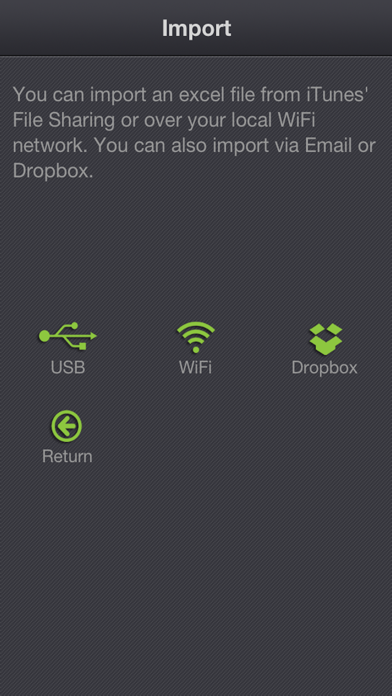
Importing your schedule is also an easy thing to do. You can import an Excel file to your iPhone or iPad by email, USB, WiFi and Dropbox. xCalendar can update the existing events and add new events during import.
Features include:
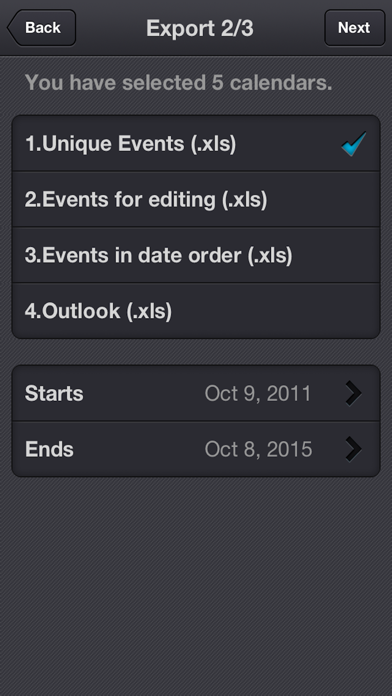
1. Export all events from all iPhone supported calendars(Local, Exchange, CalDAV, Subscription, Birthday).
2. Export all unique events by merging all recurring events.
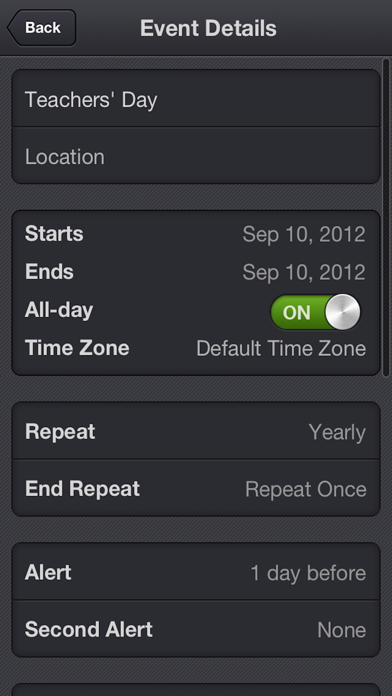
3. Export all fields in the Event view of your iPhone’s built-in Calendar application, including title, location, dates, times, alarms, recurrence, etc.
4. Support for Excel 97-2003 file format (.xls), it is the most widely supported Excel file format. You can use MS Office 2003/2007/2010, OpenOffice.org, MAC Office, MAC Numbers to open and edit.
5. Keep a back-up copy of your Calendar events in Dropbox.
6. Export a calendar via email, it’s an easy way to share your personal calendar with your friends.
7. Export events to an excel file which can be imported into Outlook.
8. Import events from an Outlook Excel file (only available in the full version).
9. Import events from an Excel file to iCloud or Exchange Calendar.
10. Import unlimited number of events in seconds.
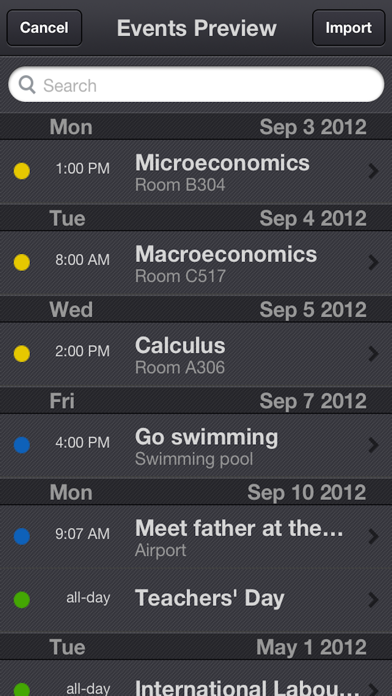
11. Preview the events which have been imported before saving them.
12. Add a new event if it does not already exist during import.
13. Update the existing events based on the title of the event and the calendar name during the import.
14. Create a new local calendar if it does not exist.
15. Support pages are provided to help you create your schedule on the spreadsheet.