

AddMovie
AddMovie is made and published by Limit Point Software. AppBrain is an independent app data site and isn't affiliated with Limit Point Software. The app name, icon, screenshots and description belong to Limit Point Software and are shown as published on the App Store.
AppBrain's verdict
Established- Rating on App Store
- 4.00
- 4 ratings
- Last updated
- May 14, 2026
It doesn't have enough ratings yet to judge what users think.
Rankings
App Store top chartsApp Store Rankings for AddMovie
Competitors
Similar apps and more from Limit Point SoftwareAlternatives to AddMovie








More from Limit Point Software








Releases
Updates seen on the App Store- Version
- 2.7.2
- Launched
- August 2018
No changelog data
User feedback
Ratings and reviews on the App StoreComments on AddMovie for iOS
We don't have enough comments to show example comments. Please check back later.
Technology
Found in the app by AppBrain- Price
- Free
- App size
- 154.0 MB
- Content rating
- Everyone
Technologies used by AddMovie
About the app and developer
About AddMovie
AddMovie is a photo & video app developed by Limit Point Software.
What is the rating of AddMovie?
AddMovie is rated 4.00 out of 5 stars, based on 4 ratings.
Is AddMovie free?
AddMovie is free. The app size is 153.99 MB. The latest version available is 2.7.2. The last update was on May 14, 2026.
What are the requirements for AddMovie?
The app has a content rating of Everyone. The app has been available on the App Store since August 2018.
Developer information for Limit Point Software
Address:
Store listing
By Limit Point Software, from the App Store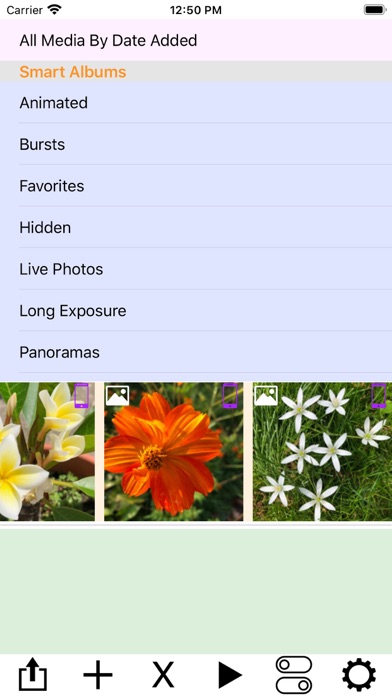
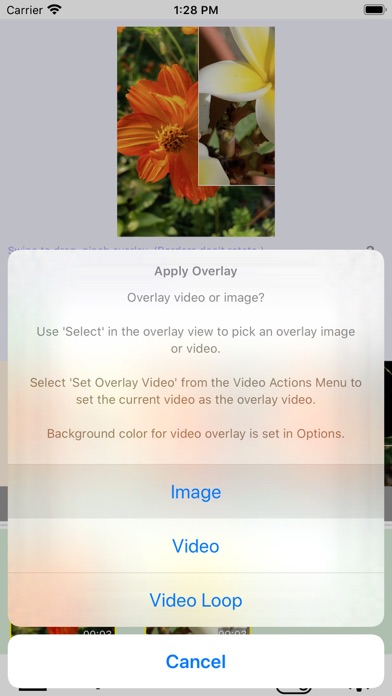
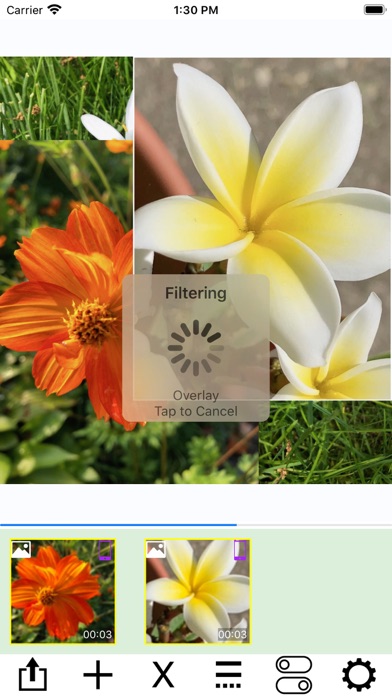
Description by Limit Point Software Written by the developer, not by AppBrain. Click to read.
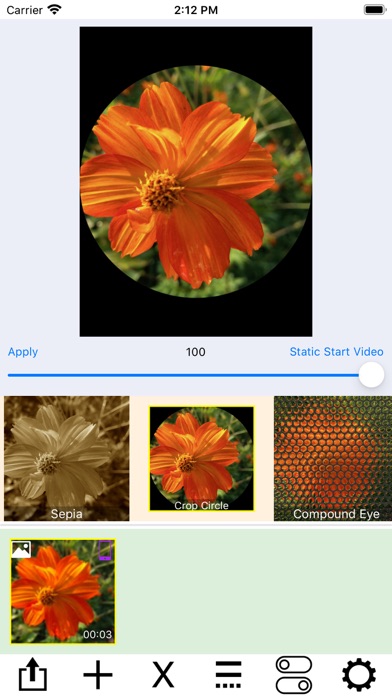
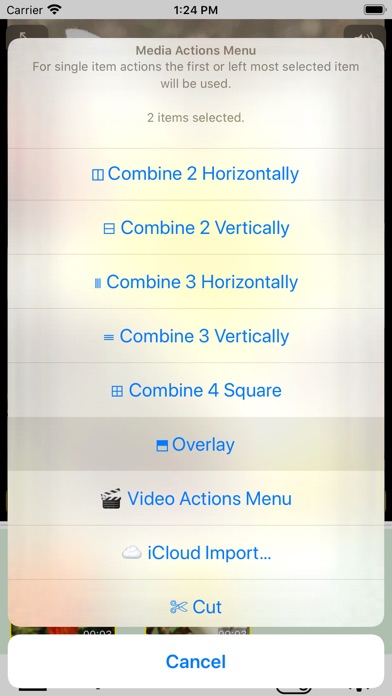
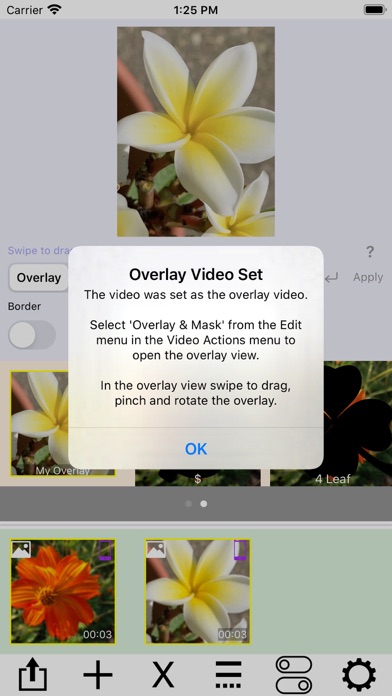
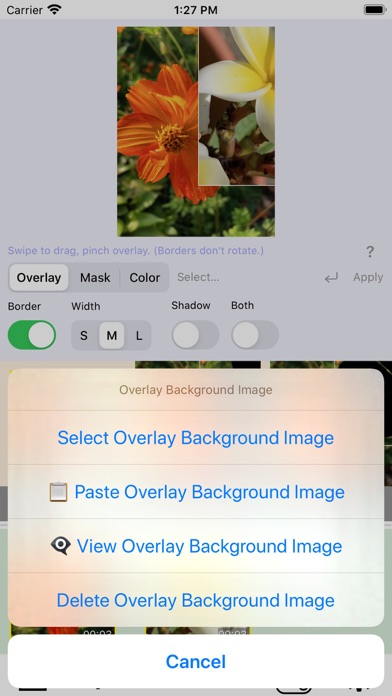
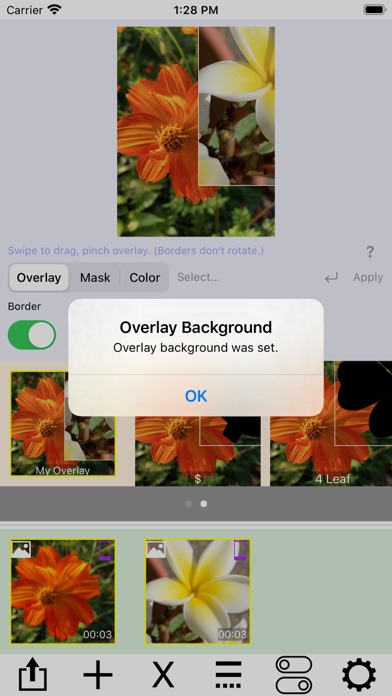
Live Photos and still images are automatically converted to video, enabling powerful editing actions such as filtering, trimming, cropping, rotating, labeling, and overlaying. Combine multiple videos using layouts like side-by-side, stacked, grids, or sliding conveyors.
At the top of the screen, a picker displays your photo albums. Tap an album to browse its contents in the scrollable media collection below. Tap a media item to add it to your project. Use the media actions menu—accessed from the rightmost button—to import from iCloud, paste new media, or merge items.
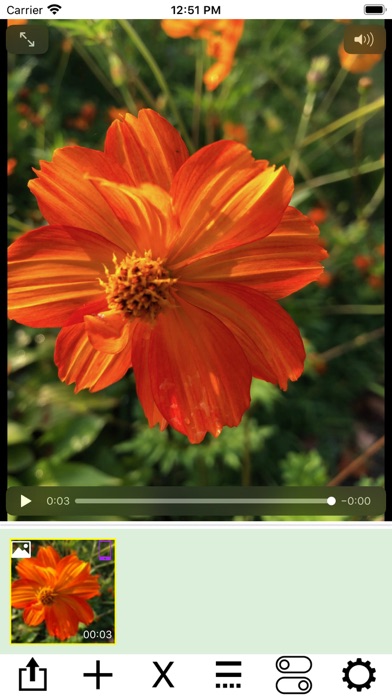
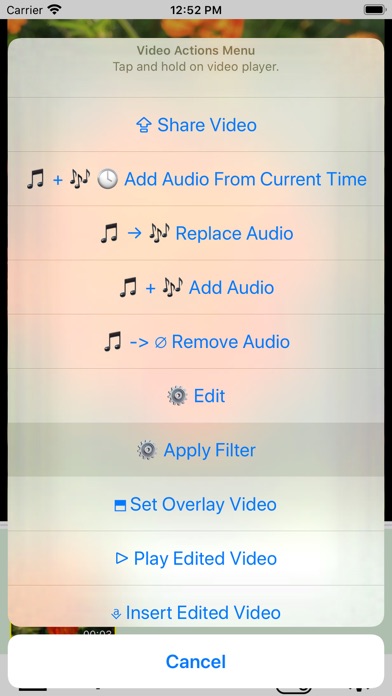
AddMovie also supports importing media via share menus in other apps. Tap any media item to preview it, or tap and hold to open the video actions menu for editing.
AddMovie ensures video color accuracy by converting ProRes and other formats to H.264, providing the best compatibility across devices.