

Photo Cube - Animated Art
Photo Cube - Animated Art is made and published by Limit Point Software. AppBrain is an independent app data site and isn't affiliated with Limit Point Software. The app name, icon, screenshots and description belong to Limit Point Software and are shown as published on the App Store.
AppBrain's verdict
Established- Rating on App Store
- 3.29
- 7 ratings
- Last updated
- May 20, 2023
- Size
- 134.8 MB
It doesn't have enough ratings yet to judge what users think.
User feedback
Ratings and reviews on the App StoreComments on Photo Cube - Animated Art for iOS
We don't have enough comments to show example comments. Please check back later.
Store listing
By Limit Point Software, from the App Store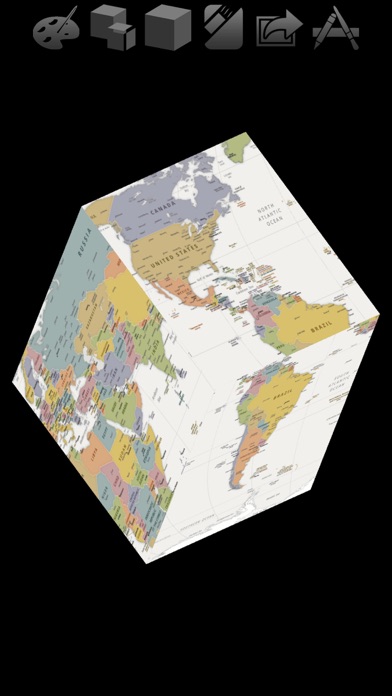
Description by Limit Point Software Written by the developer, not by AppBrain. Click to read.
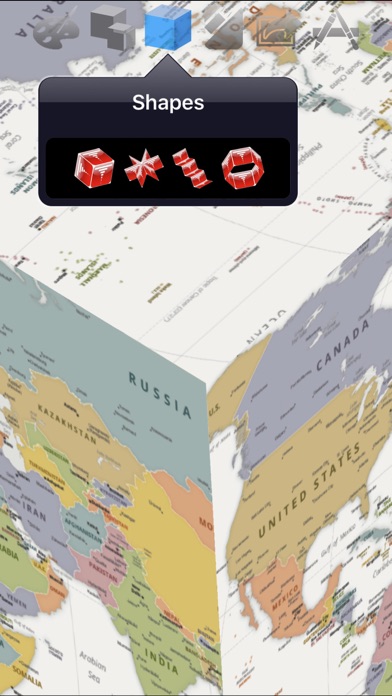
Tumble and spin the shapes. Listen to your music as it precesses in space.
Record the graphics to video accompanied with your own music. Its a great way to share your favorite photos.
If you record enough frames and your audio duration is short enough you can create cool slow motion videos because arbitrarily fast frame rates are supported.
You can now use any of your own photo albums or videos for such animation. This enables you to create video animations of photos or video frames that for artwork, specific events, topics, people etc.
Edit photos: Add MEME, Crop, Adjust, Filter and more.
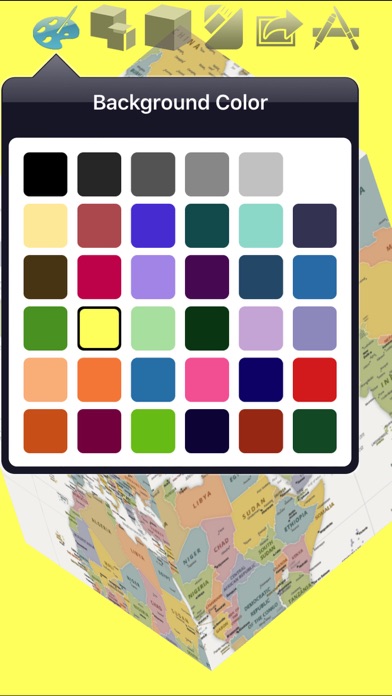
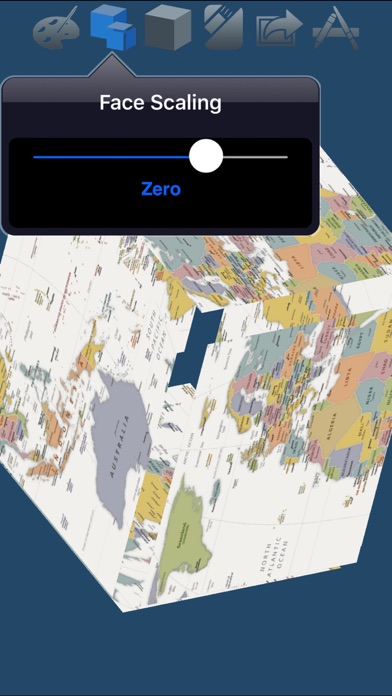
Tap the shape faces to set their photo.
Or use the 'Faces Video…' Options menu item to set all faces of the 3D shape to a video. Optionally set the audio to the video audio.
Generating Videos
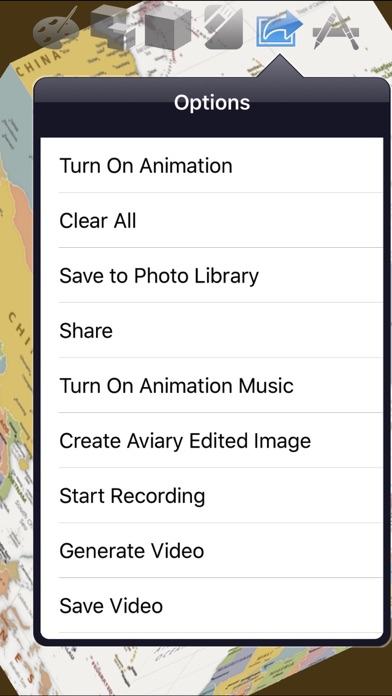
Generate videos that include audio from your music library. Access this new feature from the options menu:
1) Choose 'Start Recording' to record frames of the graphic. During the recording manually adjust the graphic or turn on animation.
2) Record as many frames as you want - up to the maximum determined by space available on your device. The record view shows the duration* of the frames recorded, as well as a countdown to maximum allowed.
*Assuming you do not generate a video with audio. In that case the duration will match the audio.
Preferably record enough frames to match the duration of the audio you select in the next step. That ensures the playback is smooth at common frame rates.
You can access the folder of recorded frames using iTunes File Sharing. See more about this below.
3) When recording is done choose 'Generate Video' to create the video from the recorded frames.
You will be presented with an option to select audio from your music library.
You can choose a different audio file each time you generate a video with the current collection of recorded frames.
You can save the video to your Photos library when it is complete, or at a later time using the 'Save Video' Options menu item.
You can also access the generated video using iTunes File Sharing. See more about this below.
4) Generate video again! You can reuse the recorded frames as many times as you like with different audio files.
5) File Sharing: You can access the recorded frames, generated video, as well as the audio recording, using iTunes File Sharing.
Note that this has a consequence for 'advanced users': You can store the recorded files on your computer and then restore them at a later time.
Simply drag and drop folders to and from the file sharing pane of Photo Cube in iTunes.
Note: the folder of recorded frames must be called 'Photo Directory'.
Slow Motion Animation
Since arbitrarily fast frame rates are supported you can make slow motion videos simply by recording enough frames for the given audio duration.
For example, if you record 875 frames and use an audio with duration of 7 seconds the frame rate will be 125 fps (125 x 7 = 875). This frame rate will likely be interpreted as a slow motion video.
However, when this situation arises you are presented with an alert that provides the option to truncate the number of frames to a value that creates a standard frame rate for the audio chosen.
Enjoy.
Safety and technology
Found in the app by AppBrain- Price
- Free
- App size
- 134.8 MB
- Content rating
- Everyone
Technologies used by Photo Cube - Animated Art
Releases
Updates seen on the App Store- Version
- 1.6.7
- Launched
- September 2011
No changelog data
Alternatives
Similar apps and more from Limit Point SoftwareAlternatives to Photo Cube - Animated Art






More from Limit Point Software







Rankings
App Store top chartsApp Store Rankings for Photo Cube - Animated Art
About the app and developer
About Photo Cube - Animated Art
Photo Cube - Animated Art is a photo & video app developed by Limit Point Software.
What is the rating of Photo Cube - Animated Art?
Photo Cube - Animated Art is rated 3.29 out of 5 stars, based on 7 ratings.
Is Photo Cube - Animated Art free?
Photo Cube - Animated Art is free. The app size is 134.84 MB. The latest version available is 1.6.7. The last update was on May 20, 2023.
What are the requirements for Photo Cube - Animated Art?
The app has a content rating of Everyone. The app has been available on the App Store since September 2011.
Developer information for Limit Point Software
Address:
Frequently asked questions about Photo Cube - Animated Art
Is Photo Cube - Animated Art free?
Yes. Photo Cube - Animated Art is free on the App Store.
Is Photo Cube - Animated Art still available?
Yes. Photo Cube - Animated Art is on the App Store, and the last update we saw was on May 20, 2023.
How large is Photo Cube - Animated Art?
Photo Cube - Animated Art is 134.84 MB.
Is Photo Cube - Animated Art suitable for children?
App Store rates the content of Photo Cube - Animated Art as suitable for everyone.
How do people rate Photo Cube - Animated Art?
Photo Cube - Animated Art scores 3.29 out of 5 stars, from 7 ratings on the App Store.
Who made Photo Cube - Animated Art?
Photo Cube - Animated Art was developed by Limit Point Software. It is listed in the photo & video category on the App Store.
What are the best alternatives to Photo Cube - Animated Art?
People looking at Photo Cube - Animated Art also look at these photo & video apps: Photo Video Maker & Editor, Dream Image, Engraver handmade etching, Random Gallery, Subliminal Video - HD.