

Calculator 2024
Calculator 2024 is made and published by Mudarmeen Munlin. AppBrain is an independent app data site and isn't affiliated with Mudarmeen Munlin. The app name, icon, screenshots and description belong to Mudarmeen Munlin and are shown as published on the App Store.
AppBrain's verdict
- Last updated
- September 20, 2024
Rankings
App Store top chartsApp Store Rankings for Calculator 2024
Competitors
Similar apps and more from Mudarmeen MunlinAlternatives to Calculator 2024


More from Mudarmeen Munlin





Releases
Updates seen on the App Store- Version
- 1.12
- Launched
- November 2022
No changelog data
User feedback
Ratings and reviews on the App StoreComments on Calculator 2024 for iOS
We don't have enough comments to show example comments. Please check back later.
Technology
Found in the app by AppBrain- Price
- Free
- App size
- 13.0 MB
- Content rating
- Everyone
Technologies used by Calculator 2024
About the app and developer
About Calculator 2024
Calculator 2024 is a finance app developed by Mudarmeen Munlin.
User Ratings
The app has no ratings yet.
App Information
Calculator 2024 is freely available from the App Store. The app size is 12.95 MB. The latest version available is 1.12. The last update was on September 20, 2024.
Technical Requirements
The app has a content rating of Everyone. The app has been available on the App Store since November 2022.
Developer information for Mudarmeen Munlin
Address:
Store listing
By Mudarmeen Munlin, from the App Store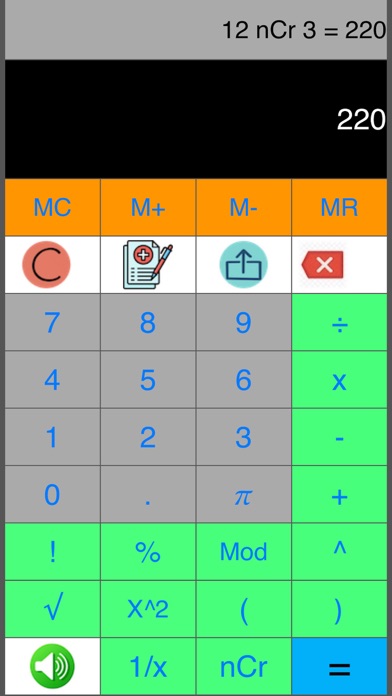





Description by Mudarmeen Munlin Written by the developer, not by AppBrain. Click to read.
Students, scientists, accountants, merchants, anyone can easily use it for a instant result.
Usage:
-equation string, e.g. 1+2x3-4÷5.0-.2+1+2^5 = 39
-VAT % calculation, e.g. 7 % x 56000 = 3,920
-Auto Floating point operation, e.g. 11÷2 = 5.5
11.0÷2 = 5.5
11÷2.0 = 5.5
-compound operators and precedence +, -, x, ÷, ^, e.g. 1+2x3÷4-5 = -2.5
1+2x3÷4.0-5 = -2.5
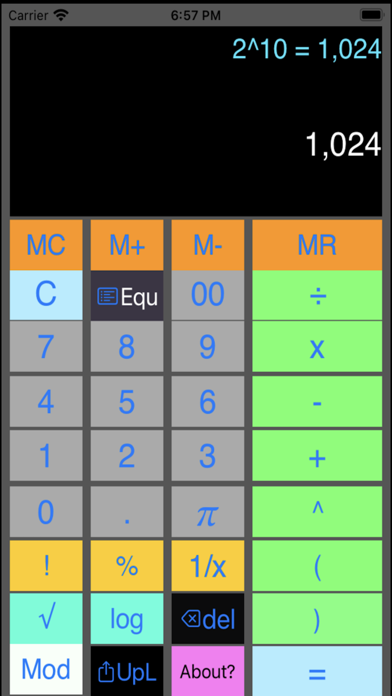
2^10 = 1024
-use parenthesis ( ) as highest operator precedence. e.g. (3+6)x2-3÷2 = 16.5
-always use parenthesis to prevent ambiguity, e.g. √9+2 means √11, to get √9 plus 2, equation must be (√9)+2, result: (√9)+2 = 5
-perform x^y, e.g.2^16 = 65,536
-perform square root, e.g. tap √ , tap 6 2 5, tap = , result: √625 = 25
-compute %, e.g. to compute 5% of 300. Tap 5, tap %, tap x, tap 3 0 0, tap =, result: 0.05x300 = 15
-compute logarithm base 10, e.g. to compute log1000, Tap log, tap 1 000, tap =, result: log1000 = 3
-equation log100+10 means log110, to compute log100 plus 10, equation must be (log100)+10, result: (log100)+10 = 12
-compute natural logarithm base e, e.g. ln2, Tap ln, tap 2, tap =, result: ln2 = 0.693147
-compute factorial, e.g. 5!, Tap 5, tap !, result: 5! = 120
-compute inverse of x or 1/x, e.g. 1/25, Tap 25, tap 1/x, result: 1/25 = 0.04
-compute area of a circle with radius 5, e.g. Tap 2, tap x, tap Pi, tap x, tap 5, tap =, result: 2xPix5 = 31.4159
-Continuous computation, e.g. to compute 7.5% of 800 then add by 1000. Tap 7.5, tap %, tap x, tap 800, tap +, tap 1 000, tap =, result: 0.075x800+1000 = 1060
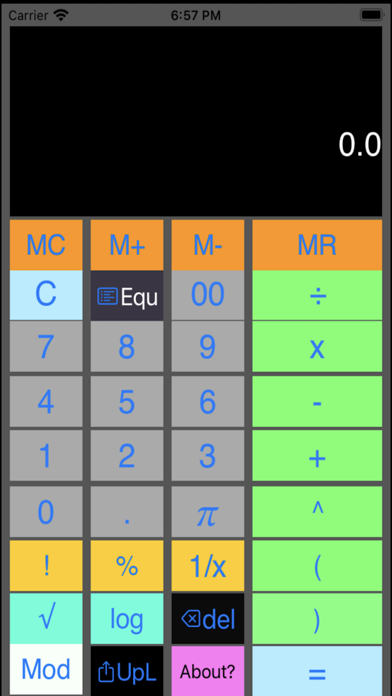
-Tap share button to share the result of the computation to other apps.
-Tap M+ to add result in memory,
-Tap M- to subtract result in memory,
-Tap MR to recall result from memory.
-Tap MC to clear result from memory.
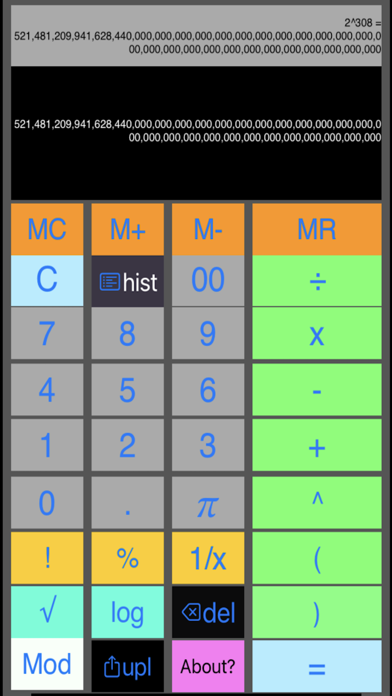
-Tap hist button to to view and select the previous calculation history.
-long press equation or result label to copy/paste equation and/or result to/from other app, e.g. 17.0+2x3-4x5÷6+7-8x9÷5+6x7-5 = 49.266667
-Tap speaker On/Off button to toggle button click sound.
Note:
-Operators (, ), +, -, x, ÷, and ^ can combine into a long equation string. e.g. 17+2x3^2-4x5÷6.0+(7-8)x9÷5.0+6x7-5 = 66.866667
-Computation follows operator precedence, e.g. 1+2x3-2^3+1 = 0
2x(3+4)÷3.0+5 = 9.666667
-Operators !, % and 1/x can only be used in a single operation or first operator in mixed operation. e.g. 5!, 6%, but not 2 + 5!, not 20 + 5%.
-but can use as first operator. e.g. 5! + 2, or 5% + 20.
- Mod operator can not be mixed with other operators, to compute 34 mod 5. Tap 3, Tap 4, tap Mod, tap 5, tap =, result: 34 Mod 5 = 4
- nCr operator can not be mixed with other operators, to compute 5 nCr 2. tap 5, tap nCr, tap 2, tap =, result: 5 nCr 2 = 10, note that, n>=r>=0.
Invalid equation:
2√9 must change to 2x√9
2log100 must change to 2xlog100
2Pi5 must change to 2xPix5
In equation, multiplication must always use x operator.