Compress Files with Zipped
Compress Files with Zipped is made and published by Historycentral.com. AppBrain is an independent app data site and isn't affiliated with Historycentral.com. The app name, icon, screenshots and description belong to Historycentral.com and are shown as published on the App Store.
AppBrain's verdict
EstablishedWell rated- Rating on App Store
- 4.26
- 465 ratings
- Last updated
- August 31, 2019
Users rate it well: 4.3 stars from 465 ratings.
Rankings
App Store top chartsApp Store Rankings for Compress Files with Zipped
Competitors
Similar apps and more from Historycentral.comAlternatives to Compress Files with Zipped

More from Historycentral.com

Releases
Updates seen on the App Store- Version
- 1.3.1
- Launched
- September 2017
No changelog data
User feedback
Ratings and reviews on the App StoreComments on Compress Files with Zipped for iOS
We don't have enough comments to show example comments. Please check back later.
Technology
Found in the app by AppBrain- Price
- $0.99
- App size
- 9.76 MB
- Content rating
- Everyone
Technologies used by Compress Files with Zipped
About the app and developer
About Compress Files with Zipped
Compress Files with Zipped is an utilities app developed by Historycentral.com.
User Ratings
Compress Files with Zipped is rated 4.26 out of 5 stars. The rating is based on 470 ratings.
App Information
Compress Files with Zipped costs $0.99. The app size is 9.76 MB. The latest version available is 1.3.1. The last update was on August 31, 2019.
Technical Requirements
The app has a content rating of Everyone. The app has been available on the App Store since September 2017.
Developer information for Historycentral.com
Address:
Store listing
By Historycentral.com, from the App StoreDescription by Historycentral.com Written by the developer, not by AppBrain. Click to read.
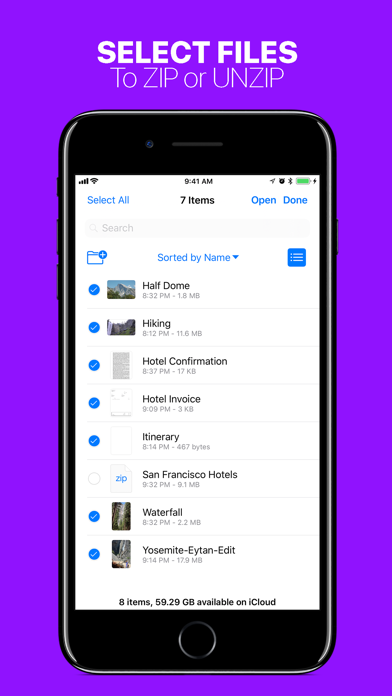
• Advanced support for Drag & Drop on iPad — Drop a ZIP file to UNZIP, or Drag in any number of files to create a ZIP.
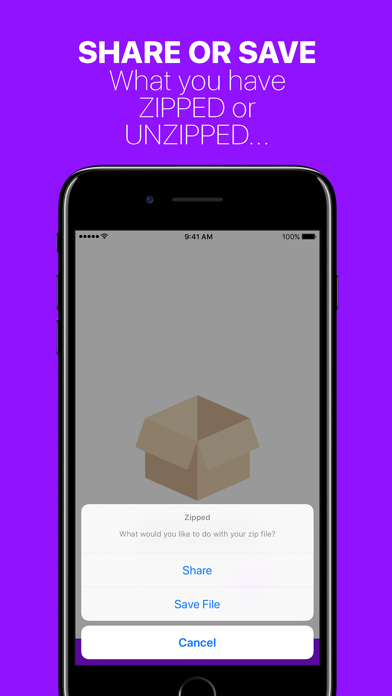
• Ability to Share your ZIP file or UNZIPPED files, or SAVE them to Files.
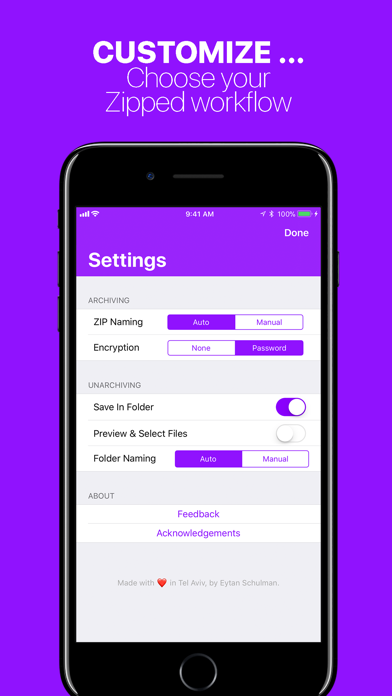
• Customizable Settings — Choose whether you would like to manually name ZIP files, or have Zipped automatically generate a name for you! Decide if you would like to unzip your ZIP file into a folder, or output simply the files themselves!
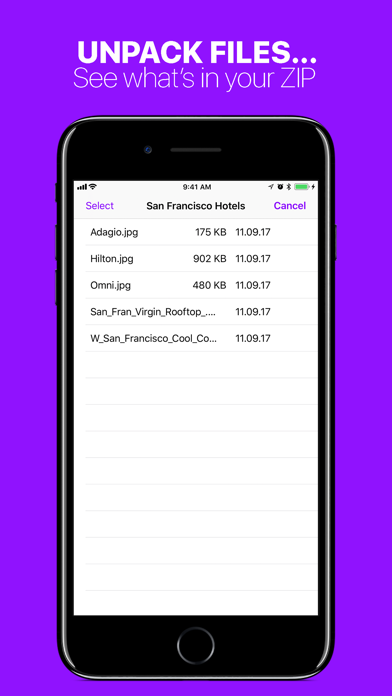
• Unarchive a ZIP into a file browser, preview your files, and selectively share or save them.
• Unarchive or Archive ZIP encrypted with a password.
• Open ZIP files from anywhere in iOS in Zipped through the 'Open In' sheet.
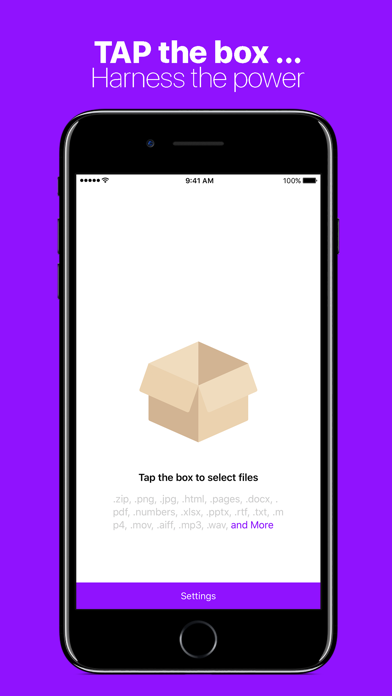
Zipped currently supports the following file types, with more to come: .zip, .png, .jpg, .html, .pages, .docx, .pdf, .numbers, .xlsx, .pptx, .rtf, .txt, .mp4, .mov, .aiff, .mp3, .wav, .psd, .caf, .md, .csv, .json, .js, md, .csv, .json, .gif, .heic, .band, .xml, .ttf, .otf
In addition to the above following types, you can also ZIP folders!