

Drawing and Writing Whiteboard
Drawing and Writing Whiteboard is made and published by Kavita Gabani. AppBrain is an independent app data site and isn't affiliated with Kavita Gabani. The app name, icon, screenshots and description belong to Kavita Gabani and are shown as published on the App Store.
AppBrain's verdict
- Rating on App Store
- 1.00
- 1 ratings
- Last updated
- October 14, 2025
- Size
- 20.2 MB
It doesn't have enough ratings yet to judge what users think.
User feedback
Ratings and reviews on the App StoreComments on Drawing and Writing Whiteboard for iOS
We don't have enough comments to show example comments. Please check back later.
Store listing
By Kavita Gabani, from the App Store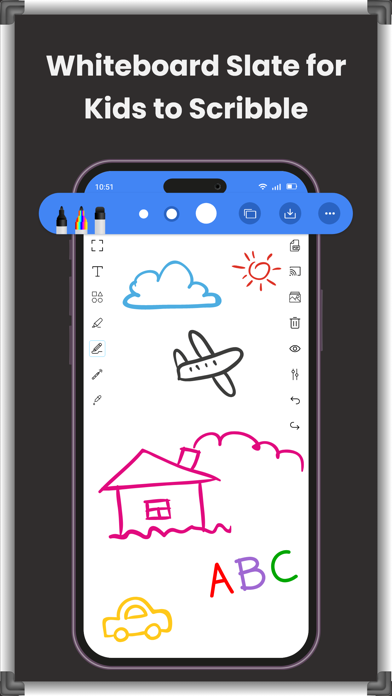
Description by Kavita Gabani Written by the developer, not by AppBrain. Click to read.
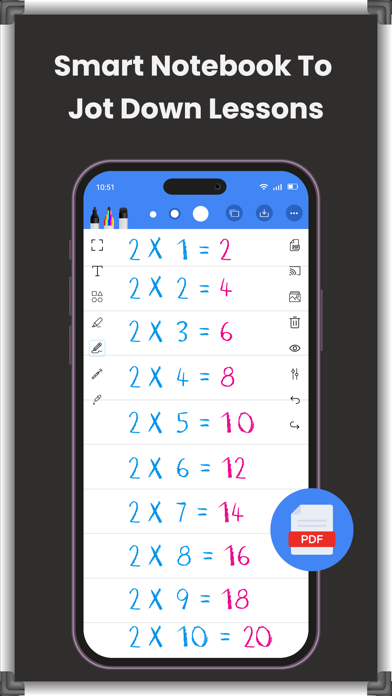
Drawing and Writing Whiteboard allows you to create and share digital whiteboard content from your mobile device. It provides you with a virtual canvas to draw, write, and add images to illustrate ideas and collaborate and share your work with others.
The chalkboard app mimics a traditional whiteboard, but has additional features such as the ability to save, erase, undo and redo actions.
It also provides various tools such as different colored pens, shapes, lines and text editing options to make your drawings more detailed and professional.
** Features of the Drawing and Writing Whiteboard: **
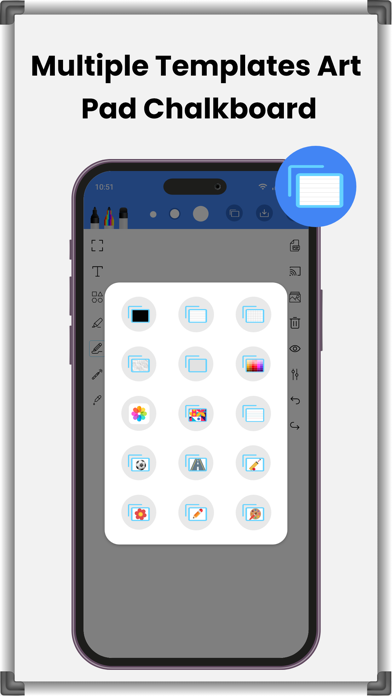
# A variety of pre-made templates to be used for specific purposes such as teaching or project management.
# Various writing and drawing tools such as pens, pencils, markers, and highlighters to draw, write or illustrate ideas in general.
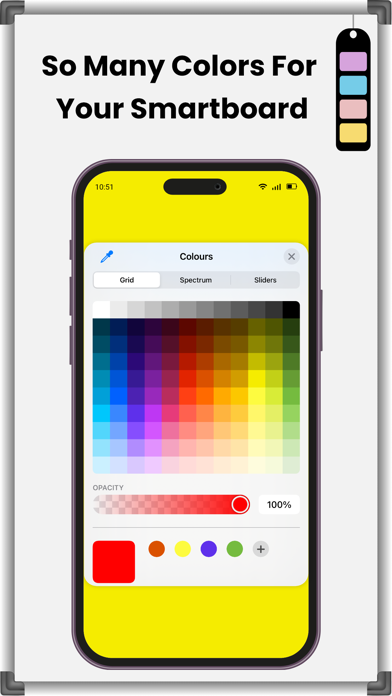
# Color and thickness options for the writing and drawing tools to create more detailed and professional content.
# Eraser tool to remove mistakes or unwanted lines from your whiteboard canvas.
# Undo/redo buttons to undo or redo changes to the action performed.
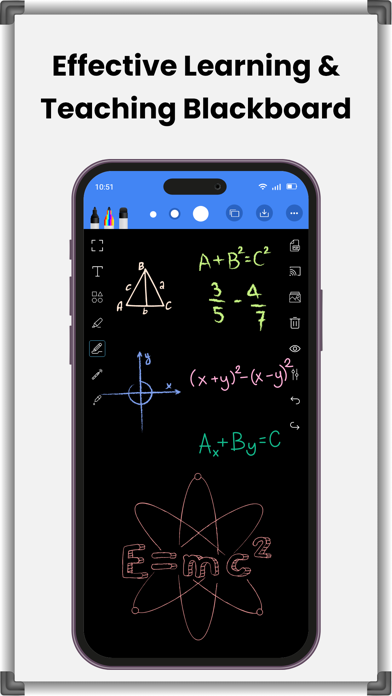
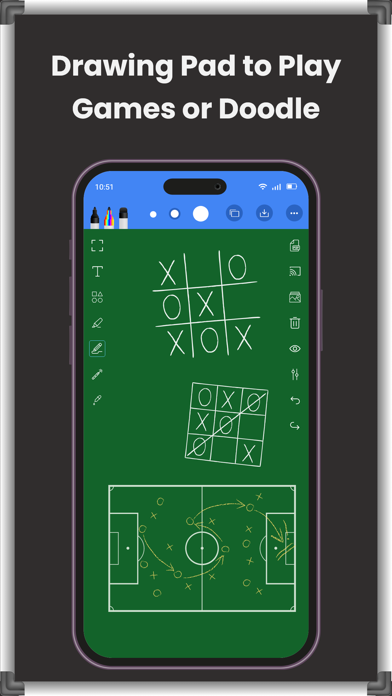
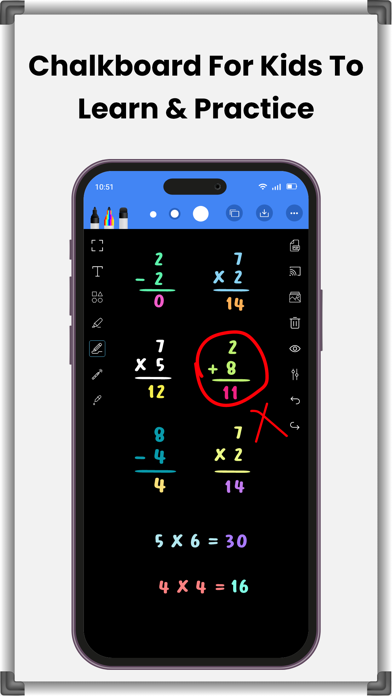
# The option of using a blackboard or a greenboard, in addition to whiteboards.
# Video recording option to record your work as video, which can be useful for creating tutorials or demos.
# Screencast option to display work on big screens that can be used for making projects and presentations.
** Sketch pad drawing board can be used to: **
# Brainstorm and share ideas and concepts with others
# Quickly sketch ideas, add notes, and modify content as needed
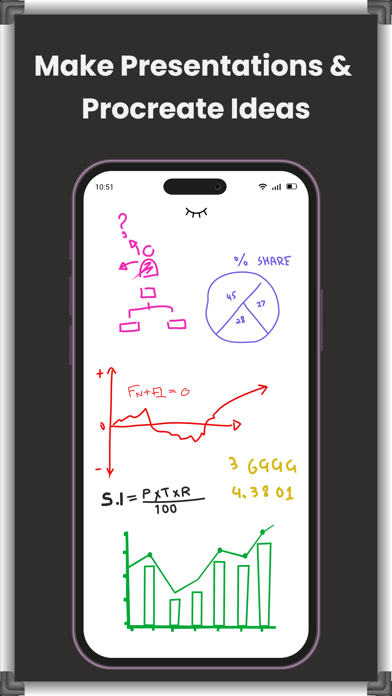
# Create engaging, interactive presentations by adding images, icons, and text to the canvas and present your ideas in visual form
# Plan and manage projects more effectively by creating project timelines, charts and other visual aids
# Create visual aids, explain complex concepts, and collaborate with students for teaching and learning purposes
# Sketch ideas, create wireframes and layouts for designing and creativity
# Collaborate and work on the same canvas and share ideas and feedback
# Organize thoughts, create to-do lists, and track progress on personal projects
** Several advantages of using the scribble chalkboard : **
# Jot down your ideas, thoughts and concepts in a fun and creative way.
# Drawsomething or write on a digital canvas to freely express yourself.
# Get flexible with digital whiteboards and edit, delete or rearrange your work.
# Draw on a chalkboard and add various images, icons and shapes.
# Smart writing whiteboard lets you share your work with others via email, social media or other messaging platforms.
# Get this digital notebook to collaborate and share ideas with others, even if they don't have the same app or device as you.
# Drawing whiteboard pad lets you create as many digital whiteboards as you need hence making it a cost-effective alternative to physical whiteboards and markers that can be expensive to purchase and maintain.
# Get an interactive whiteboard to experience the convenience of creating and accessing your work anytime, anywhere and free yourself from the burden of carrying a physical whiteboard or markers.
Overall, the whiteboard offers many benefits and can be used to explain everything from education and business to personal expression and creativity, making it a versatile and useful tool.
So get the Drawing and Writing Whiteboard now to experience the power of digital collaboration and take your creativity to the next level.
Safety and technology
Found in the app by AppBrain- Price
- Free
- App size
- 20.2 MB
- Content rating
- Everyone
Technologies used by Drawing and Writing Whiteboard
Releases
Updates seen on the App Store- Version
- 1.0.7
- Launched
- April 2023
No changelog data
Alternatives
Similar apps and more from Kavita GabaniAlternatives to Drawing and Writing Whiteboard






More from Kavita Gabani


Rankings
App Store top chartsApp Store Rankings for Drawing and Writing Whiteboard
About the app and developer
About Drawing and Writing Whiteboard
Drawing and Writing Whiteboard is a productivity app developed by Kavita Gabani.
What is the rating of Drawing and Writing Whiteboard?
Drawing and Writing Whiteboard is rated 1.00 out of 5 stars, based on one rating ratings.
Is Drawing and Writing Whiteboard free?
Drawing and Writing Whiteboard is free. The app size is 20.17 MB. The latest version available is 1.0.7. The last update was on October 14, 2025.
What are the requirements for Drawing and Writing Whiteboard?
The app has a content rating of Everyone. The app has been available on the App Store since April 2023.
Developer information for Kavita Gabani
Address:
Frequently asked questions about Drawing and Writing Whiteboard
Is Drawing and Writing Whiteboard free?
Yes. Drawing and Writing Whiteboard is free on the App Store.
Is Drawing and Writing Whiteboard still available?
Yes. Drawing and Writing Whiteboard is on the App Store, and the last update we saw was on October 14, 2025.
How large is Drawing and Writing Whiteboard?
Drawing and Writing Whiteboard is 20.17 MB.
Is Drawing and Writing Whiteboard suitable for children?
App Store rates the content of Drawing and Writing Whiteboard as suitable for everyone.
How do people rate Drawing and Writing Whiteboard?
Drawing and Writing Whiteboard has one rating of 1.00 stars on the App Store.
Who made Drawing and Writing Whiteboard?
Drawing and Writing Whiteboard was developed by Kavita Gabani. It is listed in the productivity category on the App Store.
What are the best alternatives to Drawing and Writing Whiteboard?
People looking at Drawing and Writing Whiteboard also look at these productivity apps: pinnery, Notator | Annotate Documents, HVAC Psychrometric Plus, One Wall Street App, Whiteboard-note-.