
Lutron Home Control+ LEGACY
Lutron Home Control+ LEGACY is made and published by Lutron Electronics co., Inc. AppBrain is an independent app data site and isn't affiliated with Lutron Electronics co., Inc. The app name, icon, screenshots and description belong to Lutron Electronics co., Inc. and are shown as published on the App Store.
AppBrain's verdict
Established- Rating on App Store
- 2.37
- 49 ratings
- Last updated
- May 20, 2021
- Size
- 51.6 MB
It doesn't have enough ratings yet to judge what users think.
User feedback
Ratings and reviews on the App StoreComments on Lutron Home Control+ LEGACY for iOS
We don't have enough comments to show example comments. Please check back later.
Store listing
By Lutron Electronics co., Inc., from the App Store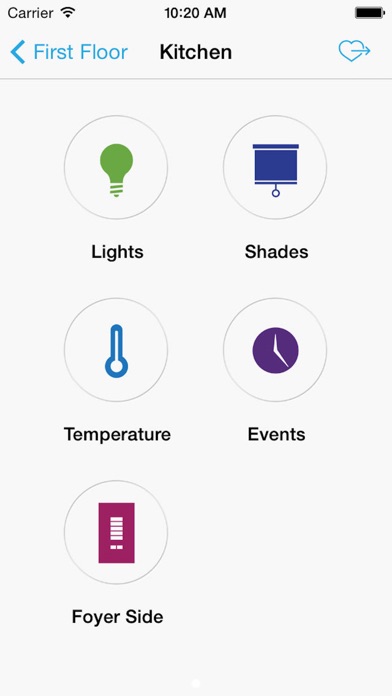
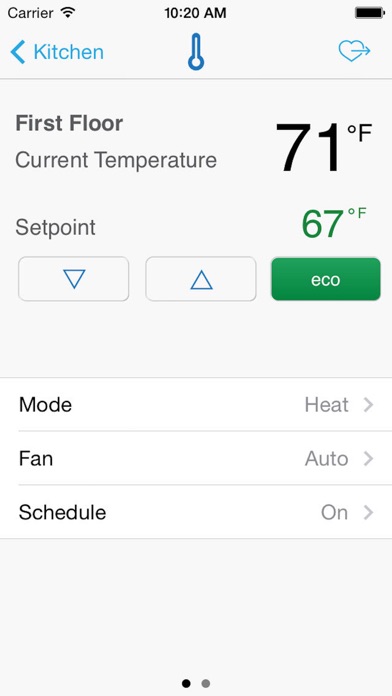
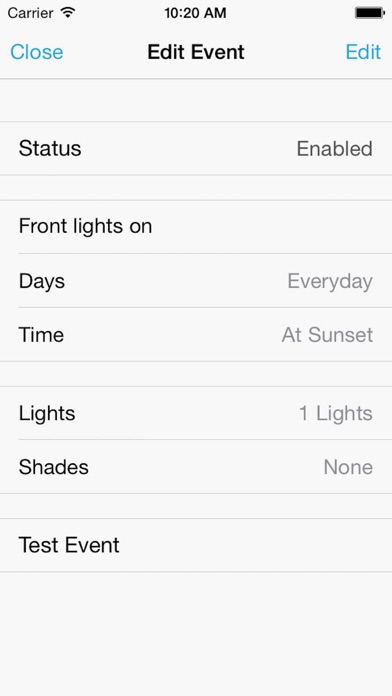
Description by Lutron Electronics co., Inc. Written by the developer, not by AppBrain. Click to read.
While this app will continue to receive legacy support, we want to make sure you continue to get the most out of your Lutron system.
Please contact your professional installer or Lutron customer service about how to receive this upgrade.
For more information, visit www.lutron.com/legacyhomeapp
===============================
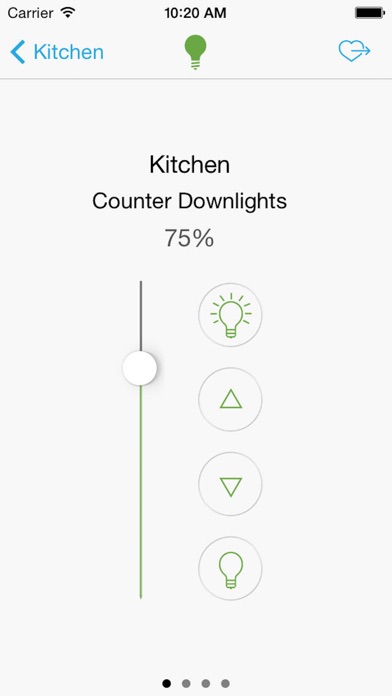
Control your home's lights, shades, temperature, keypads, and more with your iPad, iPhone and iPod touch.
This app requires a Lutron total home control system (RadioRA® 2, HomeWorks® QS or HomeWorks® Illumination) programmed using the appropriate version of design and programming software.* Questions or issues? Contact our our 24/7 hotline (800.523.9466).
Features:
Control from anywhere**
Control lights, shades, temperature, keypads, and more in the comfort of your home or from anywhere in the world** – the office, the airport, the beach – set your home to a comfortable temperature when returning from a trip, ensure lights aren't left on and shades aren't left open while you're away. Additionally manage multiple RadioRA 2, HomeWorks QS, and HomeWorks Illumination systems in the same app.
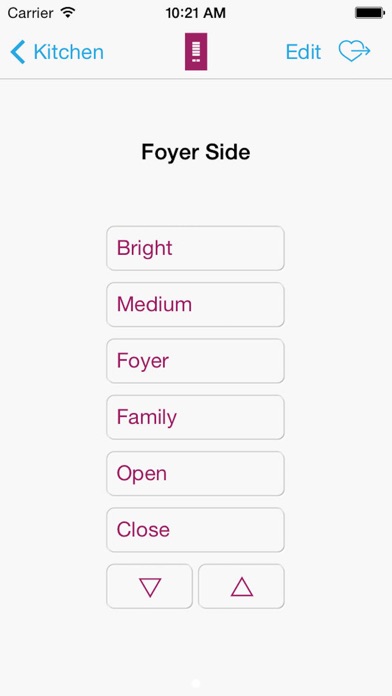
Personalize your keypad buttons***
Add, edit, and remove button settings on your own. Make temporary adjustments for special occasions, or permanent changes to match your preferences.
Right on schedule
Schedule scenes to happen automatically at set times of day, or based on sunrise and sunset. Turn on your porch light at dusk, turn it off at dawn, or open your shades in the morning to wake up with the sun.
World Class Support
Lutron remains committed to providing you with world class quality and service.
Contact us at our 24/7 hotline (800.523.9466).
* Design and programming software is available only to qualified installers and is required for initial setup of this application. Contact your Lutron dealer for more information.
** All features included in this App are available using your home Wi-Fi network. Remote access of your system outside the home requires:
- VPN setup by Lutron installer following app note #231
- Internet access
*** Personalizing keypad buttons requires:
- RadioRA 2 (8.0+) and HomeWorks QS (8.0+) systems only
- Must be configured by the installer at install time
Safety and technology
Found in the app by AppBrain- Price
- Free
- App size
- 51.6 MB
- Content rating
- Everyone
Technologies used by Lutron Home Control+ LEGACY
Releases
Updates seen on the App Store- Version
- 9.22
- Launched
- January 2011
No changelog data
Alternatives
Similar apps and more from Lutron Electronics co., Inc.Alternatives to Lutron Home Control+ LEGACY





More from Lutron Electronics co., Inc.




Rankings
App Store top chartsApp Store Rankings for Lutron Home Control+ LEGACY
About the app and developer
About Lutron Home Control+ LEGACY
Lutron Home Control+ LEGACY is a lifestyle app developed by Lutron Electronics co., Inc.
What is the rating of Lutron Home Control+ LEGACY?
Lutron Home Control+ LEGACY is rated 2.37 out of 5 stars, based on 49 ratings.
Is Lutron Home Control+ LEGACY free?
Lutron Home Control+ LEGACY is free. The app size is 51.59 MB. The latest version available is 9.22. The last update was on May 20, 2021.
What are the requirements for Lutron Home Control+ LEGACY?
The app has a content rating of Everyone. The app has been available on the App Store since January 2011.
Developer information for Lutron Electronics co., Inc.
Address: