

malc is made and published by crenieq. AppBrain is an independent app data site and isn't affiliated with crenieq. The app name, icon, screenshots and description belong to crenieq and are shown as published on the App Store.
AppBrain's verdict
- Last updated
- July 21, 2025
Rankings
App Store top chartsApp Store Rankings for malc
This app is not ranked
Competitors
Similar apps and more from crenieqAlternatives to malc






More from crenieq



Releases
Updates seen on the App Store- Version
- 3.0
- Launched
- October 2013
No changelog data
User feedback
Ratings and reviews on the App StoreComments on malc for iOS
We don't have enough comments to show example comments. Please check back later.
Technology
Found in the app by AppBrain- Price
- $1.99
- App size
- 662.0 KB
- Content rating
- Everyone
Technologies used by malc
About the app and developer
About malc
malc is an utilities app developed by crenieq.
User Ratings
The app has no ratings yet.
App Information
malc costs $1.99. The app size is 662.00 kB. The latest version available is 3.0. The last update was on July 21, 2025.
Technical Requirements
The app has a content rating of Everyone. The app has been available on the App Store since October 2013.
Developer information for crenieq
Address:
Store listing
By crenieq, from the App Store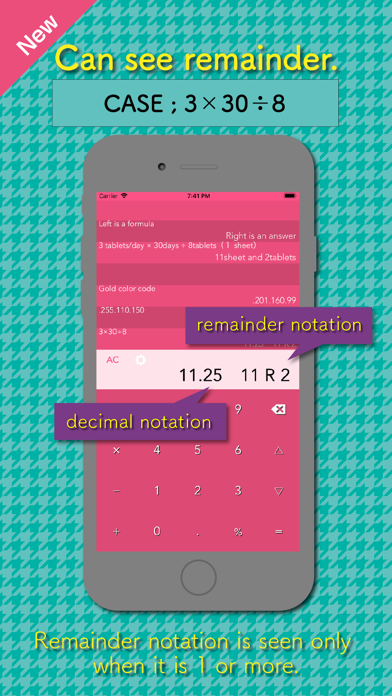

Screenshots by crenieq, from the the App Store listing
Description by crenieq Written by the developer, not by AppBrain. Click to read.
malc is an ease-of-use calculator app with a memory function
[CALCULATION]
- Calculates Remainders : It's helpful for picking tasks in Pharmacies, Logistics warehouse, and for Knitting calculations.
- Percentage calculation : It’s used to calculate discounts, taxes, etc.
- Supports standard arithmetic operations and adheres to the order of operations and parentheses.
[Memory & Editing Functions]
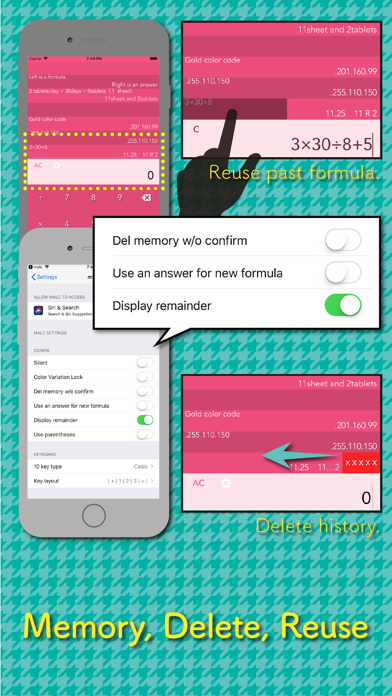
- Calculation history : It records the history of expressions and answers. Allows to reuse them with a single tap. Long-press on a history item to reuse or reenter an intermediate number. Quickly reuse all elements of a formula except for a single value, minimizing re-entry.
- Equation editing : Equipped with cursor and delete keys for easy correction of input errors.
[Others]
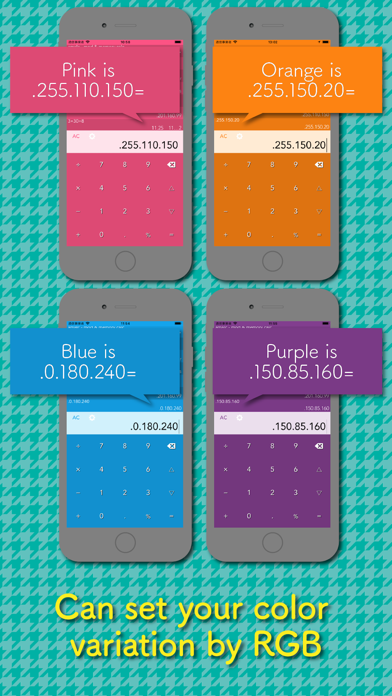
— Supports a wide range of color options and allows for customization.
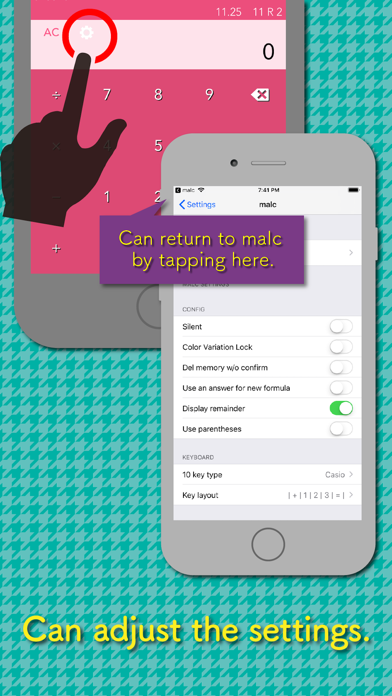
— Enables customizable key layouts, including calculator and phone styles, and the ability to rearrange keys left and right.
— Offers the option to turn key sound effects on or off.
— Allows you to choose whether or not to use the calculation result in the next equation.
— Multi regions (US, UK, DE, FR, CN, IN…) : multiple number formatting (comma, period and space), digit grouping size, decimal separator, division symbol
Ex: Indic notation "15,00,000" is supported.
— Enables efficient input of large numbers by allowing digit grouping characters (e.g., inputting “1,200,000” as “1,2,” ) : It helps to prevent entering the wrong digits, when you calculate an estimate of a large number. (e.g., “1,221,390*0.33% ≒ 1,2, * 0.33% = 3,960”)
[CALCULATION]
- Calculates Remainders : It's helpful for picking tasks in Pharmacies, Logistics warehouse, and for Knitting calculations.
- Percentage calculation : It’s used to calculate discounts, taxes, etc.
- Supports standard arithmetic operations and adheres to the order of operations and parentheses.
[Memory & Editing Functions]
- Calculation history : It records the history of expressions and answers. Allows to reuse them with a single tap. Long-press on a history item to reuse or reenter an intermediate number. Quickly reuse all elements of a formula except for a single value, minimizing re-entry.
- Equation editing : Equipped with cursor and delete keys for easy correction of input errors.
[Others]
— Supports a wide range of color options and allows for customization.
— Enables customizable key layouts, including calculator and phone styles, and the ability to rearrange keys left and right.
— Offers the option to turn key sound effects on or off.
— Allows you to choose whether or not to use the calculation result in the next equation.
— Multi regions (US, UK, DE, FR, CN, IN…) : multiple number formatting (comma, period and space), digit grouping size, decimal separator, division symbol
Ex: Indic notation "15,00,000" is supported.
— Enables efficient input of large numbers by allowing digit grouping characters (e.g., inputting “1,200,000” as “1,2,” ) : It helps to prevent entering the wrong digits, when you calculate an estimate of a large number. (e.g., “1,221,390*0.33% ≒ 1,2, * 0.33% = 3,960”)