

Ooma Home Phone is made and published by Ooma Inc. AppBrain is an independent app data site and isn't affiliated with Ooma Inc. The app name, icon, screenshots and description belong to Ooma Inc. and are shown as published on the App Store.
AppBrain's verdict
EstablishedLoved by users- Rating on App Store
- 4.63
- 3,215 ratings
- Last updated
- May 28, 2026
- Size
- 57.2 MB
Users love it: 4.6 stars from 3,215 ratings.
User feedback
Ratings and reviews on the App StoreComments on Ooma Home Phone for iOS
We don't have enough comments to show example comments. Please check back later.
Store listing
By Ooma Inc., from the App Store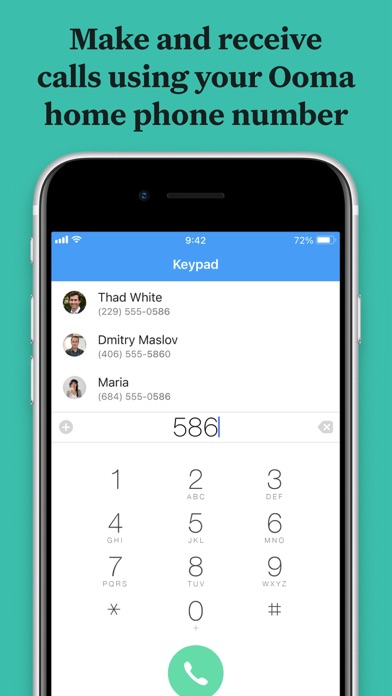
Description by Ooma Inc. Written by the developer, not by AppBrain. Click to read.
Getting started with the app:
1. Login with your Ooma phone number and password. Please note that the app works with the primary number on your Ooma account, not additional numbers. If you have forgotten your password, you can reset it by visiting My Ooma.
2. Make unlimited domestic calls without using your cellular plan minutes. The Ooma application makes calls using the Internet, also known as Voice Over IP (VoIP). Make sure that you have a strong Internet connection, either Wi-Fi or 3G/4G, to ensure the highest voice quality.
3. Make international calls for low rates. Visit My Ooma to purchase international calling credits or to sign up for the Ooma World calling plan which includes unlimited calls to more than 60 countries.
4. Dial numbers in your iPhone’s contact list or set up a list of Favorites for quick access from the Ooma app.
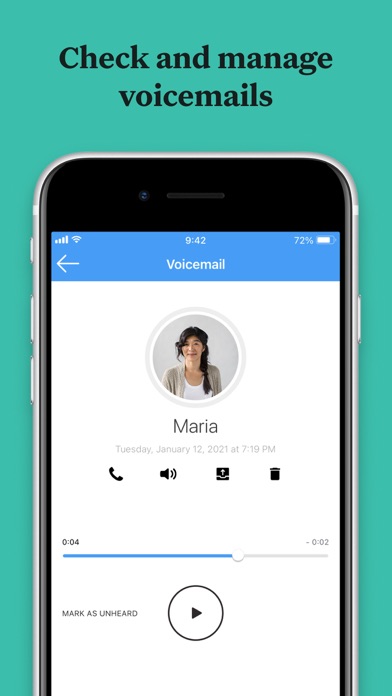
5. Get alerts for new voicemail and listen to them conveniently on your phone. You can delete messages or file them into folders, all from the app.
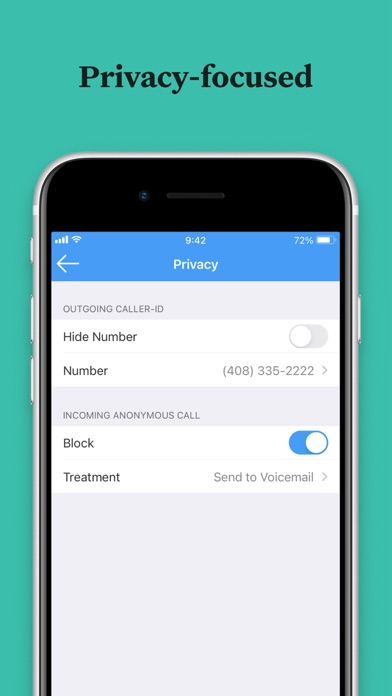
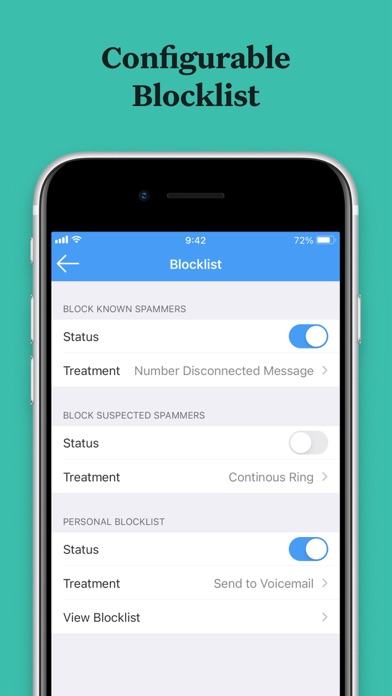
6. View your call history, manage your privacy settings, and more.
The Ooma app requires iOS 7.0 and higher.
Be aware that some mobile network operators prohibit or restrict the use of VoIP over their network or impose additional fees and/or charges when using VoIP over their network. By using Ooma Mobile over 3G/4G/LTE, you agree to familiarize yourself with and abide by any restrictions your cellular carrier imposes and agree that Ooma will not be held liable for any charges, fees or liability imposed by your carrier for using Ooma Mobile over their 3G/4G/LTE network.
Safety and technology
Found in the app by AppBrain- Price
- Free
- App size
- 57.2 MB
- Content rating
- Everyone
Technologies used by Ooma Home Phone
Releases
Updates seen on the App Store- Version
- 9.3.1
- Launched
- March 2016
No changelog data
Alternatives
Similar apps and more from Ooma Inc.Alternatives to Ooma Home Phone





More from Ooma Inc.


Rankings
App Store top chartsApp Store Rankings for Ooma Home Phone
About the app and developer
About Ooma Home Phone
Ooma Home Phone is a productivity app developed by Ooma Inc.
User Ratings
Ooma Home Phone is rated 4.63 out of 5 stars. The rating is based on 3.2 thousand ratings.
App Information
Ooma Home Phone is freely available from the App Store. The app size is 57.19 MB. The latest version available is 9.3.1. The last update was on May 28, 2026.
Technical Requirements
The app has a content rating of Everyone. The app has been available on the App Store since March 2016.
Developer information for Ooma Inc.
Address:
Frequently asked questions about Ooma Home Phone
Is Ooma Home Phone free?
Yes. Ooma Home Phone is free on the App Store.
Is Ooma Home Phone still available?
Yes. Ooma Home Phone is on the App Store, and the last update we saw was on May 28, 2026.
How large is Ooma Home Phone?
Ooma Home Phone is 57.19 MB.
Is Ooma Home Phone suitable for children?
App Store rates the content of Ooma Home Phone as suitable for everyone.
How do people rate Ooma Home Phone?
Ooma Home Phone scores 4.63 out of 5 stars, from 3,215 ratings on the App Store.
Who made Ooma Home Phone?
Ooma Home Phone was developed by Ooma Inc. It is listed in the productivity category on the App Store.
What are the best alternatives to Ooma Home Phone?
People looking at Ooma Home Phone also look at these productivity apps: UniFi, NETGEAR Insight, IFTTT - Automate work and home, Wi-Fi SweetSpots, My Cloud OS 5.