

PDF Editor & PDF Reader
PDF Editor & PDF Reader is made and published by Phomobile. AppBrain is an independent app data site and isn't affiliated with Phomobile. The app name, icon, screenshots and description belong to Phomobile and are shown as published on the App Store.
AppBrain's verdict
- Rating on App Store
- 2.00
- 2 ratings
- Last updated
- November 6, 2022
It doesn't have enough ratings yet to judge what users think.
Rankings
App Store top chartsApp Store Rankings for PDF Editor & PDF Reader
Competitors
Similar apps and more from PhomobileAlternatives to PDF Editor & PDF Reader





More from Phomobile


Releases
Updates seen on the App Store- Version
- 1.0.8
- Launched
- July 2022
No changelog data
User feedback
Ratings and reviews on the App StoreComments on PDF Editor & PDF Reader for iOS
We don't have enough comments to show example comments. Please check back later.
Technology
Found in the app by AppBrain- Price
- Free
- App size
- 57.1 MB
- Content rating
- Everyone
Technologies used by PDF Editor & PDF Reader
About the app and developer
About PDF Editor & PDF Reader
PDF Editor & PDF Reader is an utilities app developed by Phomobile.
User Ratings
PDF Editor & PDF Reader is rated 2.00 out of 5 stars. The rating is based on 2 ratings.
App Information
PDF Editor & PDF Reader is freely available from the App Store. The app size is 57.10 MB. The latest version available is 1.0.8. The last update was on November 6, 2022.
Technical Requirements
The app has a content rating of Everyone. The app has been available on the App Store since July 2022.
Developer information for Phomobile
Address:
Store listing
By Phomobile, from the App Store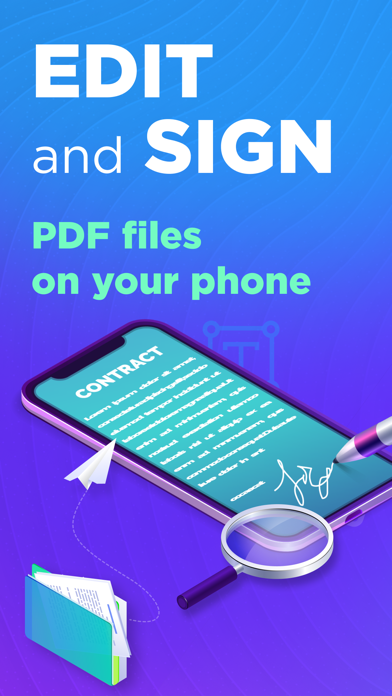


Description by Phomobile Written by the developer, not by AppBrain. Click to read.
View and edit PDF files with PDF Pro! The app works on iPhone and iPad.
PDF Pro: Edit, Sign, Read Docs helps you take control of your papers and run your business in the ever-changing digital world. Create and read PDFs, then annotate, edit, fill and sign forms, or share files. Manage paperwork from anywhere – the office, remotely or from your home. It’s the easiest way to edit or sign your documents anytime and anywhere for sure!
MAKE NEW PDFs or EDIT:
- Create PDFs.
- Edit text in your PDF files, fix typos, and correct paragraphs.
- Open and view any PDF file.
- Insert images, crop, resize, or change the angle if necessary.
- Zoom in and out while reading.
SIGN or MAKE ANNOTATIONS:
- Add comments and annotations using text notes.
- Fill PDF forms.
- Highlight key ideas and add shapes.
- Insert images, crop, resize, or change the angle if you need it.
- Sign any documents you need.
MANAGE or STORE PDFs:
- Import files from your device or online storage services.
- Delete pages from multi-pages PDF documents.
- Share PDF files for further reading and commenting.
- Print files right from your device.
FILES CONVERTER:
- PDF to Word format.
- PDF to Excel format.
- PDF to Text(txt) format.
- PDF to JPEG format and others.
Terms and Conditions: https://pages.flycricket.io/pdf-editor-7/terms.html
Privacy Policy: https://pages.flycricket.io/pdf-editor-7/privacy.html