


AppBrain's verdict
EstablishedWell rated- Rating on App Store
- 4.33
- 3,778 ratings
- Last updated
- September 9, 2026
- Size
- 354.1 MB
Users rate it well: 4.3 stars from 3,778 ratings.
User feedback
Ratings and reviews on the App StoreComments on QuickNotes X: Notes, AI & PDF for iOS
We don't have enough comments to show example comments. Please check back later.
Store listing
By Alessandro Sassi, from the App StoreDescription by Alessandro Sassi Written by the developer, not by AppBrain. Click to read.
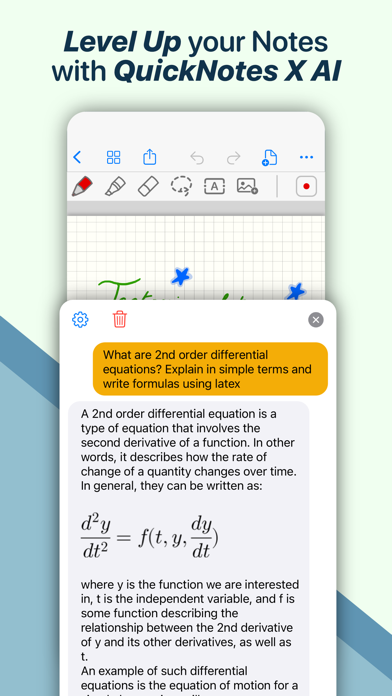
• Experience a fluid, precise and natural note taking experience powered by the unparalleled performance of QuickNotes X custom vector ink engine;
• Choose your drawing style with numerous included tools, such as fountain and ballpoint pen;
• Freely customize your stroke color as well as line thickness and pressure sensitivity;
• Record and play back lectures with Voice Recording: your writing will be synced to the audio!
• Draw perfect shapes and straight lines thanks to automatic, ML-powered shape recognition;
• Move, resize, rotate and zoom your handwriting to take notes like a pro;
• Never run out of paper: swipe to the next page and a new page will be created if needed!
• Take perfect notes with your Apple Pencil, Logitech Crayon or other capacitive styluses.
ORGANIZE & PROTECT YOUR THOUGHTS
• Never lose your notes again thanks to the powerful organization provided by QuickNotes X;
• Create Notebooks to organize your notes;
• Add unlimited Folders & Subfolders to group your Notebooks;
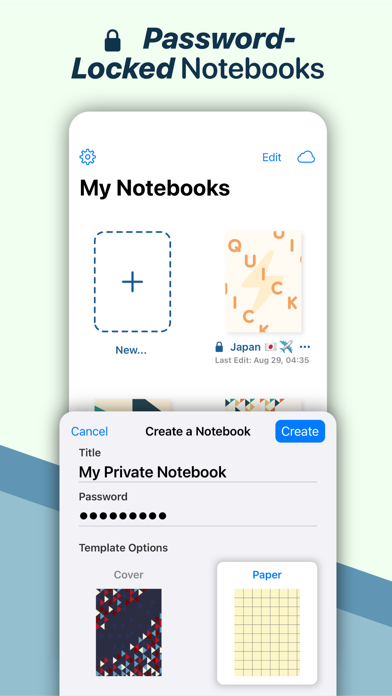
• Lock individual Notebooks and Folders with a Password to protect your thoughts from prying eyes;
• Unlock protected notebooks using Face ID, Touch ID or by entering your Password;
• Rearrange your Notebooks and Folders however you like to make sure they are always in the correct order.
SEAMLESSLY SYNC TO ALL YOUR DEVICES
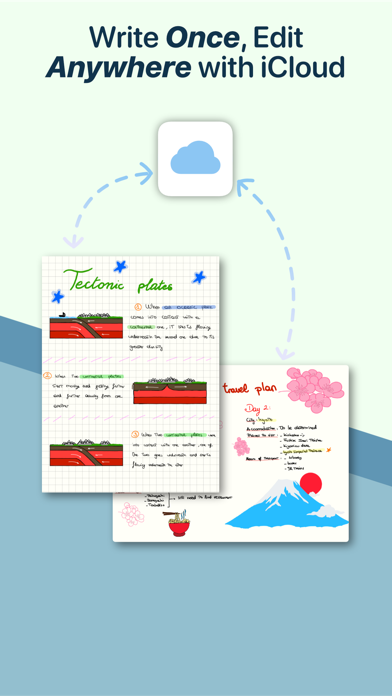
• Seamlessly back up & sync your notebooks and folders to all your devices thanks to iCloud;
• Write once, edit anywhere: when iCloud Sync is active all your content is automatically available on all your devices;
• Use the native Mac app to view your notes on the bigger screen and edit them right on your computer.
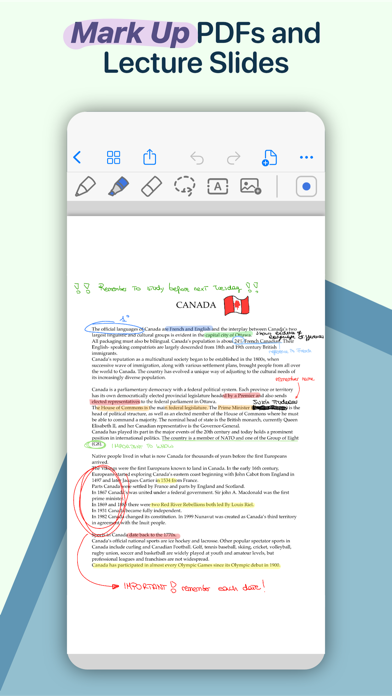
MARK UP & WRITE ON PDFs, SLIDES AND MORE
• Import and edit PDFs, PowerPoint presentations more;
• Annotate documents on your device with all the tools available, including fountain & ballpoint pen, highlighter and shape recognition;
• Open notes and documents side-by-side on your iPad for maximum flexibility;
• Quickly export your notes as images, PDF or QuickNotes X Documents for easy sharing
ENDLESS CUSTOMIZATION FOR YOUR CREATIVITY
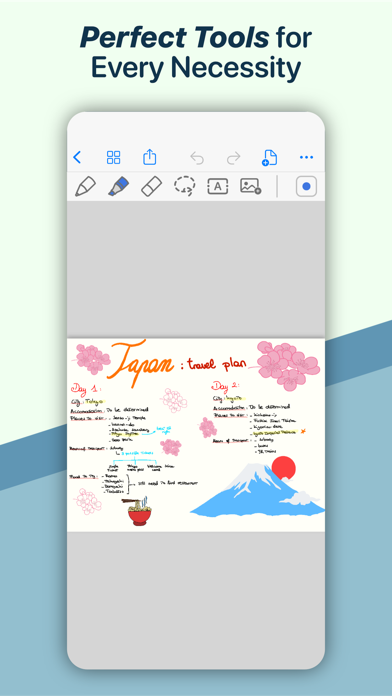
• Create an unlimited number of presets for stroke color and line thickness to always have the right one ready at your fingertips;
• Choose between Dual or Single Bar Mode to take notes with the maximum level of flexibility and customizability;
• Choose to erase entire strokes on only some parts thanks to the new Precision and Whole Stroke Erasers;
• Use the Lasso tool to cut, copy, paste or delete groups of strokes or entire pages;
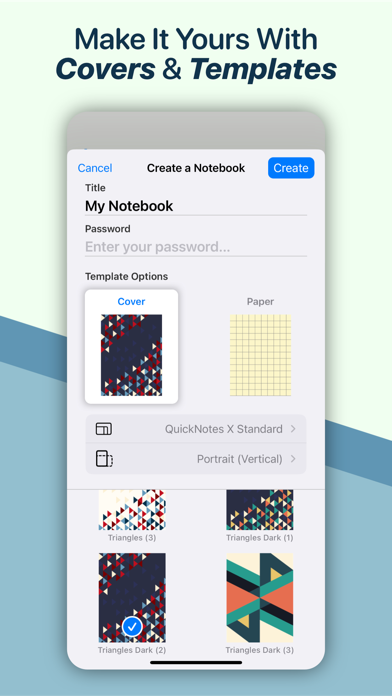
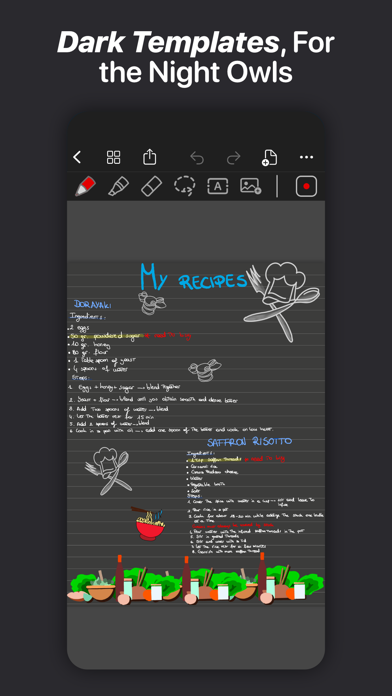
• Customize the look of your Notebooks and Folders by choosing from more than 80 options;
• Make each notebook cover yours: the Notebook cover is now fully editable so you can draw on it!
• Choose the right paper template for your Notebooks, such as Blank Paper, Cornell Paper, Chemistry Paper, Engineering Grid Paper, Music Paper and more!
TYPE AND WRITE ANYWHERE
• Add Text Boxes anywhere in a page to start typing, with plenty of customization options for color, font style and size, available right at your fingertips in the new Tool Bar;
• Move, rotate and scale text boxes to never run out of space;
• Combine handwritten notes with typed content and annotate or highlight key words in your Text Boxes;
AND THERE IS EVEN MORE!
• Swipe left or right to quickly move to the previous or next page in the notebook;
• Quickly jump to any page in the Notebook by using the Notes List menu in the Note Editor;
• Customize any new page you create thanks to the new "New Page" menu in the Editor;
• Create a QuickNotebook to always have a fresh new page when you open the app;
• Changing the paper template for a single page or the entire Notebook is only one tap away;
QuickNotes X: Note-Taking, Made Easy.
Website: https://www.quicknotesx.com
Twitter: @QuickNotesX
Instagram: @quicknotesx
-----------
Privacy Policy: https://www.quicknotesx.com/privacy
Terms of Use: https://www.apple.com/legal/internet-services/itunes/dev/stdeula
Safety and technology
Found in the app by AppBrain- Price
- Free
- App size
- 354.1 MB
- Content rating
- Everyone
Technologies used by QuickNotes X: Notes, AI & PDF
Releases
Updates seen on the App Store- Version
- 5.5.4
- Launched
- July 2015
No changelog data
Alternatives
Similar apps and more from Alessandro SassiAlternatives to QuickNotes X: Notes, AI & PDF





More from Alessandro Sassi

Rankings
App Store top chartsApp Store Rankings for QuickNotes X: Notes, AI & PDF
About the app and developer
About QuickNotes X: Notes, AI & PDF
QuickNotes X: Notes, AI & PDF is a productivity app developed by Alessandro Sassi.
User Ratings
QuickNotes X: Notes, AI & PDF is rated 4.33 out of 5 stars. The rating is based on 3.8 thousand ratings.
App Information
QuickNotes X: Notes, AI & PDF is freely available from the App Store. The app size is 354.13 MB. The latest version available is 5.5.4. The last update was on September 9, 2026.
Technical Requirements
The app has a content rating of Everyone. The app has been available on the App Store since July 2015.
QuickNotes X: Notes, AI & PDF is made and published by Alessandro Sassi. AppBrain is an independent app data site and isn't affiliated with Alessandro Sassi. The app name, icon, screenshots and description belong to Alessandro Sassi and are shown as published on the App Store.
Developer information for Alessandro Sassi
Address: