







AppBrain's verdict
EstablishedWell rated- Rating on App Store
- 4.48
- 557 ratings
- Last updated
- October 23, 2026
- Size
- 33.5 MB
Users rate it well: 4.5 stars from 557 ratings.
User feedback
Ratings and reviews on the App StoreComments on Secure Folder: Photo Vault for iOS
We don't have enough comments to show example comments. Please check back later.
Store listing
By Huynh Thuy, from the App StoreDescription by Huynh Thuy Written by the developer, not by AppBrain. Click to read.
Whether it’s family memories, confidential documents, or sensitive contacts, Secure Folder keeps your personal content truly private. Everything stays on your device or in your private iCloud, never on our servers.
Powerful Protection:
- Lock the entire app with Face ID / Touch ID / PIN
- Lock specific albums or folders with their own PINs
- Fake Passcode (Optional): Set up a separate passcode to unlock a secondary vault. Content in this vault is added by you and stored only on your device, not synced to iCloud.
- Calculator Mode: Use a functional calculator interface to securely access your private space. You can enable or disable this mode anytime in Settings.
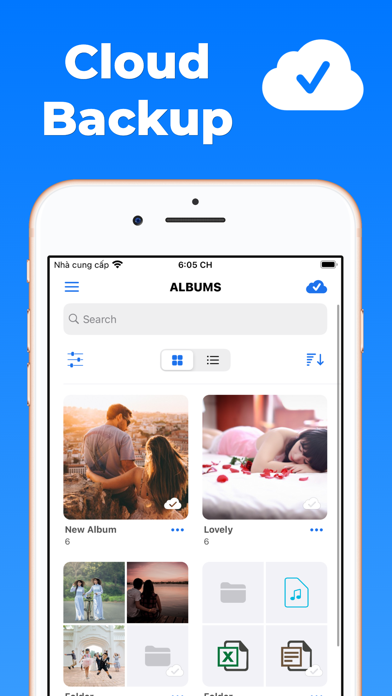
- Automatically sync your data to your private iCloud for safe access across all your devices (only if you enable it).
Organize Everything:
- Create unlimited folders and albums
- Nest albums inside folders for better organization
- Customize album covers with any photo you like
Enjoy Your Media:
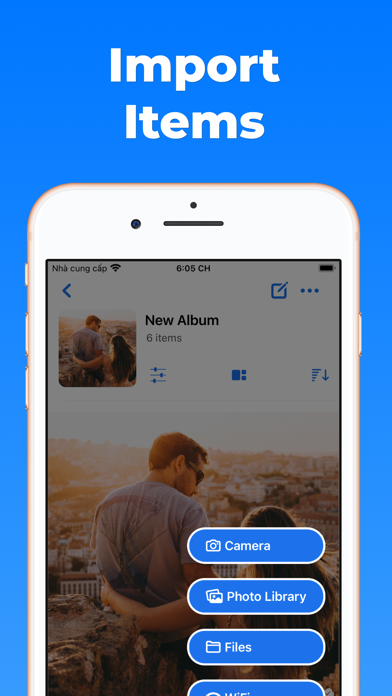
- Import from Camera, Photo Library, Files, or Wi-Fi
- View photos & videos in fullscreen or slideshow mode
- Smooth transitions, zoomable thumbnails, and editing support
Store More Than Just Photos:
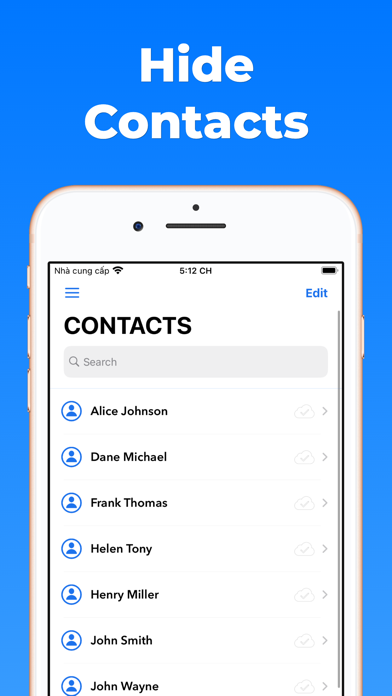
- Save secure notes, contacts, and passwords
- Browse the web privately, with no trace left behind
- Attach files to notes for quick reference
Tailored to You:
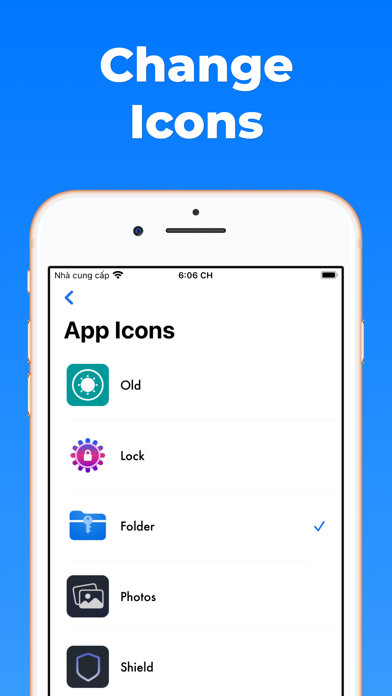
- Custom app tint colors and icons
- Full dark mode support
- Simple, beautiful design for a smooth experience
Premium Features:
- Album & Folder Lock: Add an extra layer of privacy by assigning individual passwords to specific albums or folders.
- Custom Album Covers: Personalize each album by choosing a cover photo from within the album or selecting an external image.
- iCloud Sync (optional): Automatically back up and sync your data to your private iCloud storage for secure access across devices and protection against data loss.
- Trash Recovery: Restore photos and videos you’ve accidentally deleted.
- File Attachments for Notes: Enhance your notes by attaching relevant files for quick reference.
- Unlimited Storage: Save as many photos, videos, documents, contacts, passwords and notes as you need with no limits on your device.
========================
Premium Subscription:
Secure Folder includes an optional auto-renewable subscription to access current and future premium categories:
- a 1-week subscription
- a 1-month subscription
- a 1-year subscription with 3 days free trial
• Check in app for exact pricing in your region
• Payment will be charged to your iTunes account at confirmation of purchase and will automatically renew (at the duration/price selected) unless auto-renew is turned off at least 24 hours before the end of the current period.
• Account will be charged for renewal within 24-hours prior to the end of the current period, and identify the cost of the renewal.
• Any unused portion of a free trial period, if offered, will be forfeited when the user purchases a subscription to that publication, where applicable
• You can manage your subscription and/or turn off auto-renewal by going to your iTunes Account Settings, but refunds will not be given for any unused portion of the term.
========================
Privacy Policy:
https://huynhthuyapps.blogspot.com/2021/05/privacy-policy.html
Terms of Service:
https://huynhthuyapps.blogspot.com/2021/06/terms-of-service.html
Email support: privatephotovideolocker@gmail.com
Safety and technology
Found in the app by AppBrain- Price
- Free
- App size
- 33.5 MB
- Content rating
- High
Technologies used by Secure Folder: Photo Vault
Releases
Updates seen on the App Store- Version
- 5.2
- Launched
- April 2019
No changelog data
Alternatives
Similar apps and more from Huynh ThuyAlternatives to Secure Folder: Photo Vault




More from Huynh Thuy


Rankings
App Store top chartsApp Store Rankings for Secure Folder: Photo Vault
About the app and developer
About Secure Folder: Photo Vault
Secure Folder: Photo Vault is a photo & video app developed by Huynh Thuy.
User Ratings
Secure Folder: Photo Vault is rated 4.48 out of 5 stars. The rating is based on 560 ratings.
App Information
Secure Folder: Photo Vault is freely available from the App Store. The app size is 33.52 MB. The latest version available is 5.2. The last update was on October 23, 2026.
Technical Requirements
The app has a content rating of High Maturity. The app has been available on the App Store since April 2019.
Secure Folder: Photo Vault is made and published by Huynh Thuy. AppBrain is an independent app data site and isn't affiliated with Huynh Thuy. The app name, icon, screenshots and description belong to Huynh Thuy and are shown as published on the App Store.
Developer information for Huynh Thuy
Address: