

UPDF - AI-Powered PDF Editor
UPDF - AI-Powered PDF Editor is made and published by Superace Software Technology Co., Ltd. AppBrain is an independent app data site and isn't affiliated with Superace Software Technology Co., Ltd. The app name, icon, screenshots and description belong to Superace Software Technology Co., Ltd. and are shown as published on the App Store.
AppBrain's verdict
Loved by users- Rating on App Store
- 4.59
- 691 ratings
- Last updated
- July 2, 2026
Users love it: 4.6 stars from 691 ratings.
Rankings
App Store top chartsApp Store Rankings for UPDF - AI-Powered PDF Editor
Competitors
Similar apps and more from Superace Software Technology Co., Ltd.Alternatives to UPDF - AI-Powered PDF Editor


More from Superace Software Technology Co., Ltd.





Also available on Google Play

Releases
Updates seen on the App Store- Version
- 2.5.4
- Launched
- December 2021
No changelog data
User feedback
Ratings and reviews on the App StoreComments on UPDF - AI-Powered PDF Editor for iOS
We don't have enough comments to show example comments. Please check back later.
Technology
Found in the app by AppBrain- Price
- Free
- App size
- 195.5 MB
- Content rating
- Everyone
Technologies used by UPDF - AI-Powered PDF Editor
About the app and developer
About UPDF - AI-Powered PDF Editor
UPDF - AI-Powered PDF Editor is a productivity app developed by Superace Software Technology Co., Ltd.
User Ratings
UPDF - AI-Powered PDF Editor is rated 4.59 out of 5 stars. The rating is based on 690 ratings.
App Information
UPDF - AI-Powered PDF Editor is freely available from the App Store. The app size is 195.46 MB. The latest version available is 2.5.4. The last update was on July 2, 2026.
Technical Requirements
The app has a content rating of Everyone. The app has been available on the App Store since December 2021.
Developer information for Superace Software Technology Co., Ltd.
Frequently asked questions about UPDF - AI-Powered PDF Editor
Is UPDF - AI-Powered PDF Editor free?
Yes. UPDF - AI-Powered PDF Editor is free on the App Store.
Is UPDF - AI-Powered PDF Editor still available?
Yes. UPDF - AI-Powered PDF Editor is on the App Store, and the last update we saw was on July 2, 2026.
How large is UPDF - AI-Powered PDF Editor?
UPDF - AI-Powered PDF Editor is 195.46 MB.
Is UPDF - AI-Powered PDF Editor suitable for children?
App Store rates the content of UPDF - AI-Powered PDF Editor as suitable for everyone.
How do people rate UPDF - AI-Powered PDF Editor?
UPDF - AI-Powered PDF Editor scores 4.59 out of 5 stars, from 691 ratings on the App Store.
Who made UPDF - AI-Powered PDF Editor?
UPDF - AI-Powered PDF Editor was developed by Superace Software Technology Co., Ltd. It is listed in the productivity category on the App Store.
What are the best alternatives to UPDF - AI-Powered PDF Editor?
People looking at UPDF - AI-Powered PDF Editor also look at these productivity apps: PDFelement: PDF Editor, Viewer, Drawboard PDF Annotate, Markup, LightPDF: AI Chat PDF, Scanner, Highlights: PDF Reader & Notes, Foxit PDF Editor.
Store listing
By Superace Software Technology Co., Ltd., from the App Store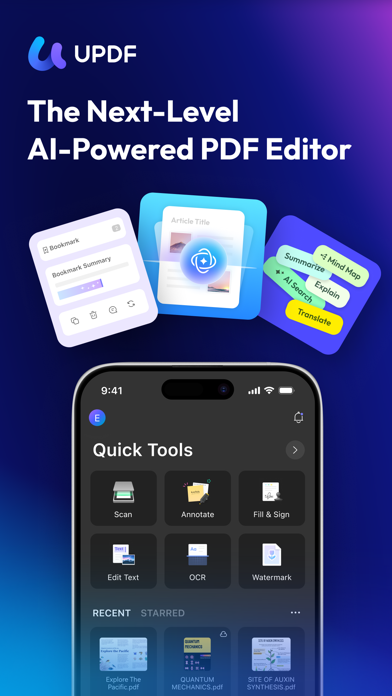



Description by Superace Software Technology Co., Ltd. Written by the developer, not by AppBrain. Click to read.
Amazing features of UPDF for iOS:
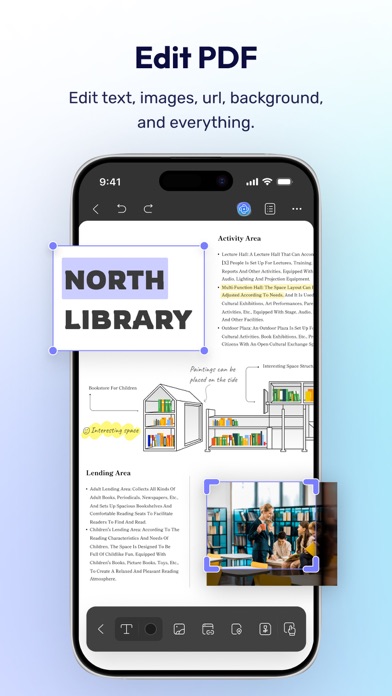
Edit PDF
- Edit text in PDF (change color, font style, font size)
- Edit images in PDF (rotate, extract, replace, and crop images)
- Edit watermark in PDF (add, edit, delete and favor watermark)
- Edit links in PDF (add, edit, copy, and delete)
AI Assistant
- Summarize, translate, explain, and rephrase lengthy PDFs in minutes.
- Engage in a chat with UPDF AI and ask it any questions you have.
- Summarize or translate PDF by pages.
- Export conversations to Markdown or TXT files.
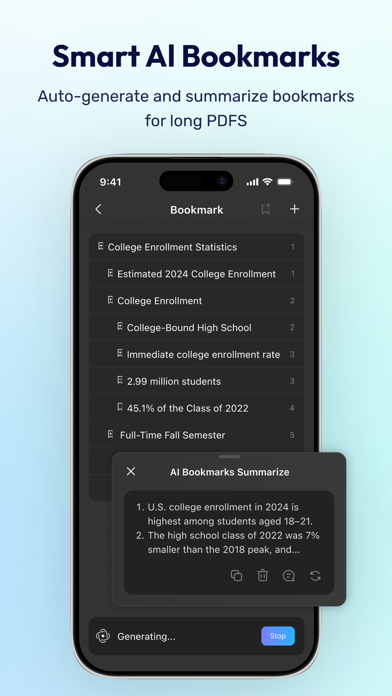
- NEW AI Bookmark Agent: Auto-generate bookmarks and get instant section summaries for any PDF.
- NEW AI Semantic Search: Search your PDF by meaning, not just exact words.
- NEW AI Editing Suite: Rewrite, refine tone, or correct grammar directly.
Read PDF
- Flexible reading: vertical and horizontal scrolling, single page or two-page view
- Dark mode to protect your eyes
- Add and manage bookmarks with AI Bookmark Agent's help
- Search text in PDF
- Present PDF as a slideshow
- Text-to-speech support
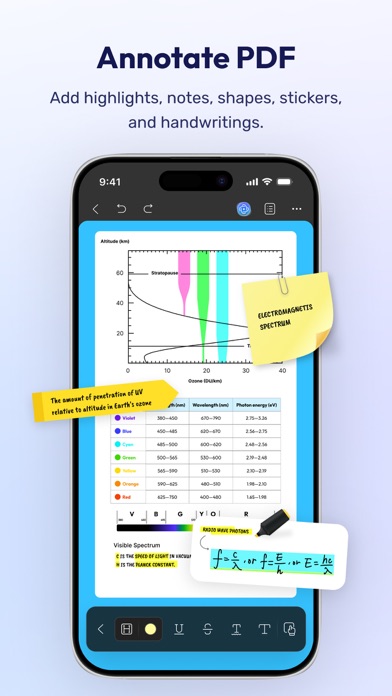
Annotate PDF
- Annotate PDFs using markup tools: pencil, highlight, underline, strikethrough, squiggly line
- Add text boxes, text comments, callouts, sticky notes
- Add shapes, stamps, and stickers to PDFs
- Free-hand drawing on PDF pages
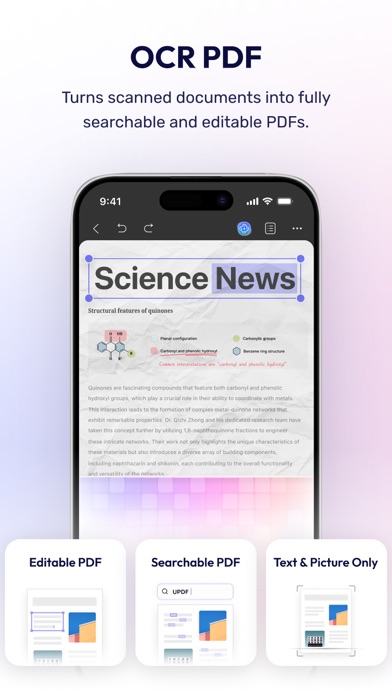
OCR PDF
- Convert scanned documents and images into searchable and editable PDFs
- Recognize text in 38 languages
Scan to PDF
- Scan physical documents to PDF with your camera
- Scan ID cards onto one page
- Crop, rotate, and filter scanned images
Convert PDF
- Convert PDF to Word, Excel, PPT, and images
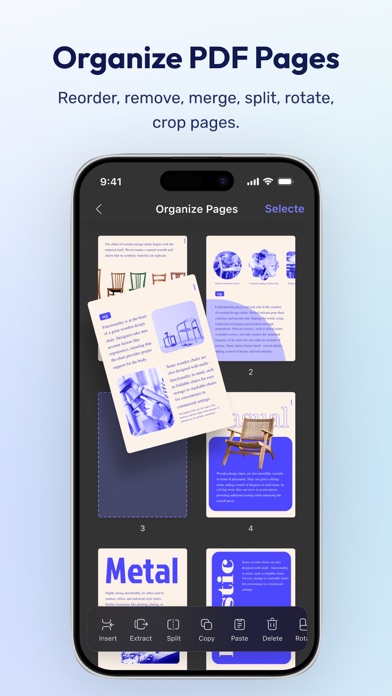
Organize PDF Pages
- Insert, replace, extract, split, rotate, remove, and reorder pages in PDFs
- Merge multiple PDFs into one file
- Copy, paste, and share specific pages in a PDF
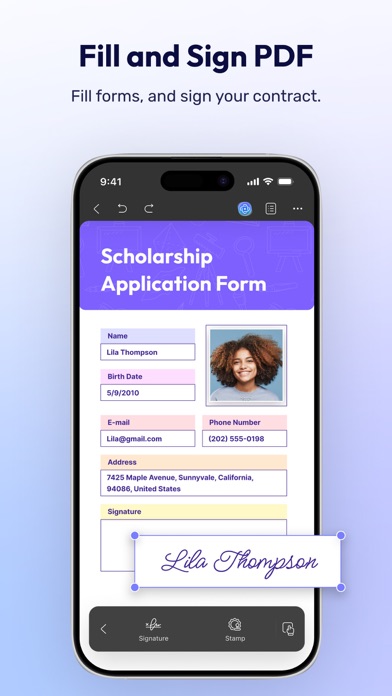
Sign PDF & Fill PDF Form
- Create handwritten signatures
- Import and add image signatures
- Fill PDF form and add e-signatures
- Save signatures to cloud for cross-platform use
Create PDF
- Create PDF with blank, lined, dotted, grid, and graph papers
- Combine multiple files/images into one PDF
Protect PDF
- Password-protect PDFs to restrict opening, editing, and printing
- Add or remove watermarks
- Add digital signatures
Manage Files
- Upload, create, rename, move, copy, duplicate, and organize files or folders
- Unzip files by simply tapping .zip files
- Search for files
- Supports two-finger multiple selections and operations
- Move files or folders to trash, and find deleted items in the trash
- Protect PDF files with a password or unlock protected PDF files
- Compress one or multiple files into a zip file
Security Space
- Protect your privacy by moving files or folders to Security Space
- Enable Face ID & Passcode to access your Security Space
Import File
- Import files from Photos albums
- Import files from the Files App
- Transfer files from a computer over the same Wi-Fi
View files in All Formats
- Browse dozens of different file formats including PDFs, Office documents (.doc, .docx, .ppt, .pptx, .xls, .xlsx), Pages, Keynotes, and Numbers with a single app
- Open other formats such as text, HTML, XML, Web Archive, Images (JPG, JPEG, GIF, PNG, TIFF, SVG, BMP), video, audio
*** Pro Features of In-App Purchase ***
- Use UPDF across all platforms including desktops and mobiles
- Free Users will get 1 GB of Cloud Storage; Paid users will get 10 GB of Cloud Storage for free
- Advanced PDF features such as Convert PDF with OCR, batch process, etc. are available on the desktop
- Unlimited use of Scan to PDF (Free trial only scans up to 5 pages)
- Unlimited use of Security Space (Trial version stores up to 10 items)
- Secure App with passcode/TouchID/FaceID
Need help? Email us at support@superace.com