

# Simple Table - Note as table
# Simple Table - Note as table is made and published by YUKI TANAIKE. AppBrain is an independent app data site and isn't affiliated with YUKI TANAIKE. The app name, icon, screenshots and description belong to YUKI TANAIKE and are shown as published on the App Store.
AppBrain's verdict
Loved by users- Rating on App Store
- 4.66
- 130 ratings
- Last updated
- September 27, 2026
Users love it: 4.7 stars from 130 ratings.
Rankings
App Store top chartsApp Store Rankings for # Simple Table - Note as table
Competitors
Similar apps and more from YUKI TANAIKE









Releases
Updates seen on the App Store- Version
- 2.6.2
- Launched
- October 2022
No changelog data
User feedback
Ratings and reviews on the App StoreComments on # Simple Table - Note as table for iOS
We don't have enough comments to show example comments. Please check back later.
Technology
Found in the app by AppBrain- Price
- Free
- App size
- 48.9 MB
- Content rating
- Everyone
Technologies used by # Simple Table - Note as table
About the app and developer
About # Simple Table - Note as table
# Simple Table - Note as table is an utilities app developed by YUKI TANAIKE.
What is the rating of # Simple Table - Note as table?
# Simple Table - Note as table is rated 4.66 out of 5 stars, based on 130 ratings.
Is # Simple Table - Note as table free?
# Simple Table - Note as table is free. The app size is 48.89 MB. The latest version available is 2.6.2. The last update was on September 27, 2026.
What are the requirements for # Simple Table - Note as table?
The app has a content rating of Everyone. The app has been available on the App Store since October 2022.
Developer information for YUKI TANAIKE
Address:
Store listing
By YUKI TANAIKE, from the App Store


Description by YUKI TANAIKE Written by the developer, not by AppBrain. Click to read.
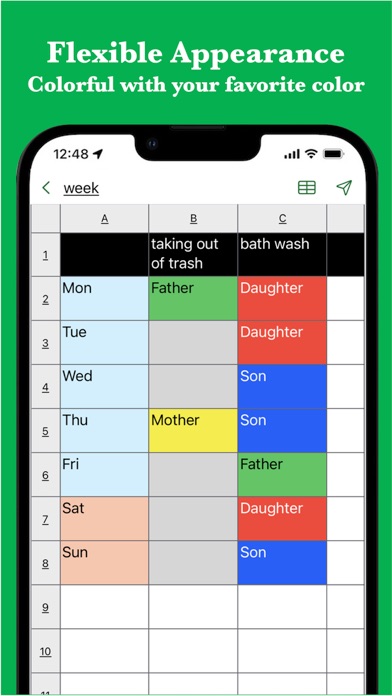
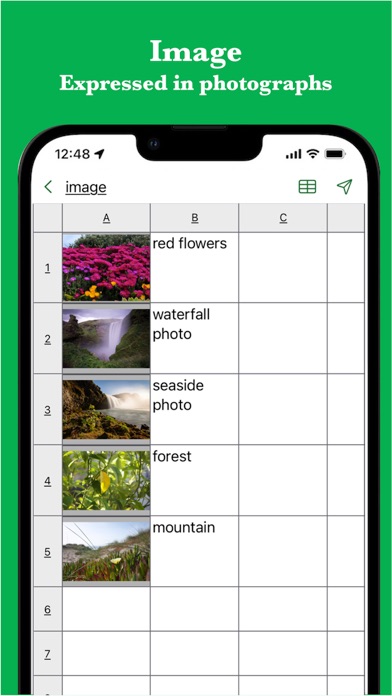
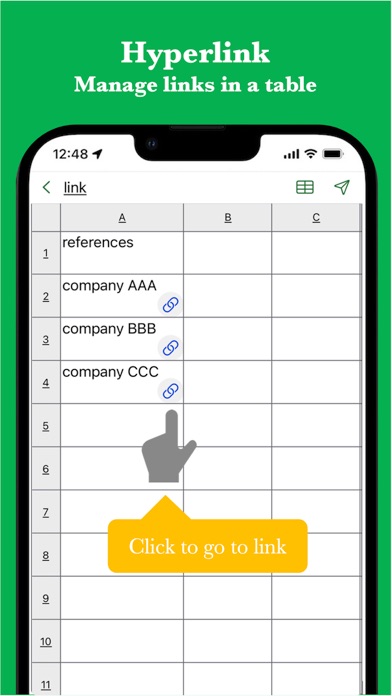
It also supports various expressions such as colors, images, links, and task progress.
It is used in the following situations.
- Create timetable
- Creating a task table
- Creating a shift table
- Creating a schedule
- Create an address book
- Create a comparison table
In addition, because it can be used for anything managed in a table
There are reports of various uses.
If you want to make notes in a table, please try it once.
[Features]
- Intuitive operability
Ease of use is the most important thing for simple functions.
It works quickly and you can edit intuitively.
- Rich expression
You can express your preferences in a tabular format using colors and photos.
- To-do management
You can insert the progress rate for each cell and use it for ToDo management.
- Link
Since you can insert links, it is also useful when you want to manage reference sites.
- Ready to use
You can use it immediately without registering an account.
- Export and share
Created table data can be exported, shared, and edited on a PC.
- Import
You can import csv data and edit it.
- Dark theme support
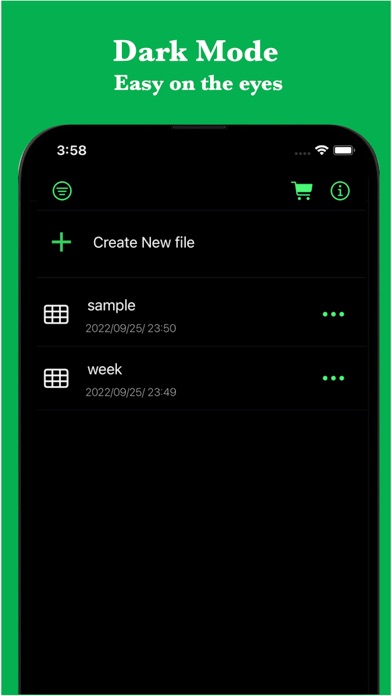
Since it supports a dark theme, it is also ideal for use at night.