

Password Manager iPassSafe
Password Manager iPassSafe is made and published by Netanel Software. AppBrain is an independent app data site and isn't affiliated with Netanel Software. The app name, icon, screenshots and description belong to Netanel Software and are shown as published on the App Store.
AppBrain's verdict
EstablishedWell rated- Rating on App Store
- 4.28
- 805 ratings
- Last updated
- December 21, 2025
- Size
- 13.0 MB
Users rate it well: 4.3 stars from 805 ratings.
User feedback
Ratings and reviews on the App StoreComments on Password Manager iPassSafe for iOS
We don't have enough comments to show example comments. Please check back later.
Store listing
By Netanel Software, from the App Store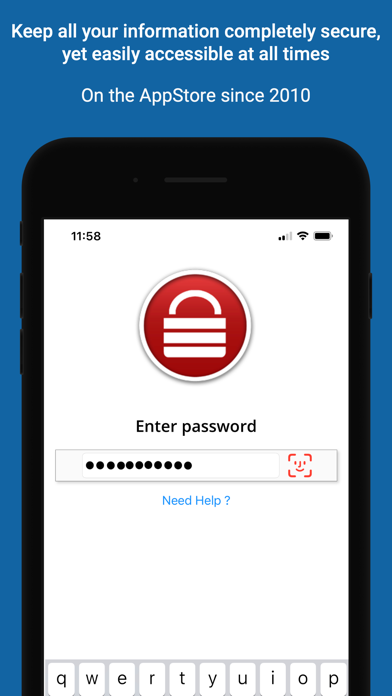
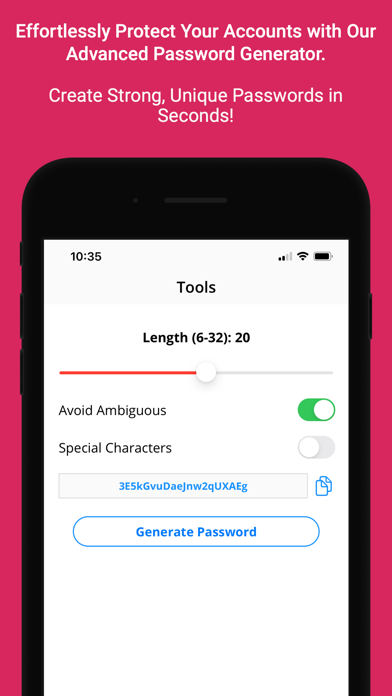
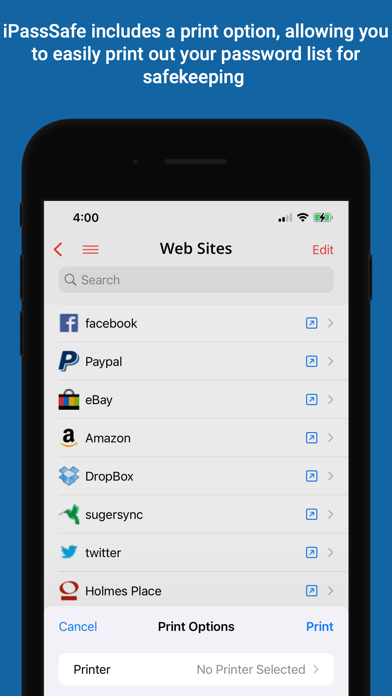
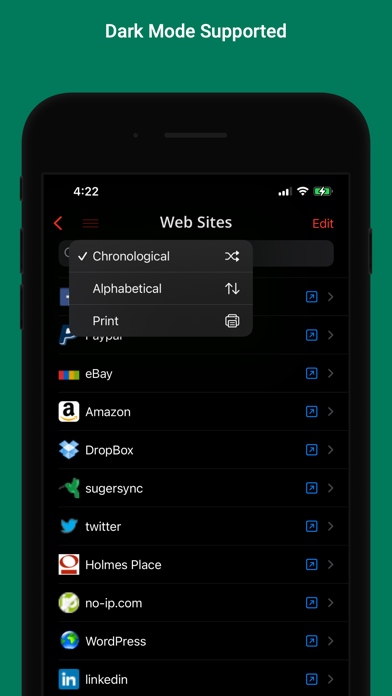
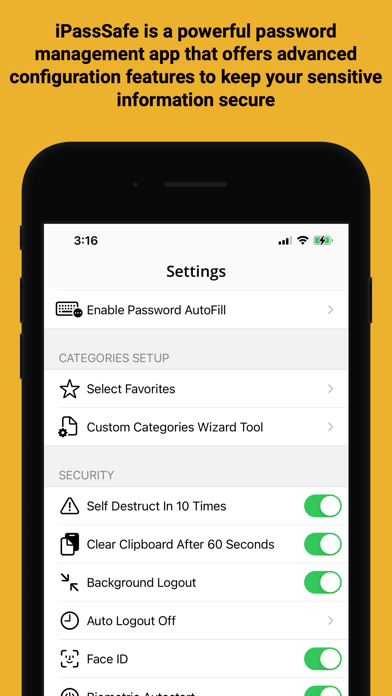
Description by Netanel Software Written by the developer, not by AppBrain. Click to read.
> WHY IPASSSAFE IS THE SECURE CHOICE?
○ ADVANCED ENCRYPTION:
iPassSafe uses AES-256 encryption combined with PBKDF2 key strengthening to secure your data. This industry-standard encryption ensures your information is protected from unauthorized access, even if a backup is compromised, offering robust defense against any threats.
○ EXCLUSIVE USE OF APPLE’S OFFICIAL FRAMEWORKS:
Unlike many competitors that integrate third-party libraries for analytics, push notifications, and other services, iPassSafe relies solely on Apple’s official frameworks. By avoiding external code, iPassSafe minimizes potential security risks and ensures that your data is handled within a highly secure and trusted environment.
○ PRIVACY POLICY:
Our privacy policy is straightforward—iPassSafe does NOT collect or track ANY user data. iPassSafe stands out by NOT collecting or tracking ANY user data. Unlike most other apps, your information stays completely private and secure, with NO third-party involvement.
○ LOCAL DATA STORAGE WITH SECURE CLOUD SYNC OPTION:
Unlike some popular password managers that have been compromised due to reliance on centralized private clouds, which have faced security breaches, iPassSafe avoids these risks. Your data is stored directly on your device and in your iCloud (optional), benefiting from Apple’s secure infrastructure. This approach makes such breaches impossible and ensures robust privacy and control while offering seamless sync and password autofill across iPhone, iPad, Mac, and Safari.
◆ Available on both iOS and macOS! I
PassSafe offers the same high level of security and convenience across all your Apple devices, with a macOS version available on the Mac App Store.
> ALL YOUR DATA
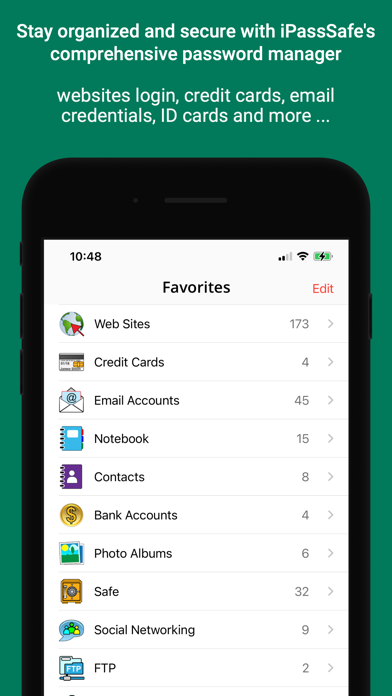
• 24 x Custom categories you can design as you want
• 19 x Built-in categories including:
○ Logins (Web, Email, FTP...)
○ Credit Cards
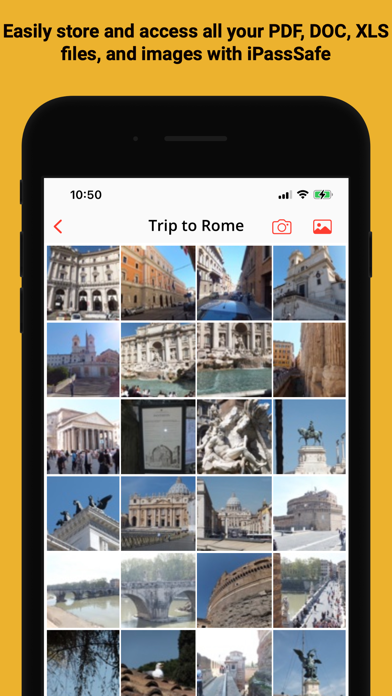
○ Photos (from Gallery/Camera)
○ Bank accounts details
○ Safe/PIN numbers
○ Text notes
○ Documents (PDF, Word, Excel, PPT ...)
○ Contacts with Build-it call/send email option
○ ID cards
○ Passports
○ Driving License
○ Software License
> ADVANCED FEATURES
○ Safari extension support
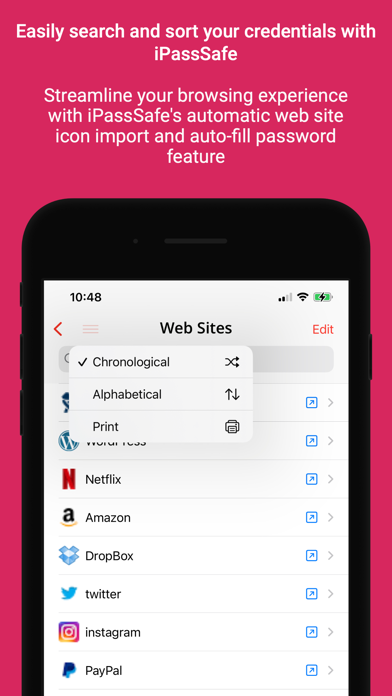
○ AutoFill extension support
○ Built-in search tool
○ Face/Touch ID support
○ Private Reminders
○ Air Print
> NOTES:
1. Remember Your Password !
without it , you will not be able to see your data.
2. Backup is not done automatically, the user is responsible for such a backup (IDB file) using features (iCloud, Dropbox, email, FTP ...) exists in iPassSafe to avoid loss of data when device is lost, damaged or any other reason, furthermore iPassSafe is NOT providing any direct cloud service, password retrieval, or backup service for security reason (all data stored on your device only!), user need to decide where to do the backup (iCloud, user's private Dropbox account, user's diskonkey using FTP, or user's email ...), the user is also responsible for this backup safety.
3. Sync is not merging data, you have to keep all updated data on one device and use sync option upload file, then load and activate with a password on all your other devices
4. Incase you used in-app purchase to upgrade app (unlimited records + backup support), and you want to use it on your other iOS devices please goto "settings" on your new device iPassSafe free app and select "restore purchase" on new device to restore it without any additional cost.
"One of the most useful apps I purchased"
iPassSafe is a yearly subscription that costs $5.99 (unlimited password, backup and restore and password autofill) for individuals or family. payment will be charged to itunes account at confirmation of purchase and auto-renews at the same price unless disabled in itunes account settings at least 24 hours before the end of the current period. your subscription can be managed in your itunes account settings.
Terms of use: https://www.msnet-solutions.com/terms.html
Safety and technology
Found in the app by AppBrain- Price
- Free
- App size
- 13.0 MB
- Content rating
- Everyone
Technologies used by Password Manager iPassSafe
Releases
Updates seen on the App Store- Version
- 16.20
- Launched
- January 2011
No changelog data
Alternatives
Similar apps and more from Netanel SoftwareAlternatives to Password Manager iPassSafe





More from Netanel Software


Rankings
App Store top chartsApp Store Rankings for Password Manager iPassSafe
About the app and developer
About Password Manager iPassSafe
Password Manager iPassSafe is a productivity app developed by Netanel Software.
User Ratings
Password Manager iPassSafe is rated 4.28 out of 5 stars. The rating is based on 810 ratings.
App Information
Password Manager iPassSafe is freely available from the App Store. The app size is 12.99 MB. The latest version available is 16.20. The last update was on December 21, 2025.
Technical Requirements
The app has a content rating of Everyone. The app has been available on the App Store since January 2011.
Developer information for Netanel Software
Address: