

PDF Notes S
PDF Notes S is made and published by AMuseTec Co., Ltd. AppBrain is an independent app data site and isn't affiliated with AMuseTec Co., Ltd. The app name, icon, screenshots and description belong to AMuseTec Co., Ltd. and are shown as published on the App Store.
AppBrain's verdict
Established- Rating on App Store
- 4.20
- 5 ratings
- Last updated
- June 5, 2025
It doesn't have enough ratings yet to judge what users think.
Rankings
App Store top chartsApp Store Rankings for PDF Notes S
Competitors
Similar apps and more from AMuseTec Co., Ltd.Alternatives to PDF Notes S





More from AMuseTec Co., Ltd.




Releases
Updates seen on the App Store- Version
- 18.5
- Launched
- August 2015
No changelog data
User feedback
Ratings and reviews on the App StoreComments on PDF Notes S for iOS
We don't have enough comments to show example comments. Please check back later.
Technology
Found in the app by AppBrain- Price
- Free
- App size
- 22.2 MB
- Content rating
- Everyone
Technologies used by PDF Notes S
About the app and developer
About PDF Notes S
PDF Notes S is a productivity app developed by AMuseTec Co., Ltd.
What is the rating of PDF Notes S?
PDF Notes S is rated 4.20 out of 5 stars, based on 5 ratings.
Is PDF Notes S free?
PDF Notes S is free. The app size is 22.17 MB. The latest version available is 18.5. The last update was on June 5, 2025.
What are the requirements for PDF Notes S?
The app has a content rating of Everyone. The app has been available on the App Store since August 2015.
Developer information for AMuseTec Co., Ltd.
Address:
Store listing
By AMuseTec Co., Ltd., from the App Store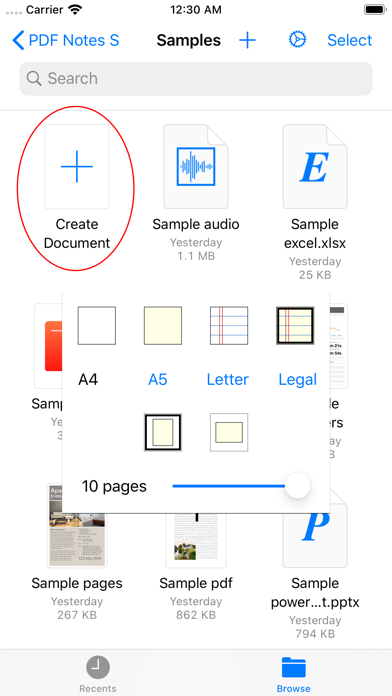


Description by AMuseTec Co., Ltd. Written by the developer, not by AppBrain. Click to read.
PDF Notes S gives you ZIP Preview, Quick Look of documents, images, music, videos, and etc.
PDF Notes S gives you Document Browser so that you can organize all your files very easily.
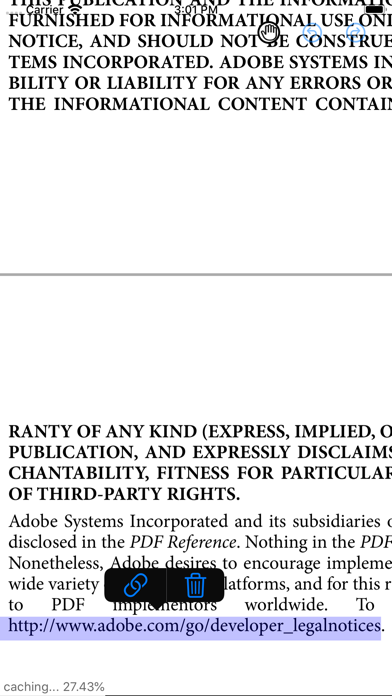
PDF Viewer
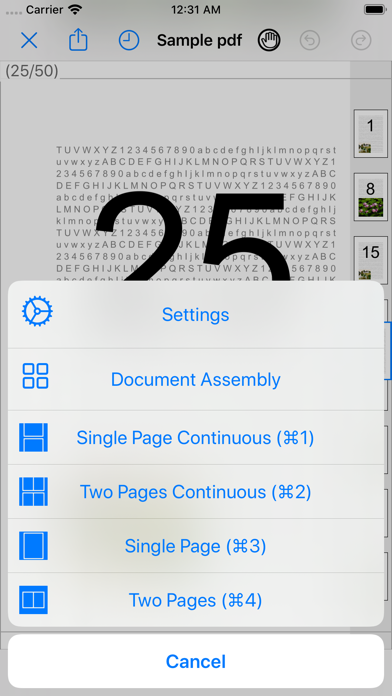
- 1 page or 2 pages, horizontal or vertical fast page turns
- Scroll or page turns by tap on sides
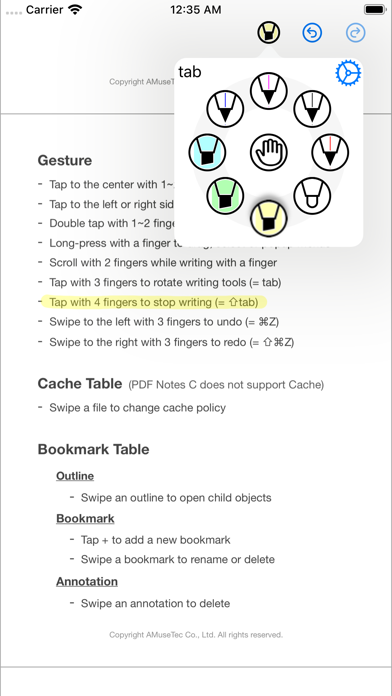
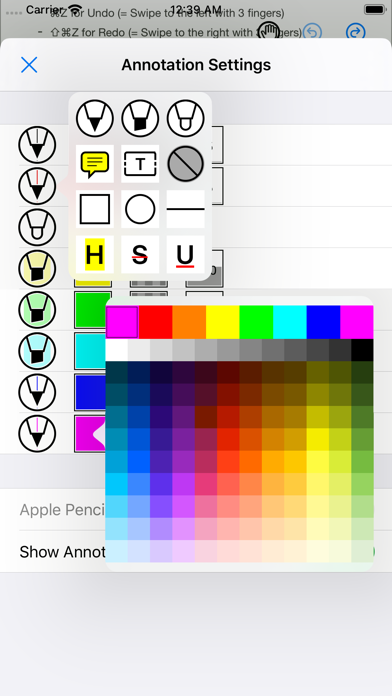
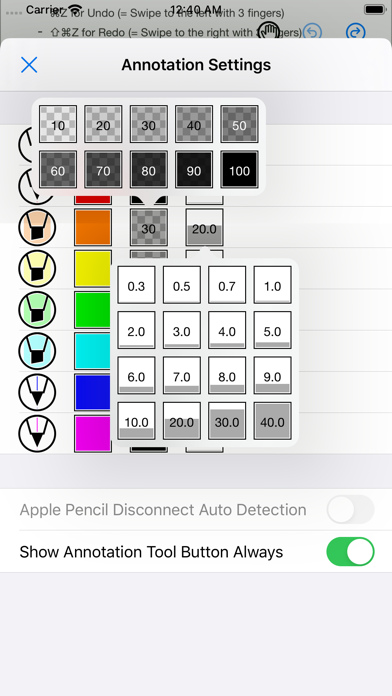
- 8 handwriting tools that you can adjust color and line width
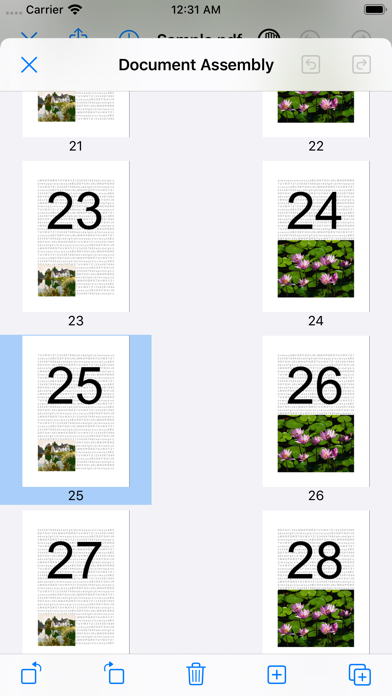
- Horizontal or vertical thumbnails scrollbar
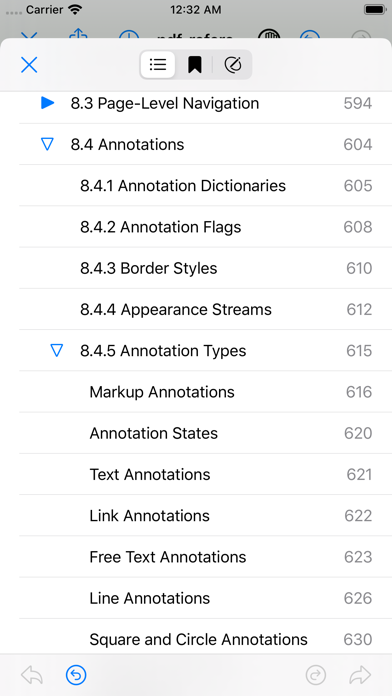
- PDF outlines, bookmarks, and annotations list
- PDF search
- Cache manager supports 3 modes, permanent cache, automatic cache, and no cache
Quick Look, ZIP Preview
- PDF, RTF, TEXT
- iWork documents, Office documents
- Images, Music, PiP Videos
- Without Unzip, preview ZIP contents (password may be requested if locked)
Advertisements before upgrade
- Banner ads can be shown at the bottom
- Interstitial ads can be shown per 30 minutes
Information about the auto-renewable nature of the subscription
- Payment will be charged to iTunes Account at confirmation of purchase.
- Subscription automatically renews unless auto-renew is turned off at least 24-hours before the end of the current period.
- Account will be charged for renewal within 24-hours prior to the end of the current period, and identify the cost of the renewal.
- Subscriptions may be managed by the user and auto-renewal may be turned off by going to the user's Account Settings after purchase.
- Any unused portion of a free trial period, if offered, will be forfeited when the user purchases a subscription to that publication, where applicable.
A link to privacy policy and terms of use
- http://blog.musebook.com/2017/03/privacy-policy.html
The length of the subscription
- Monthly or Yearly
NOTE: All content contained herein is subject to change without notice.