

Epson DocumentScan
Epson DocumentScan is made and published by Seiko Epson Corporation. AppBrain is an independent app data site and isn't affiliated with Seiko Epson Corporation. The app name, icon, screenshots and description belong to Seiko Epson Corporation and are shown as published on the App Store.
AppBrain's verdict
EstablishedPoorly rated- Rating on App Store
- 1.83
- 121 ratings
- Last updated
- July 9, 2025
Users are critical: 1.8 stars from 121 ratings.
Rankings
App Store top chartsApp Store Rankings for Epson DocumentScan
Competitors
Similar apps and more from Seiko Epson CorporationAlternatives to Epson DocumentScan






More from Seiko Epson Corporation


Releases
Updates seen on the App Store- Version
- 1.9.0
- Launched
- March 2014
No changelog data
User feedback
Ratings and reviews on the App StoreComments on Epson DocumentScan for iOS
We don't have enough comments to show example comments. Please check back later.
Technology
Found in the app by AppBrain- Price
- Free
- App size
- 21.3 MB
- Content rating
- Everyone
Technologies used by Epson DocumentScan
About the app and developer
About Epson DocumentScan
Epson DocumentScan is a productivity app developed by Seiko Epson Corporation.
User Ratings
Epson DocumentScan is rated 1.83 out of 5 stars. The rating is based on 120 ratings.
App Information
Epson DocumentScan is freely available from the App Store. The app size is 21.32 MB. The latest version available is 1.9.0. The last update was on July 9, 2025.
Technical Requirements
The app has a content rating of Everyone. The app has been available on the App Store since March 2014.
Developer information for Seiko Epson Corporation
Address:
Store listing
By Seiko Epson Corporation, from the App Store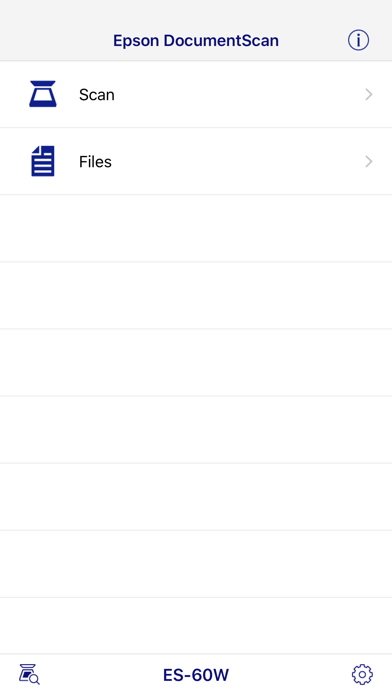
Description by Seiko Epson Corporation Written by the developer, not by AppBrain. Click to read.
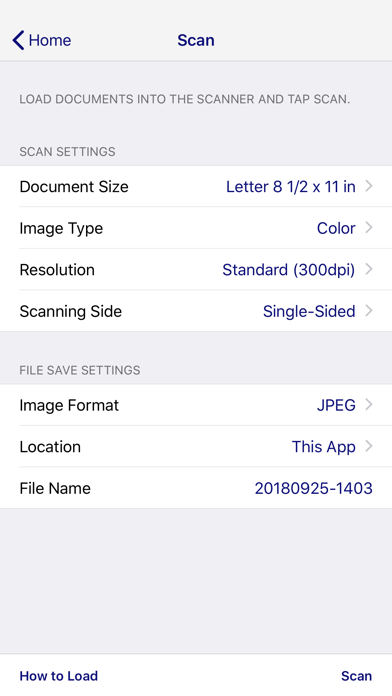
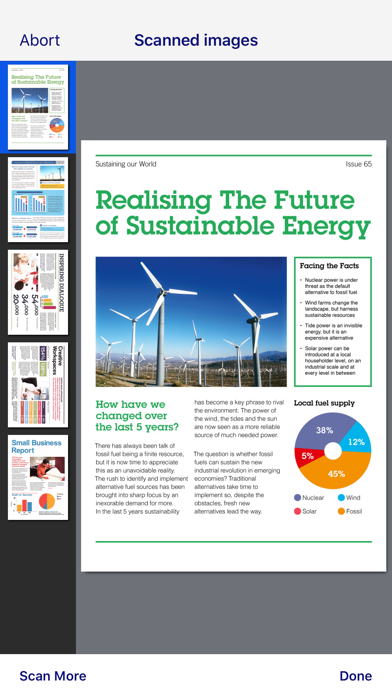
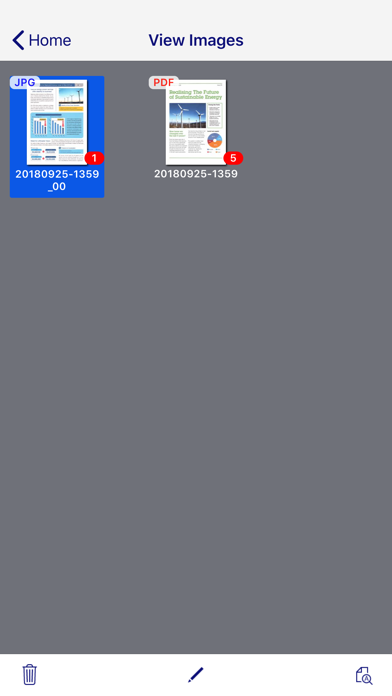
Scan documents directly to your iPhone®, iPod touch or iPad®. You can preview scanned data and send it to email, directly to other applications or to cloud services like Box®, DropBox™, Evernote®, Google Drive™ and Microsoft® OneDrive.
Scanners Supported
https://support.epson.net/appinfo/documentscan/en/index.html
Key Features
- Directly scan to your iPhone, iPod touch or iPad
- Edit scanned pages – multi-page rotation or re-ordering
- Send scanned files via email
- Send saved data to other applications, or to cloud services including Box, DropBox, Evernote, Google Drive and Microsoft OneDrive*.
*Applications must be installed on your iPhone, iPod Touch or iPad.
- Send saved data to your PC via iTunes®
- Get help with a built-in FAQ section
Advanced features
- Autosize recognition, auto image type recognition
- Multi-page rotation and re-ordering
How to Connect
Follow your scanner guide to connect your scanner via Wi-Fi® or AP direct connect mode.
EPSON and WorkForce are registered trademarks. All other product and brand names are trademarks and/or registered trademarks of their respective companies. Epson disclaims any and all rights in these marks.